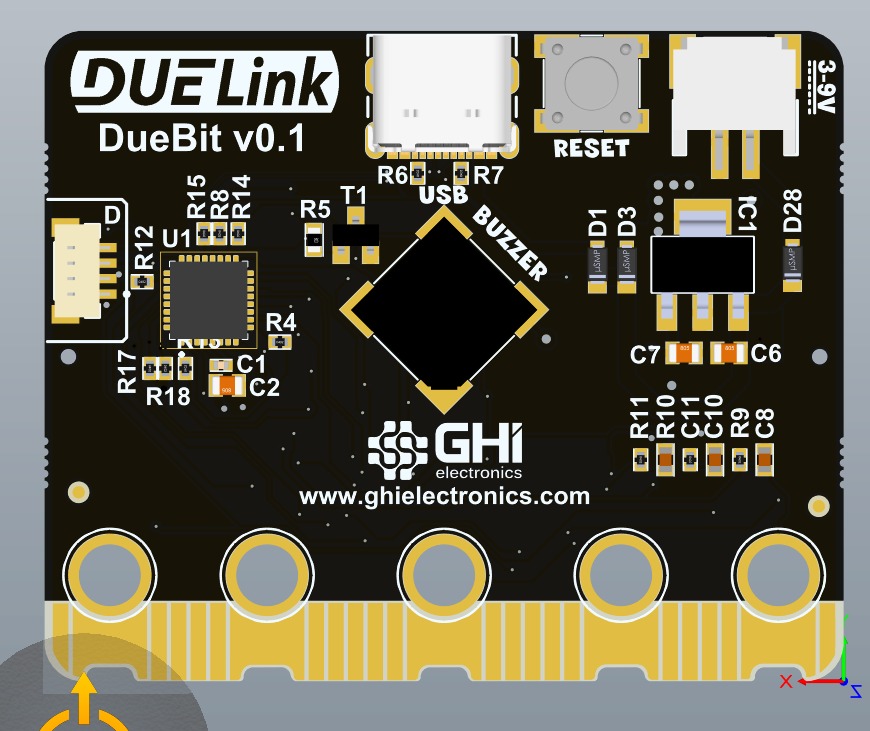
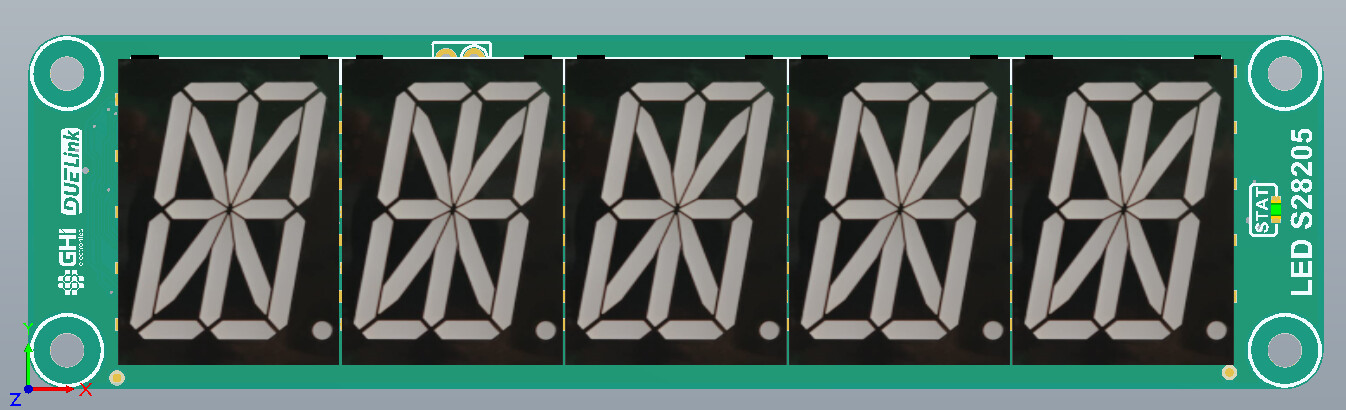
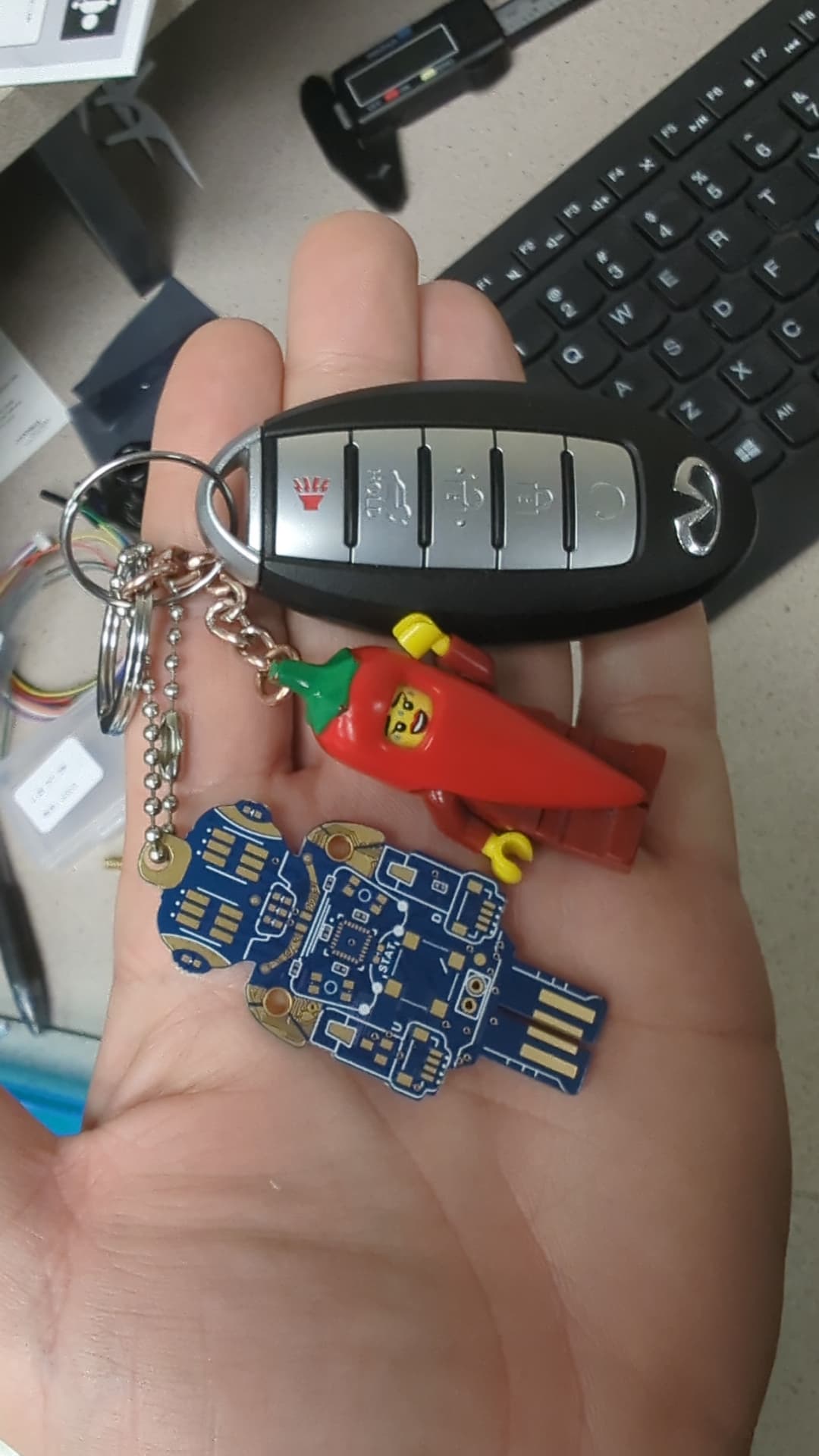
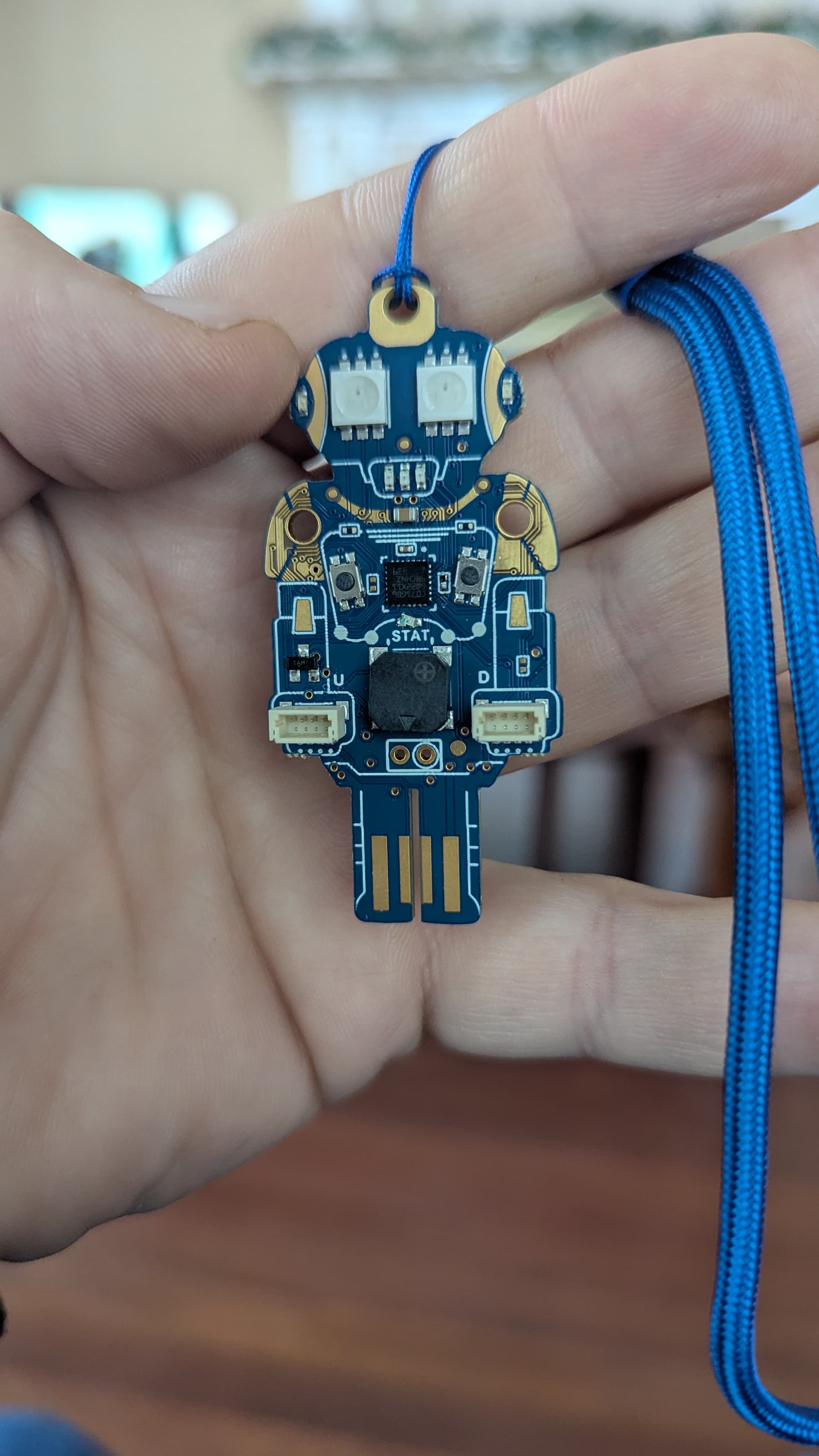
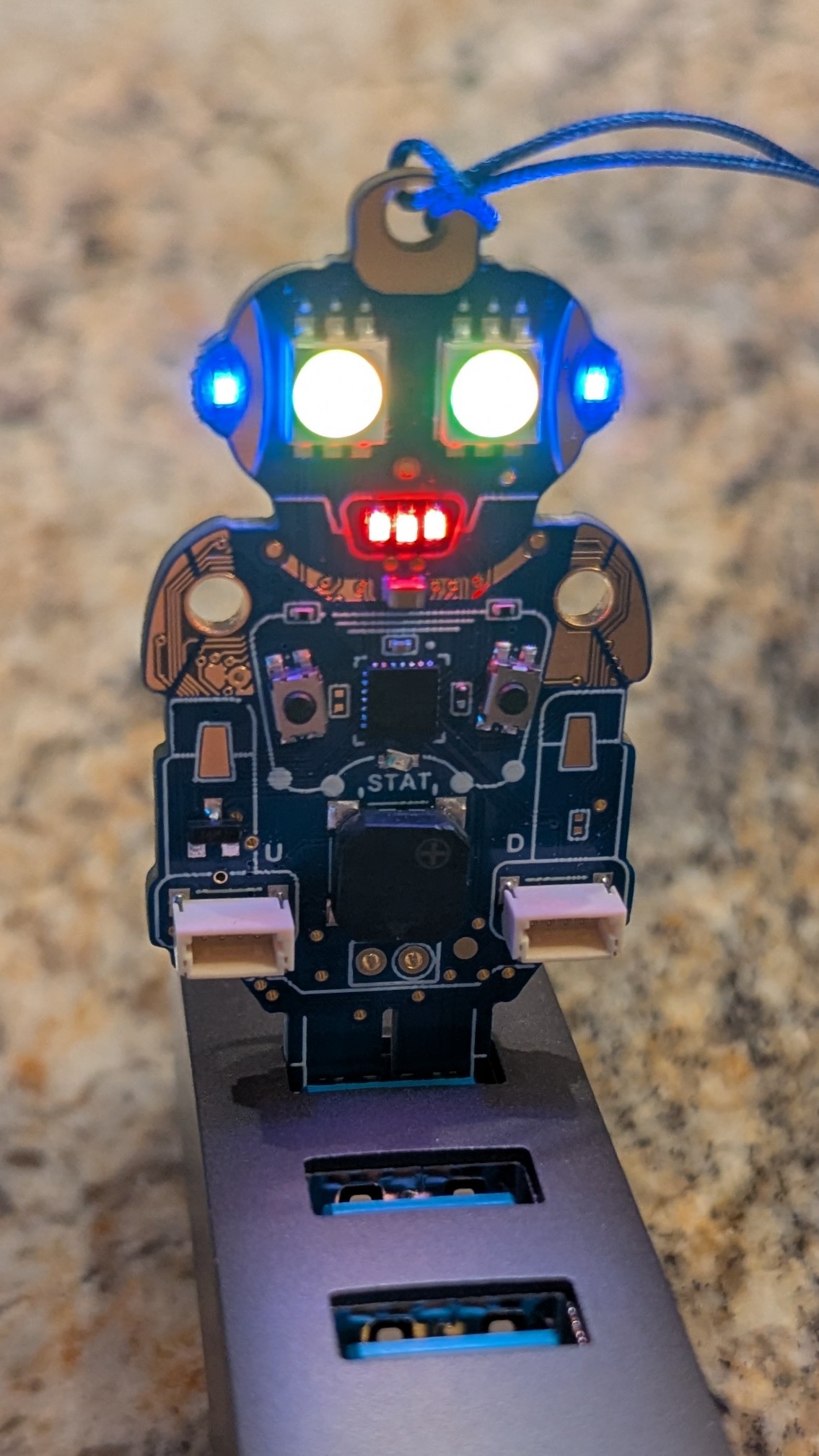
Modules and a Gadgeteer comeback!

As soon as I turned on my tree, my mind started racing with ideas…

What if we could create a network of GHI trees? Both types would be awesome!

When the tree is powered on, it plays Jingle Bells. But there’s also a button that makes the music play on demand.

Imagine having two modules that you can plug into the tree - a WiFi module and a small display. When you press the tree button, a random tree, somewhere in the world, would play a song and display a message like “Season’s Greetings from {location}”.

This could be a really cool Kickstarter project! The WiFi and display could be added to the tree.

I know there are a lot of technical and other questions, but do you think this is a good idea? Could it be a joint GHI and forum member project?

1 Like

Oh I love the idea. Now I am thinking of making a valentine’s day hearts that are internet-linked.
DUELink<->HeartLink!!

By the way, you can use DUELink console with your tree. It is still beta and not very stable but it is useable.

https://console.duelink.com/

list

# l light level
# i index of LED
# r,g,b LED color
# q Randomizer of 0 and 1
# k counter to slow thigns down
# x jingle counter
# a[] led data
# m[] jingle notes/timing
 
Setup()
Loop()
 
@Setup
 
    # Leds data
    Dim a[4+26*4+4]
 
    a[4+26*4+0]=0xff
    a[4+26*4+1]=0xff
    a[4+26*4+2]=0xff
    a[4+26*4+3]=0xff
 
    Dim m[35*2]=[330,200,
        0,30,
        330,200,
        0,30,
        330,300,
        0,100,
        330,200,
        0,30,
        330,200,
        0,30,
        330,300,
        0,100,
        330,200,
        392,200,
        262,300,
        294,100,
        330,400,
        0,400,
        349,200,
        349,200,
        349,300,
        0, 0,
        349, 100,
        349, 200,
        330, 200,
        330, 200,
        0, 0,
        330, 100,
        330, 100,
        392, 200,
        392, 200,
        349, 200,
        294, 200,
        262, 400,
        0,400]
 
    led(900,100,0) # stat LED
    l=10 # fixed light level
    s = 50 # star level
    d = 1 # star delta
 
    Melody(17, m, 0, 35*2)
    btnEnable(18)
return
 
@Random
    q = Rnd(100)
    if(q>50)
        q=1
    else
        q=0
    end
return
 
@loop
    k=k+1
 
    if k%200 = 1
        RndLED()
    end
 
    # star fade
    r=s;g=s;b=s
    i=3;SetLED()
    i=10;SetLED()
    s=s+d
 
    if s>200 || s<10
 
        d=d*-1 # go back!
    end 
    ShwLED()
 
    if btndown(18) = 1 # press button to jingle
        Melody(17, m, 0, 35*2)
    end
 
goto loop
 
@RndLED
    for i=0 to 26 # 26 leds
        Random();r=q*50
        Random();g=q*50
        Random();b=q*50
        SetLED()
    next
return
 
@SetLED
    a[i*4+4+0] = 0xE0 | l
    a[i*4+4+1] = b
    a[i*4+4+2] = g
    a[i*4+4+3] = r
return
 
@ShwLED
    spibytes(a,0,(4+26*4+4))
return

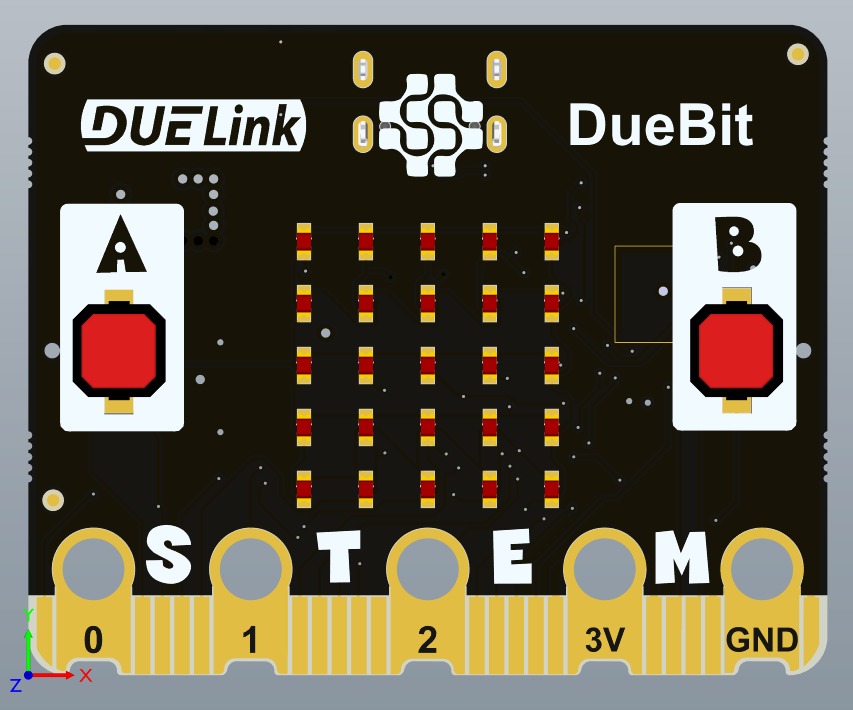
Much has changed on the firmware. We will share a firmware update later but you can start playing with DUELink scripts today!
2 Likes

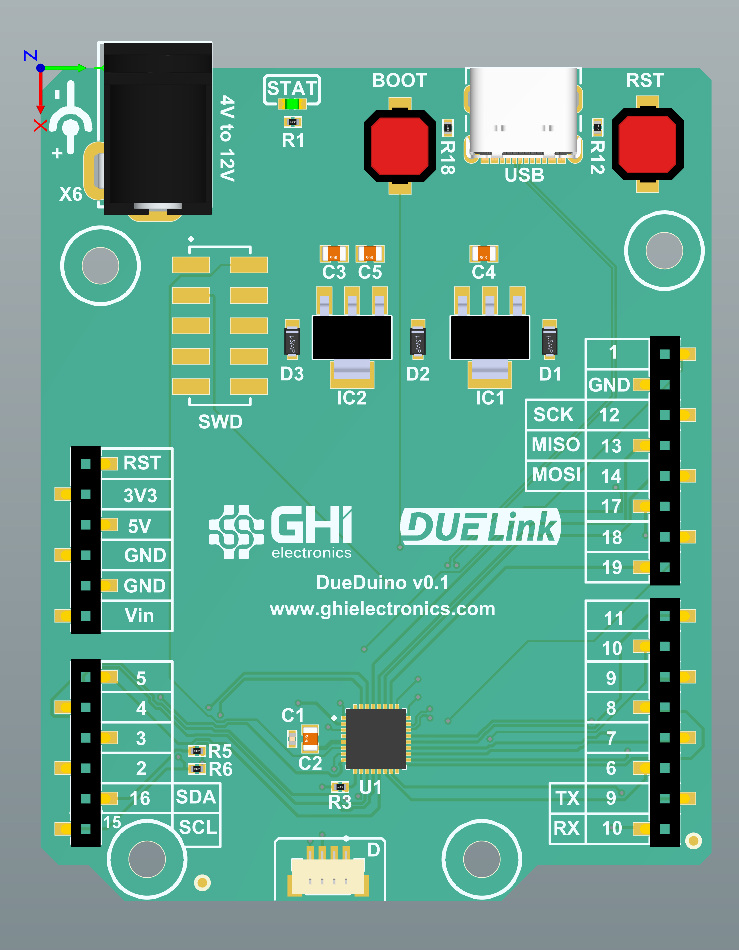
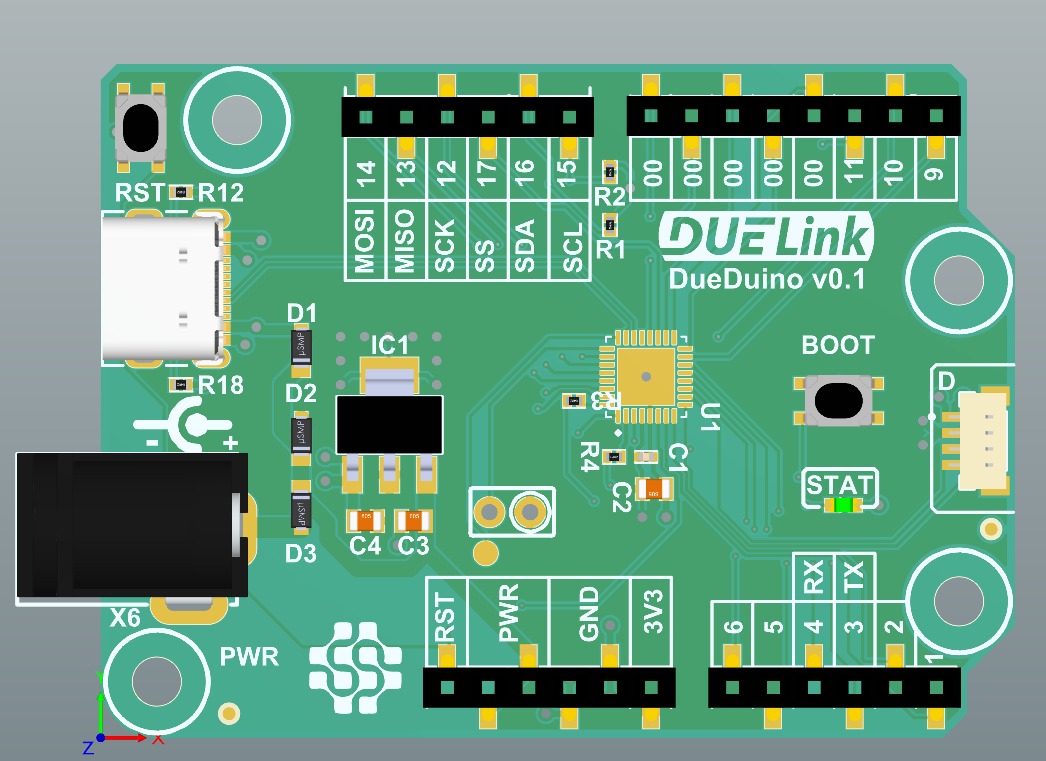
For the *duino fans, here is a DueDuino at almost half size the full *duino. Still in progress…

3 Likes

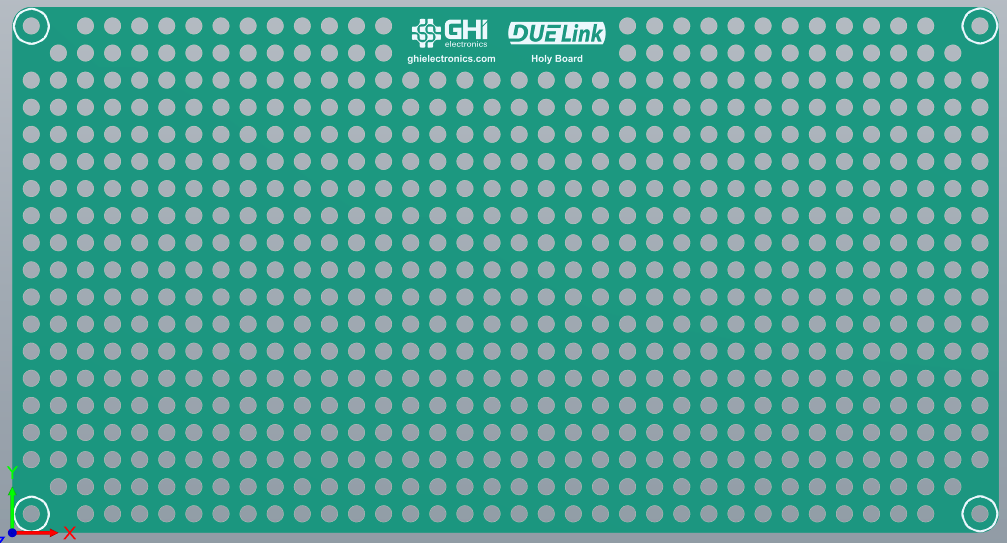
For our educators, we also have something cooking!

1 Like

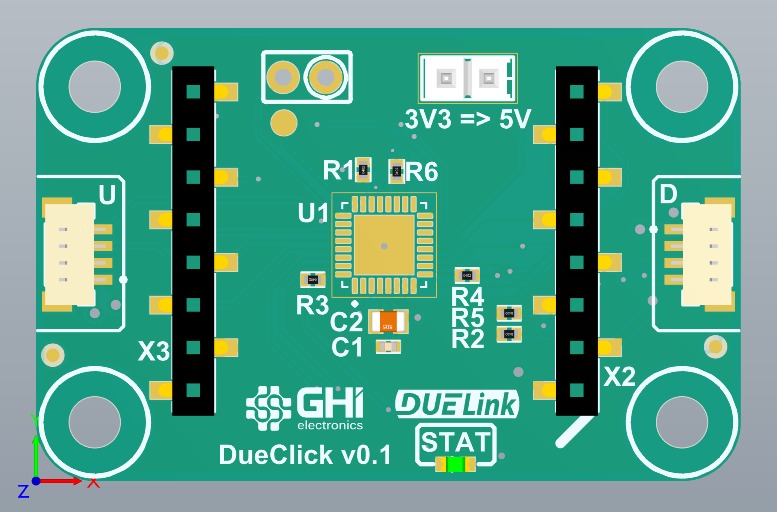
There will be hundreds of options in the DUELink family, but what if you are interested in one of Mikroe Click modules? No problem…

3 Likes

This was everyone’s fave!

3 Likes

Do makers still use Arduino?

3 Likes

Yes, yes, yes !!!

1 Like

Arduino uno and MKR1010 are often used.

2 Likes

1 Like

I still remember, what made me amazed and fell in love with gadgeteer: the hello world app, mainboard, camera module, display, button. someone from Microsoft Research, installed the module easily because the connector could not be reversed, then he opened Visual Studio, and assembled the module which he used just by drag n drop, then added several lines of short code when the button was pressed, the camera took a picture, then the image is displayed on the display. When it is run, debugging can be done immediately like a desktop application, everything is done in a short time, I was amazed to see it. if this can be repeated now and has compatibility with various modules such as microbus, groove, gravity, stemma, qwiic, gobus. this is going to be really cool

2 Likes

I think we have checked all the boxes but we will be opening up beta testing for your feedback in a few weeks.

2 Likes

Not sure who did the demo, but the Gadgeteer concept was the work of Steve Hodges and his crew at Microsoft Research in Cambridge who were right down the hall from me. I remember the excitement I had for it when one of his PhD post-docs brought one of the early examples into my office. GHI did the work to make Gadgeteer real. This DUE work has a similar feel to me. It does more work on each board, but price points and hw capabilities have changed over the years and this addresses some of the complexities that were still part of Gadgeteer. Steve is no longer in MSR, but right before leaving was attacking some of the same issues as DueLink with the Jacdac single-wire serial scheme : https://microsoft.github.io/jacdac-docs/

3 Likes

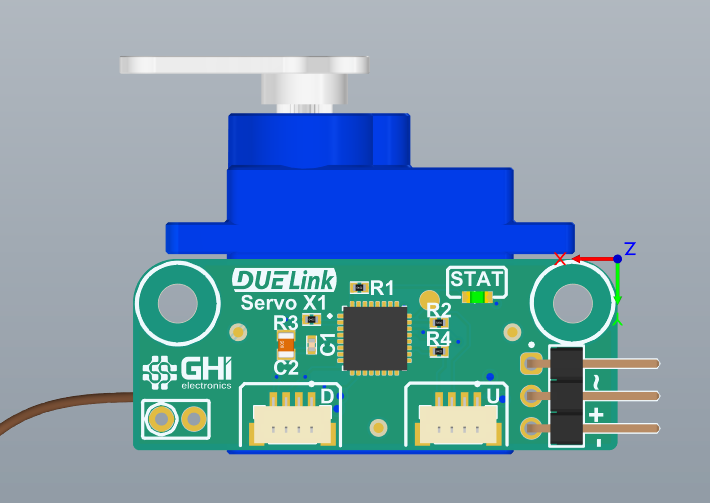
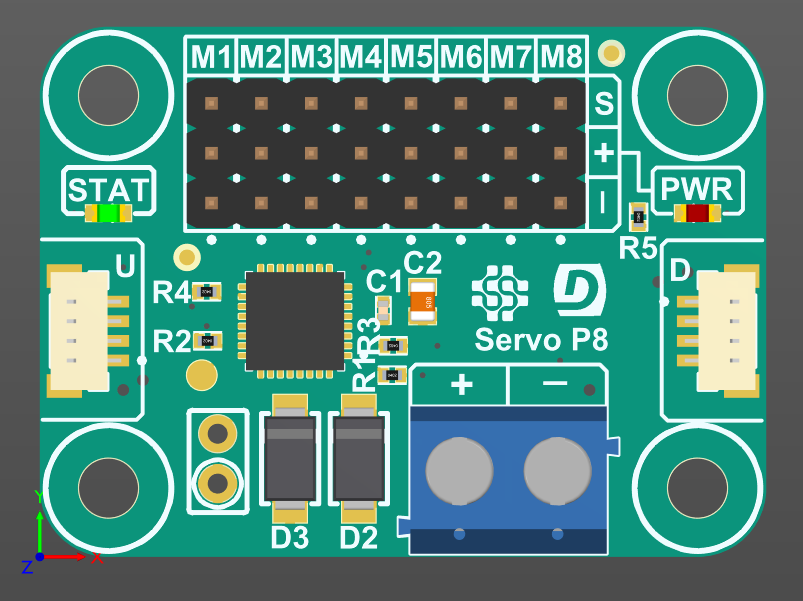
2 servos options to start with…

5 Likes

Happy Due Year?

3 Likes

Oh yes, happy DUE year!!

1 Like

You might even get away with doing an Arduino shaped Endpoint. But make sure it’s the size of the STM32F401 Nucelo-64 so that you can access that eco system of parts as well :slightly_smiling_face:

3 Likes

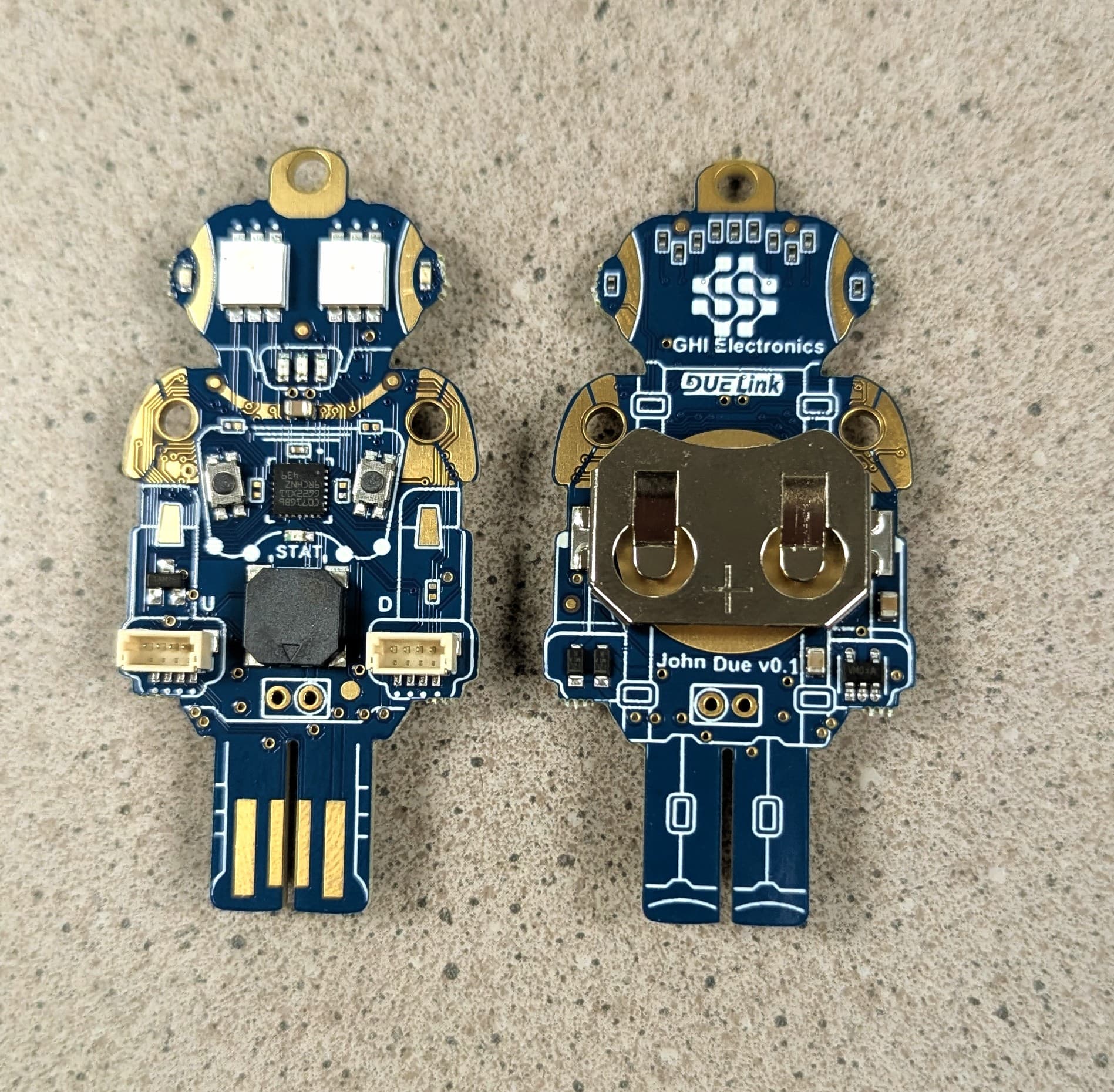
And now with parts!! John Due is awesome.


3 Likes