DUELink Prelaunch Announcement

We’re thrilled to announce a special holiday prelaunch of DUELink, the easiest way to connect your code to the real world! The product catalog will surely impress you of what’s to come.

Catalog Home

Before our full rollout early next year, we’re releasing a few limited-edition DUELink products on Amazon — designed to add a touch of fun and creativity to your holiday season.
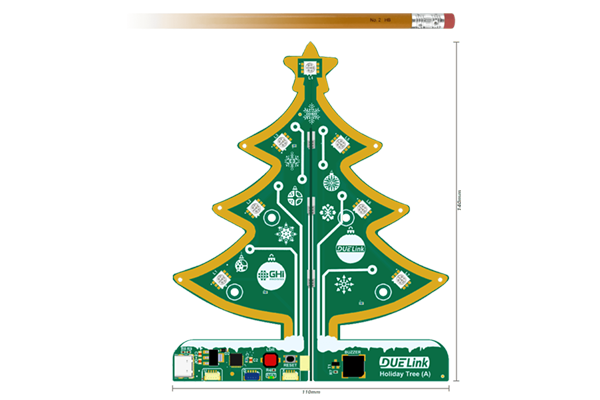
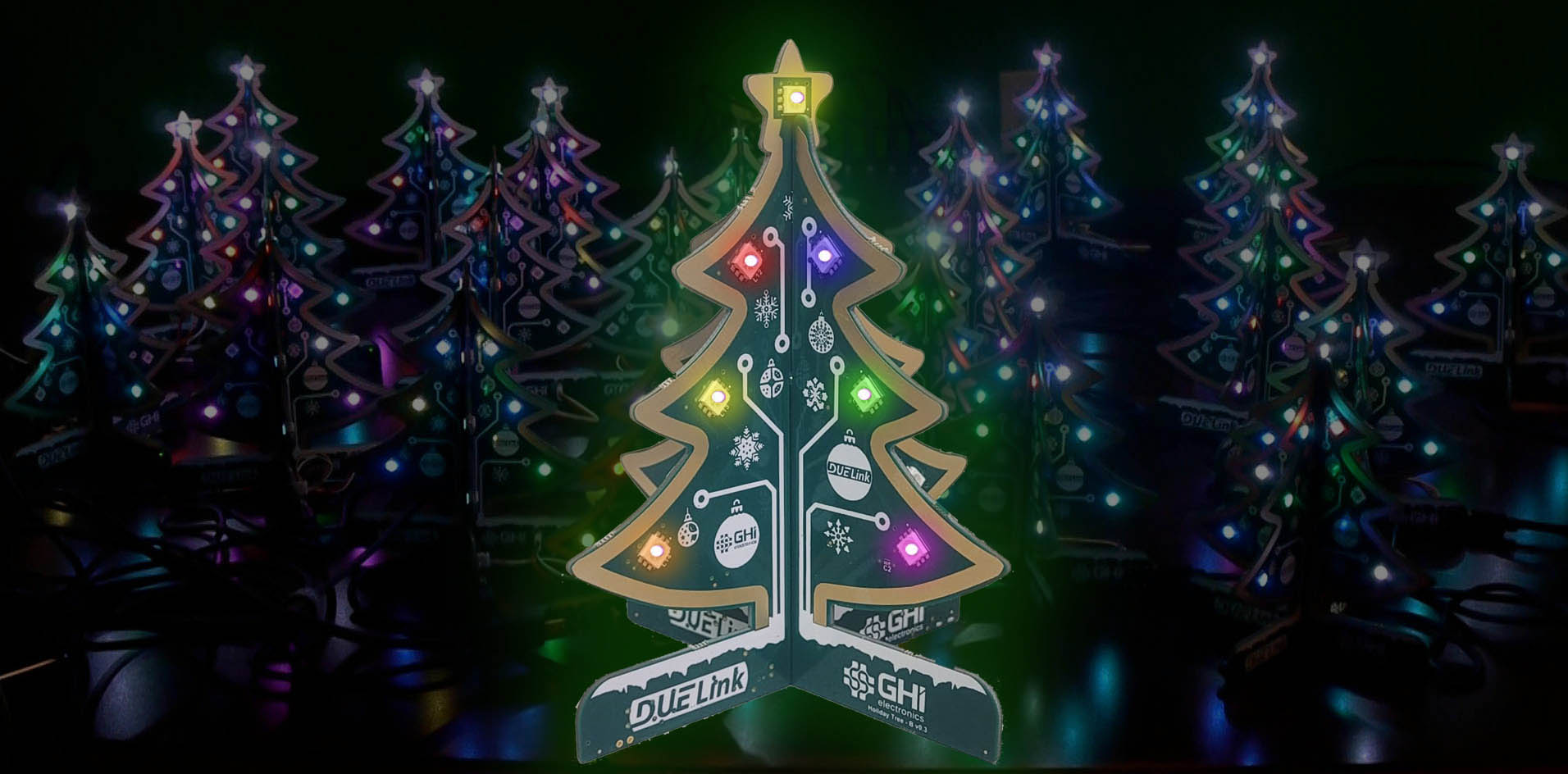

This Holiday Tree has a cheerful, festive twist. Just plug in and enjoy the 26 full-color LEDs. It includes a buzzer for playing basic melodies. Enjoy as is or code it your way.
Holiday Tree

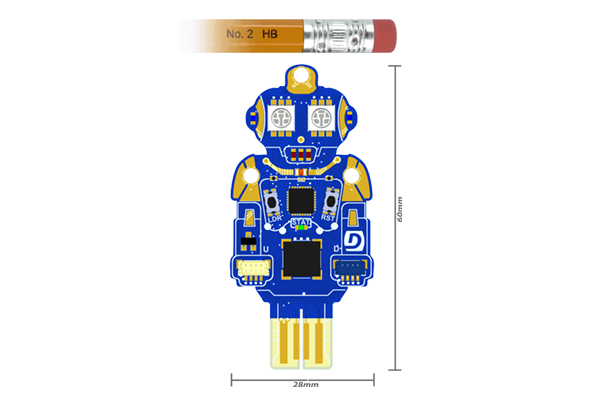
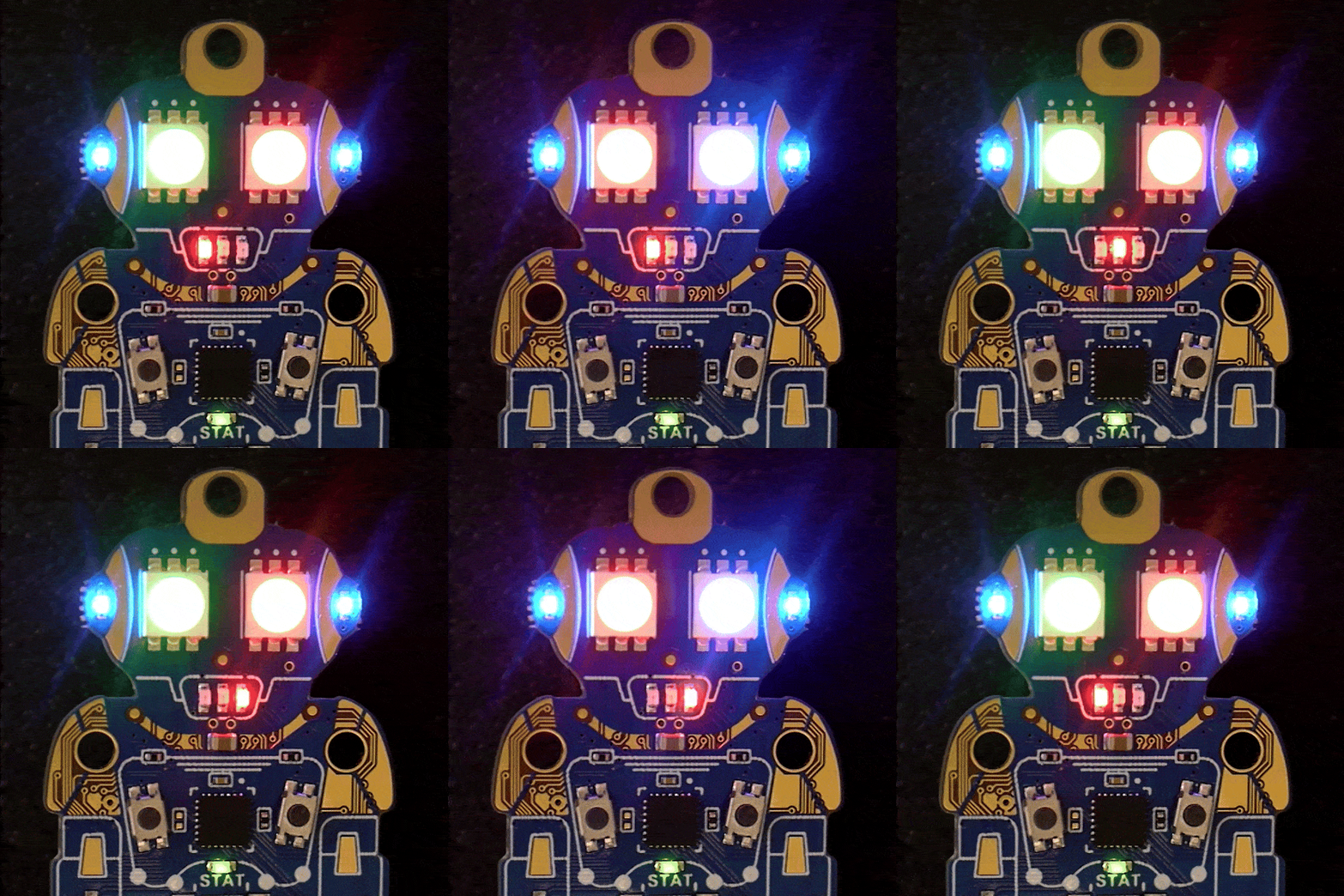
This finger-size robot-shaped circuit includes full-color “eyes”, red LEDs for mouth, and blue LED ears. And, of course, a buzzer to make pew-pew laser sounds!

Ghizzy

These products are perfect gifts for makers, tinkerers, and anyone who loves mixing code with creativity.
sptree-b-1

Buy on Amazon

ghizzyeyes

Buy on Amazon

Coding, Your Way!

There are so many ways to code these products, from block-coding to typed coding.

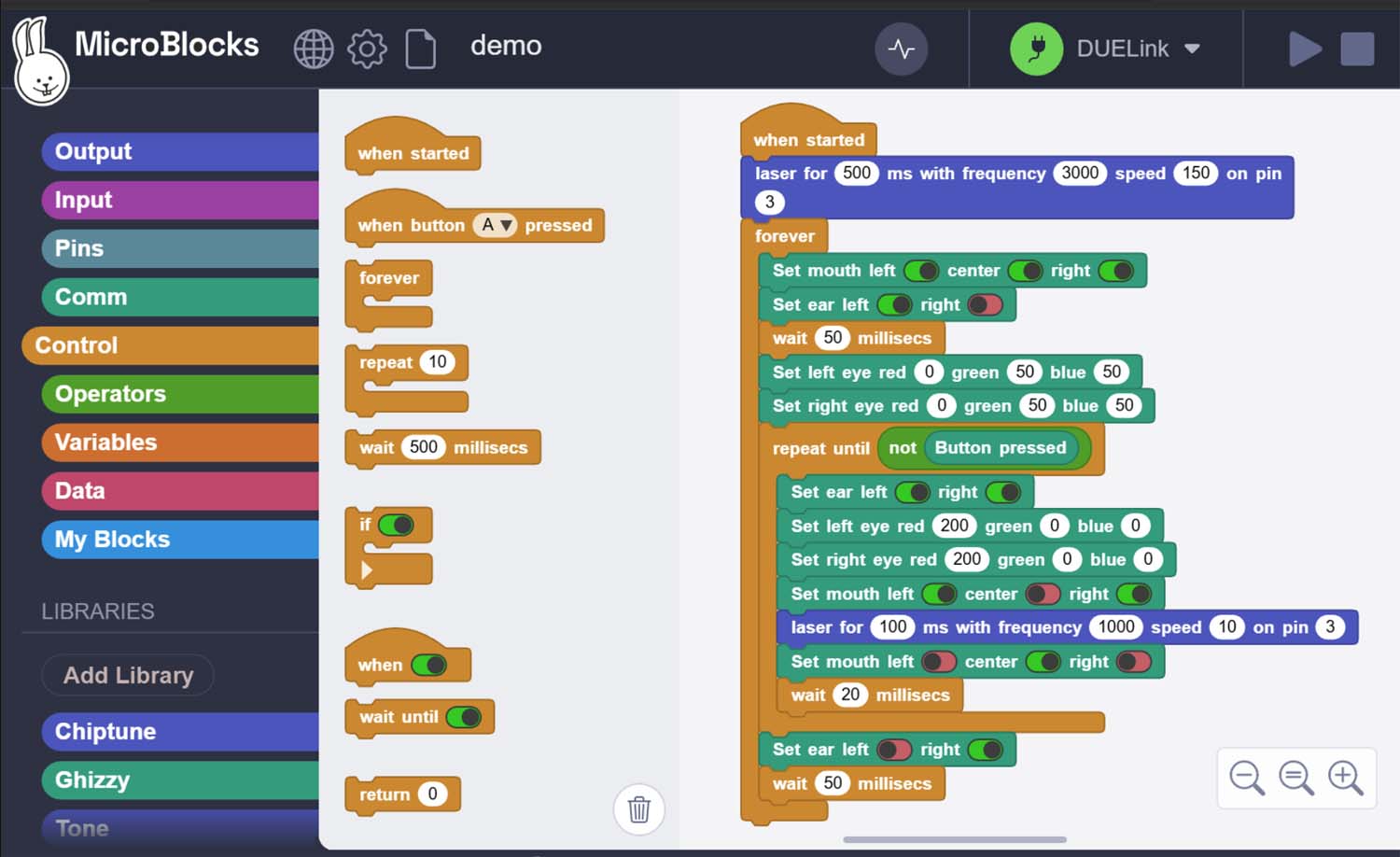
MicroBlocks is preloaded – this allows you to drag in any of the provided samples. These block-coding demos can easily be modified by you and your family! There is nothing to install, MicroBlocks has a web-hosted option.
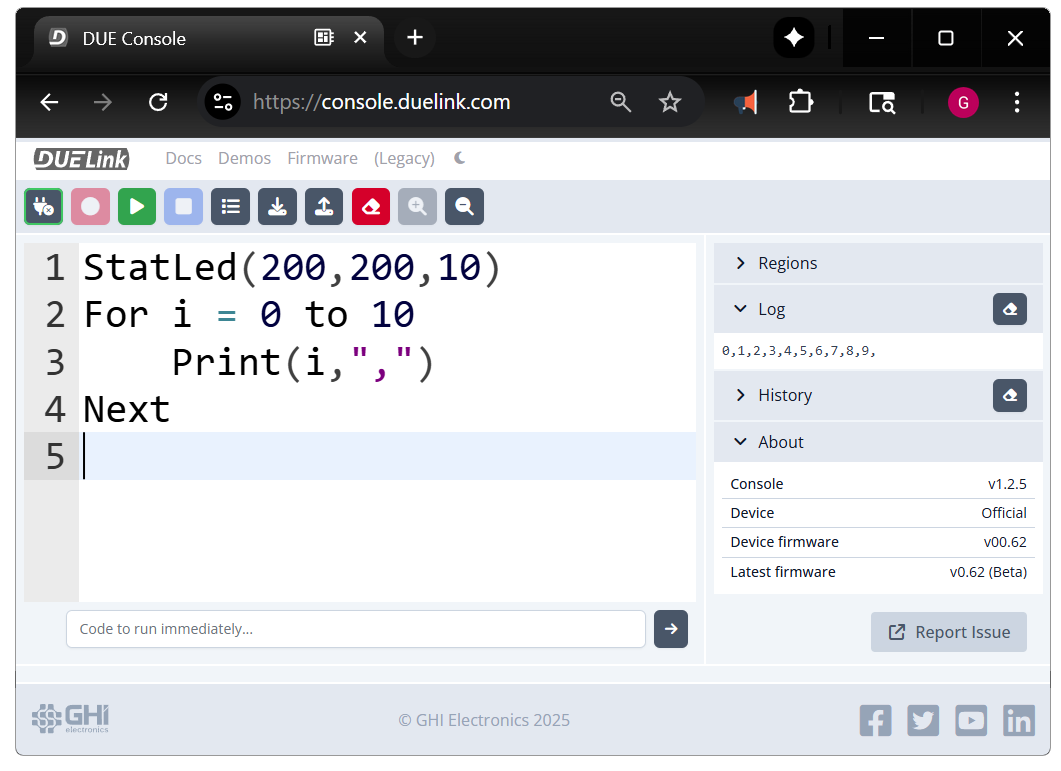
Another great option is using DUELink scripting engine. This is a simple and friendly language that is inspired by Python and BASIC. Programs are loaded using the web-hosted DUELink console.
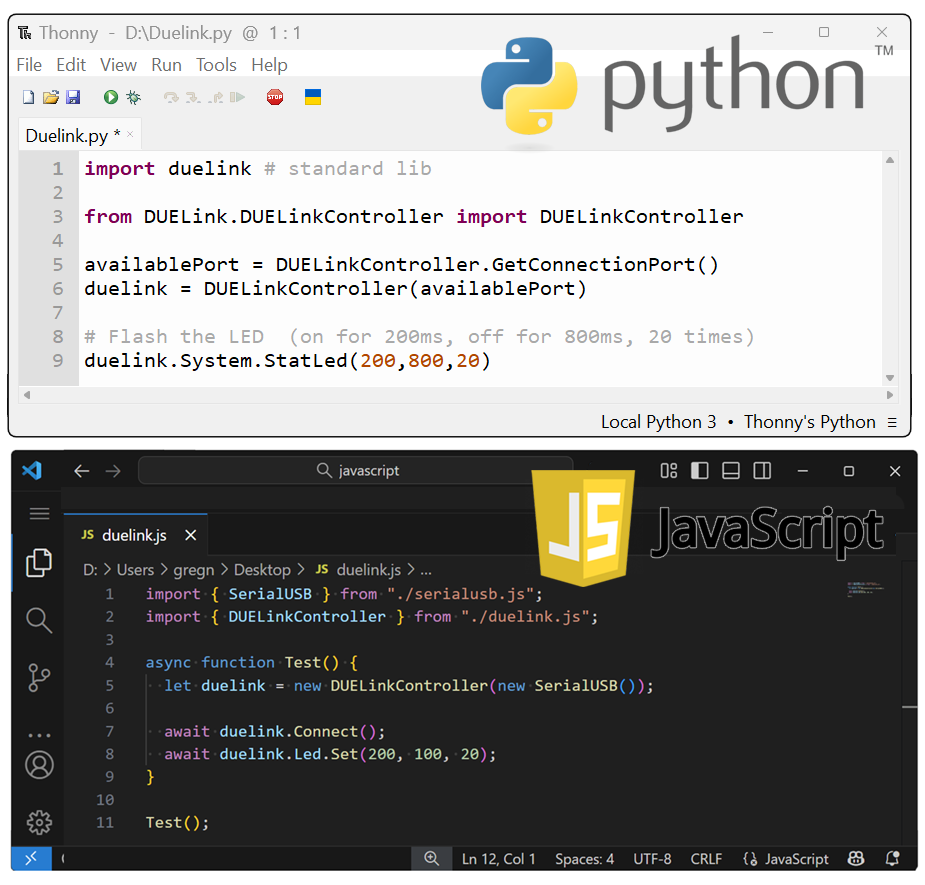
But wait, you can use Python and JavaScript. You heard that right! DUELink ecosystem includes a set of libraries for the most popular languages. Use your PC to command these products with Python or JavaScript.
Why a Prelaunch?

We wanted to celebrate the holidays and give early adopters a first taste of what DUELink can do. This prelaunch helps us fine-tune the experience before our full lineup arrives in early 2026.

Join the Celebration!

  • Grab a Holiday Tree and a Ghizzy from Amazon.

  • Follow us on social media, and sign up for our newsletter to get all the latest news.

  • Share your creations with the hashtag DUELink — we’ll feature our favorites!

  • Join the DUELink section on our forums.
This is just the beginning — and we can’t wait to show you what’s next.

Happy holidays and happy making!

The DUELink Team at GHI Electronics

4 Likes

Let the fun begins!

Congratulations! I love the MicroBlocks tutorials for these products.

2 Likes

Fun is ordered ! :sweat_smile:

2 Likes

Wait, you got to order it Bauland?

3 Likes

Congratulations on the launch of DUELink !!

2 Likes

I have Ghizzy sent to me by a friend, it does not work. Firmware is not current and firmware download system fails. He says he has tried his Ghizzy and it also has the same failure in firmware update. I got Ghizzy yestedray from Amazon, why was it shipped without current firmware ? Will the other Duelink boards be shipped without current firmware also ?

What exactly doesn’t work? Some boards ship with MicroBlocks firmware, Ghizzy is one of them.

Loading/updating the firmware should take a few seconds.

Please share more info so we can help you better.

When Ghizzy is plugged directly into my Lenovo laptop the pre-installed light blinking display worked. When I attempted to write new program in Microblocks environment and download it to Ghizzy I got a message that it would not download. I read all the docs about need to update firmware and followed the steps instructed. (that erased the installed program, I guess) I get to a step where I should select “install” or download and that window does not appear. Ghizzy does not show up in my USB device manager at all. There is no indication to me, the consumer, that my computer can see the board at all. Are your other Duelink boards sold on Amazon shipped with MicroBlocks which needs to be updated with new firmware in order to work? I ordered 2 other boards. Thank you.

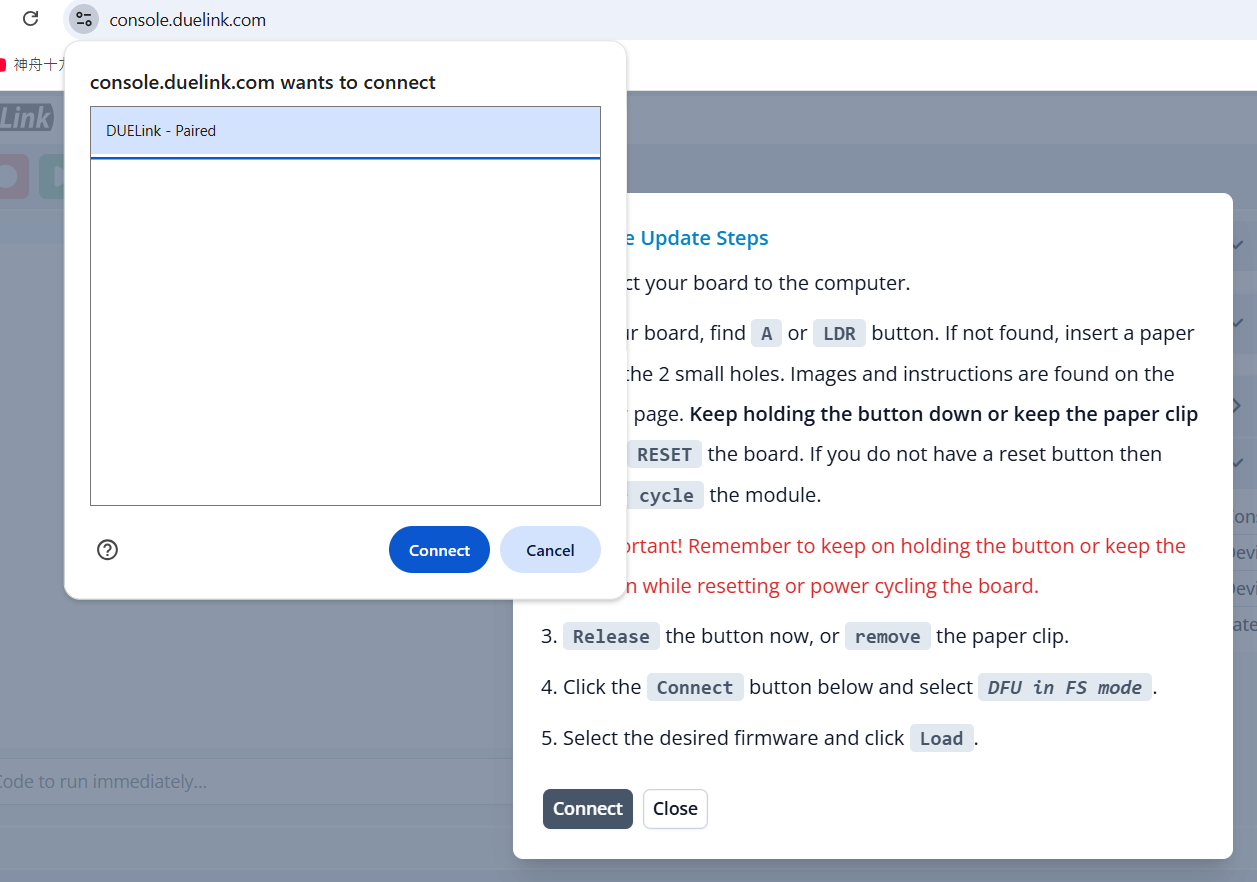
Are you seeing this?

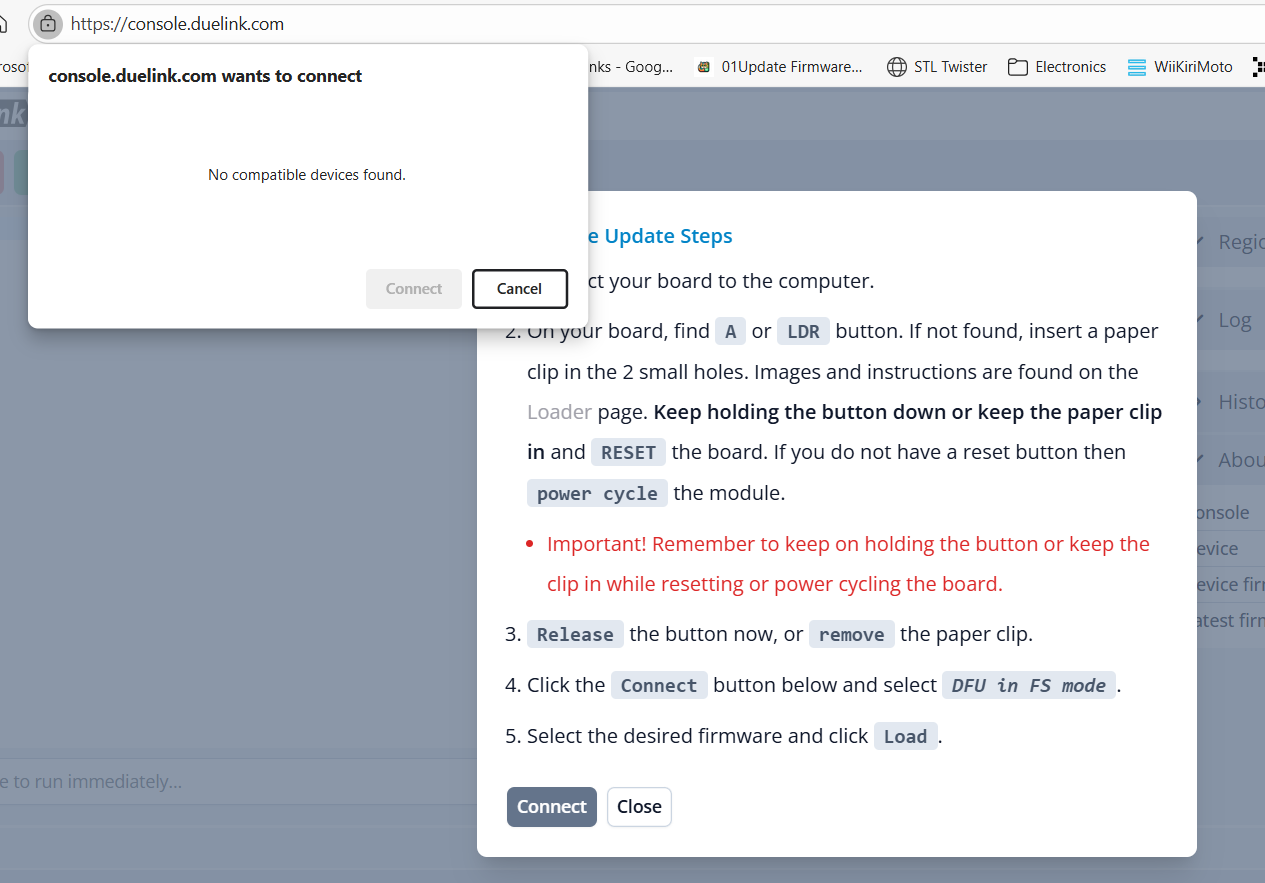
When I click blue “connect” bubble, that window (left one on the screen) goes away. With no further action. Just goes away. “ DFU in FS mode” has never appeared.

Your board is not in DFU mode. You need to see DFU is FS mode like showing in the steps

That never appears.

Same result just now with same Ghizzy on different brand of laptop. Fails on both Lenovo and HP machines.

  1. hold and keep on holding LDR button
  2. press and release RST button (not not release LDR during this)
  3. release LDR button

Your computer should see the DFU device now. As long as you see “DUELink” then you are looking at the firmware, not DFU mode.

This is the second day that I have tried to make this work. I follow your instructions above, 1.2.3.

Why not just ship the board with current firmware ?

This is what I see, on 2 different computers :

Because there will be a new firmware almost every week in the near future and monthly in the far future. Firmware update is a “must have” feature. You can see the dates here Downloads | DUELink

We are here to help. Just tell us what problem you are having.

Now looking at the image you posted, I think I know what the problem is. You have entered DFU mode correctly but when you do so, you no longer see “the device”. I bet if you open device managed you will see DFU device and windows will tell you it does not have a driver for it. Can you please confirm this is the case?

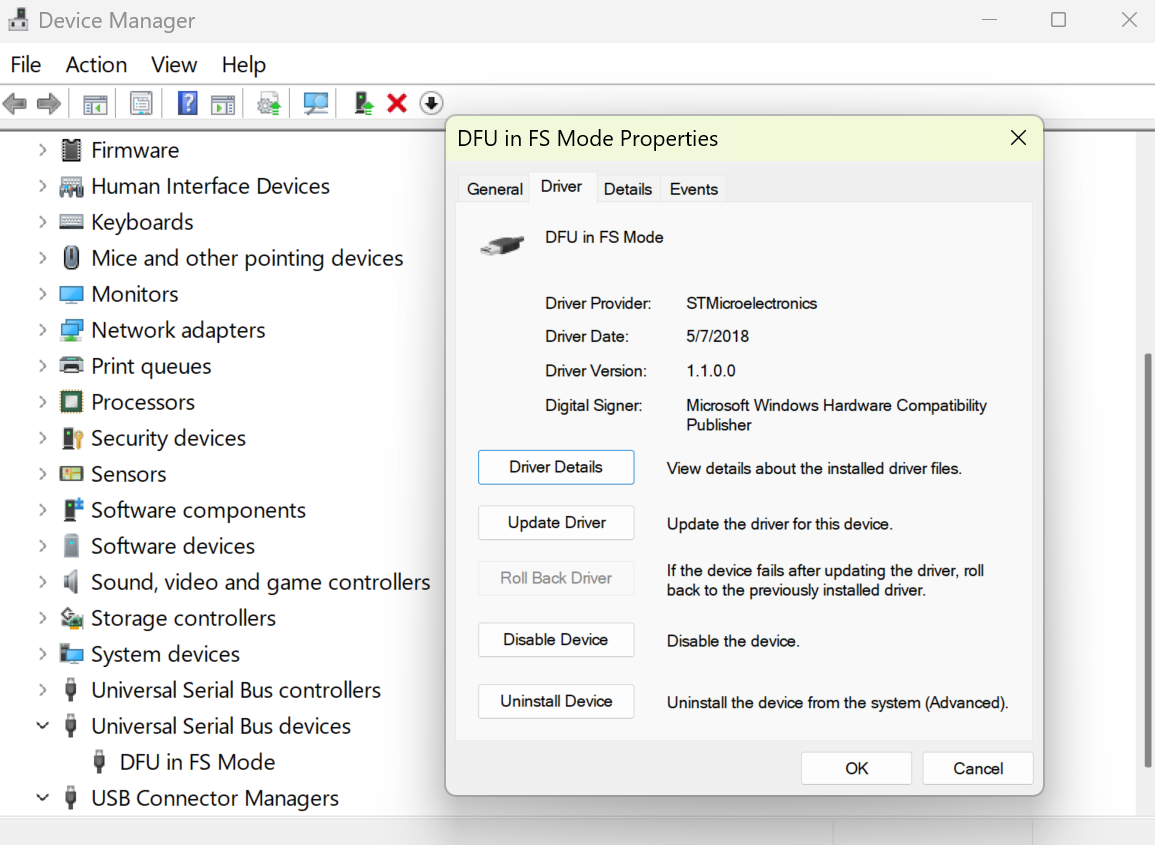
This is what you should see

I posted the driver here for now, for you to try

I am not sure why your PC did not load automatically but looks like we need to post this on the downloads page. But first, please confirm this fixed it for you.

We really appreciate your time

Gus

OK, thanks for this. My friend, Jason in England who sent me the Ghizzy says he can now make it work by “updating his DFU Driver” he sent me a link and a 10 step process. I have 6 classroom computers. I’ll attempt this and then post the instructions with link on the Amazon Ghizzy review. Same for my Clipit and DueStem when I get them if this is necessary. (I didn’t see: Firmware update is a “must have” feature ; on the Amazon sales pages. )