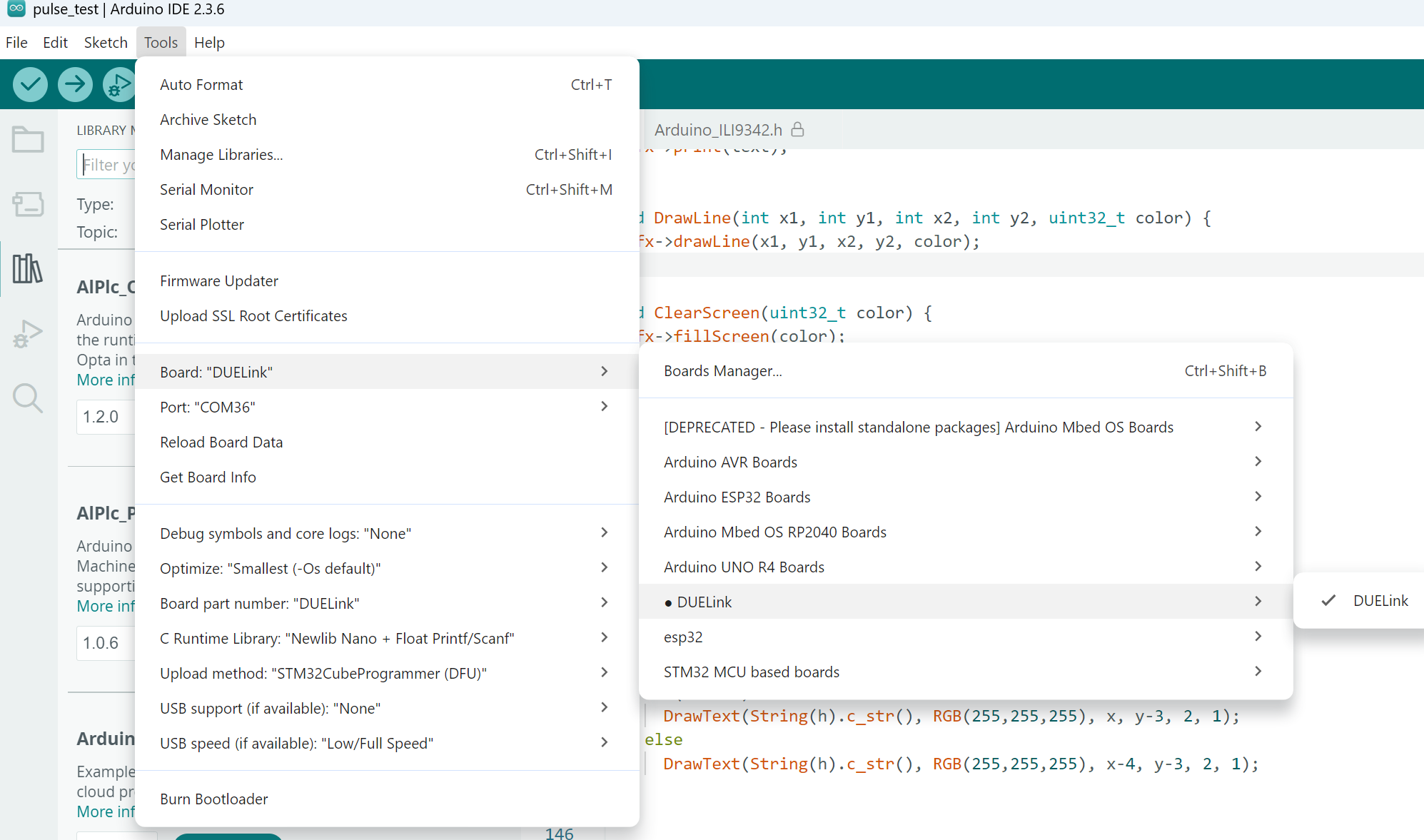
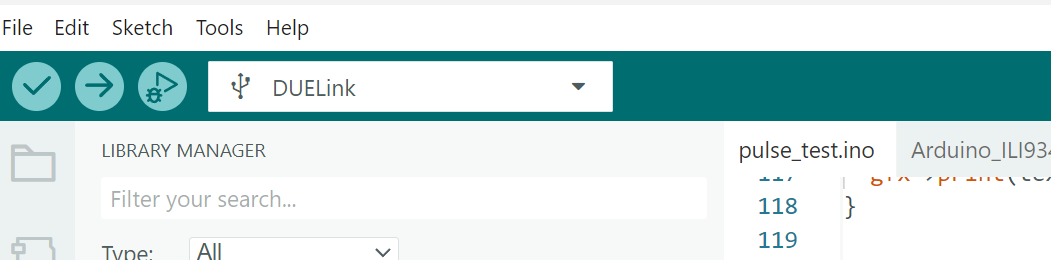
ThanksNow when i run the example code …#define EYE_LEFT_BLUE PA6
#define EYE_LEFT_RED PA7
#define EYE_LEFT_GREEN PB1
#define EYE_RIGHT_BLUE PC6
#define EYE_RIGHT_RED PA5
#define EYE_RIGHT_GREEN PA0
#define EAR_LEFT PA1
#define EAR_RIGHT PA8
#define MOUTH_LEFT PB5
#define MOUTH_CENTER PB6
#define MOUTH_RIGHT PB7
#define BUZZER PA4
#define BUTTON_PIN PA14

int notes[]={392,440,392,739,659};
int duration[]={500,500,500,500,500};
int notesLength = sizeof(notes) / sizeof(notes[0]);

// Arduino is not working right with analogWrite.
// We will use digitalWrite to get 7 colors.
// When Arduino fixes PWM then you can get full color.
void Eyes(byte left, byte right){
  digitalWrite(EYE_LEFT_BLUE, left & 1);
  digitalWrite(EYE_RIGHT_BLUE, right & 1);
  digitalWrite(EYE_LEFT_GREEN, (left>>1) & 1);
  digitalWrite(EYE_RIGHT_GREEN, (right>>1) & 1);
  digitalWrite(EYE_RIGHT_RED, (right>>2) & 1);
  digitalWrite(EYE_LEFT_RED, (left>>2) & 1);
}

void Ears(bool left, bool right){
  digitalWrite(EAR_LEFT,left);
  digitalWrite(EAR_RIGHT,right);
}

void Mouth(bool left, bool center, bool right){
  digitalWrite(MOUTH_LEFT,left);
  digitalWrite(MOUTH_CENTER,center);
  digitalWrite(MOUTH_RIGHT,right);
}

void setup() {
  pinMode(EYE_LEFT_BLUE, OUTPUT);
  pinMode(EYE_LEFT_RED, OUTPUT);
  pinMode(EYE_LEFT_GREEN, OUTPUT);
  pinMode(EYE_RIGHT_BLUE, OUTPUT);
  pinMode(EYE_RIGHT_RED, OUTPUT);
  pinMode(EYE_RIGHT_GREEN, OUTPUT);
  pinMode(EAR_LEFT, OUTPUT);
  pinMode(EAR_RIGHT, OUTPUT);
  pinMode(MOUTH_LEFT,OUTPUT);
  pinMode(MOUTH_CENTER,OUTPUT);
  pinMode(MOUTH_RIGHT,OUTPUT);
  pinMode(BUTTON_PIN, INPUT_PULLDOWN);
}

void loop() {
    Eyes(0b110, 0b101);
    Ears(true, false);
    Mouth(true, false, true);
    delay(200);

    Eyes(0b101, 0b011);
    Ears(false, true);
    Mouth(false, true, false);
    delay(200);

  if (digitalRead(BUTTON_PIN)) {
    for (int i = 0; i < notesLength; i++){
      tone(BUZZER, notes[i], duration[i]);
    delay(100);
  }
  noTone(BUZZER);
  }
}
Thanks the original error is not showing however now when i run the demo code or any code even just a remark
I get the following error
Sketch uses 47672 bytes (36%) of program storage space. Maximum is 131072 bytes.
Global variables use 1876 bytes (7%) of dynamic memory, leaving 22700 bytes for local variables. Maximum is 24576 bytes.
STM32CubeProgrammer not found (STM32_Programmer.sh).
Please install it or add ‘/bin’ to your PATH environment:
https://www.st.com/en/development-tools/stm32cubeprog.html
Aborting!
Failed uploading: uploading error: exit status 1
As usual i am running under the Linux operating system
I will try Windows over the course of the next few days as work allows