TinyCLR UI Designer

Building a modern UI shouldn’t feel like the 90s

We’re extending TinyCLR v3 with a serious upgrade to its UI capabilities — richer controls, smoother graphics, and everything you need to put a polished, modern interface on an embedded display.
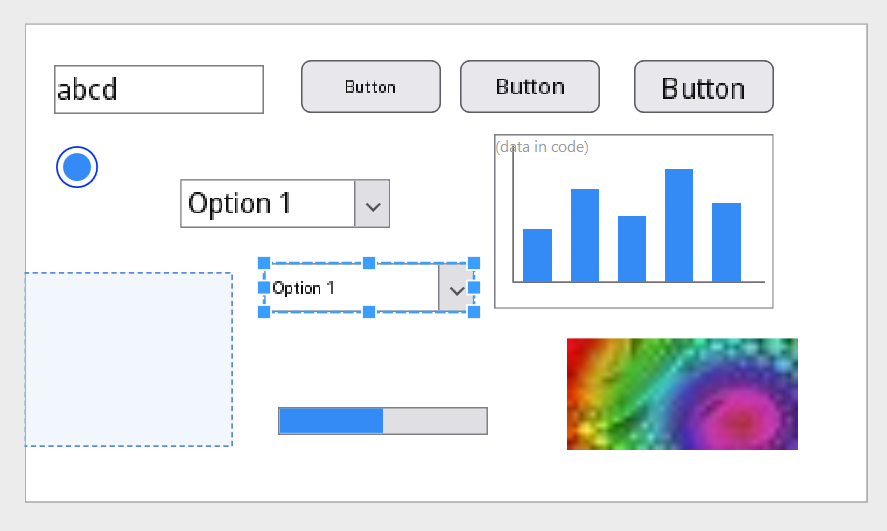
And here’s the part we’re most excited about: v3 includes a UI designer. Lay out your screens visually, see exactly what your display will render, and let the designer generate the C# behind it. Less time fighting pixel coordinates, more time shipping product.
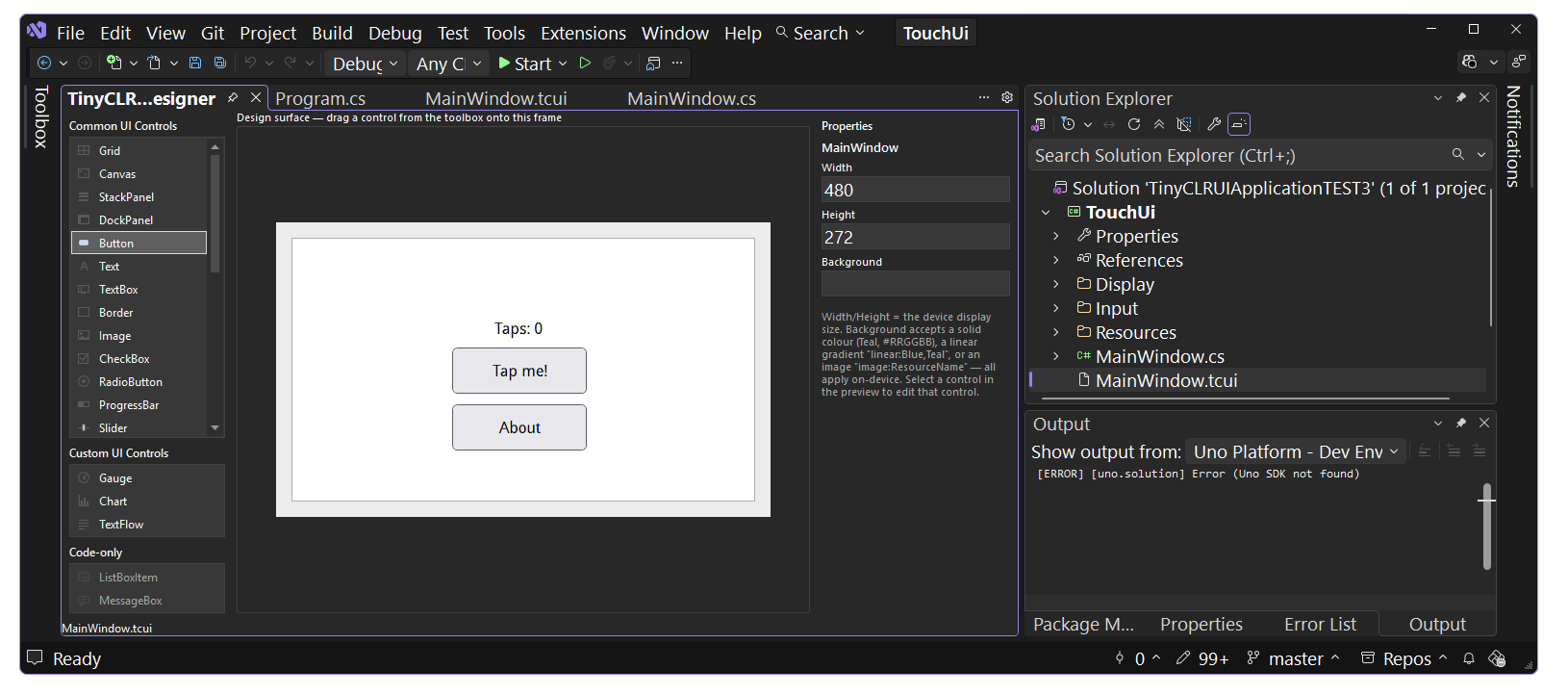
To back up the new designer, TinyCLR.UI includes:

Button, Text Box, Radio Button, ListBox, Slider, DataGrid, Chart, Gauge, Calendar, Menu, TabControl, TreeView, Expander, GroupBox, layout containers and more.
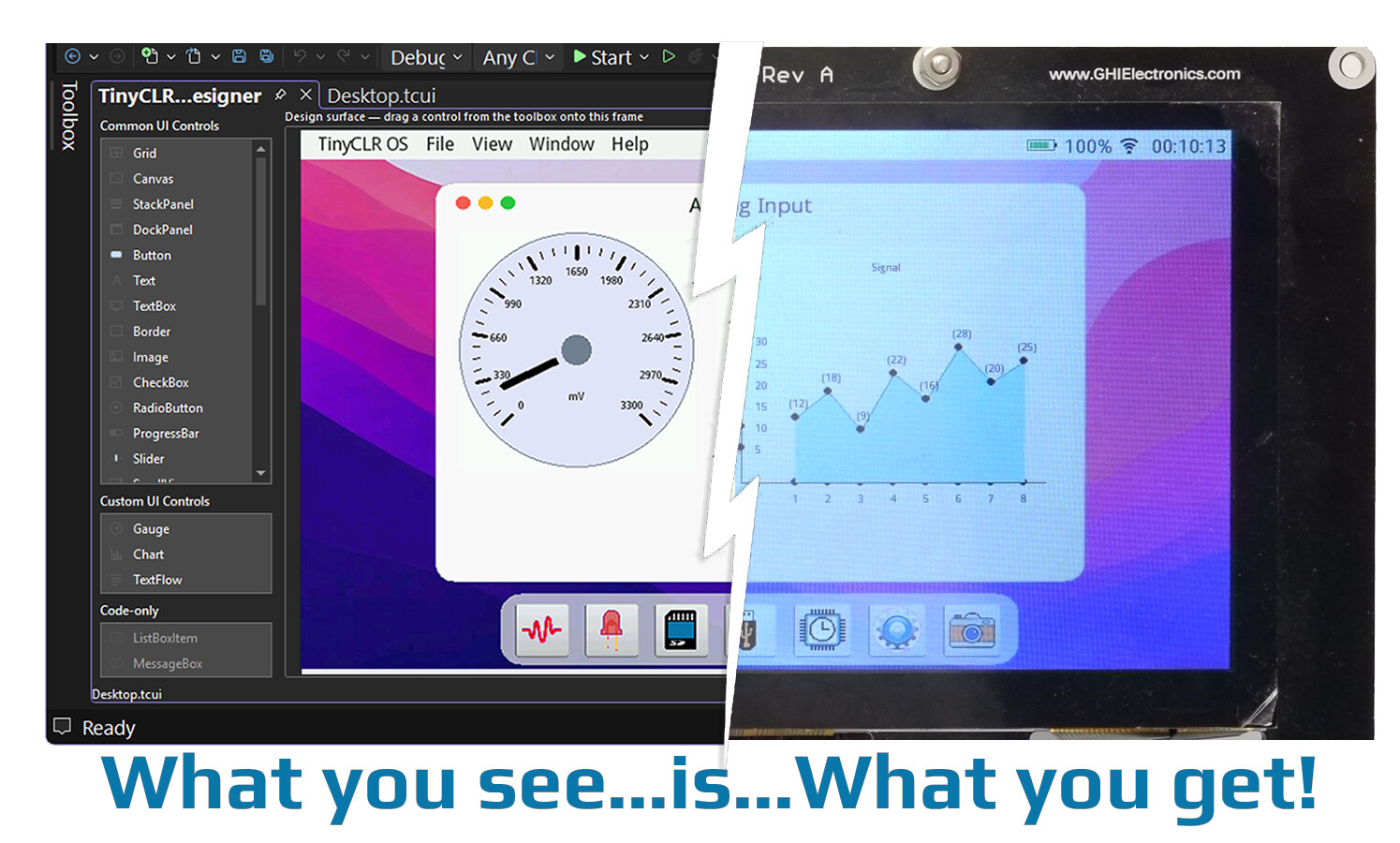
If your team writes C# and your product needs a display — an HMI panel, an industrial controller, a smart device with a touchscreen — this is built for you.
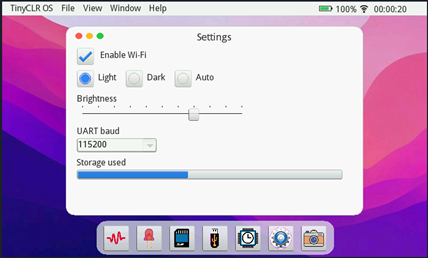
All running on SITCore, with the secure boot, encrypted deployment, and supply guarantees industrial customers count on from GHI Electronics.

Integrated Firmware Update
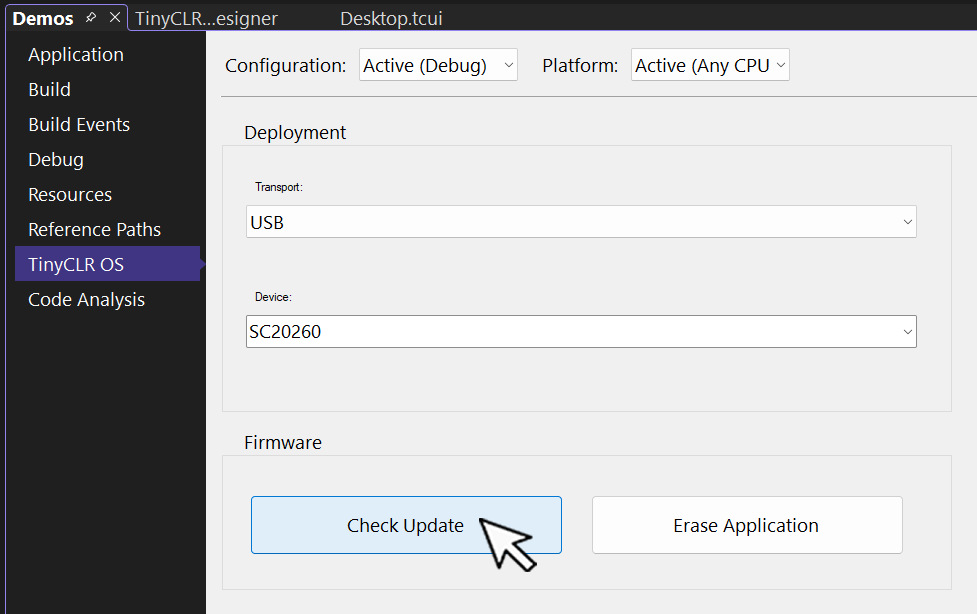
The Visual Studio extension also gains automatic firmware update detection — it now recognizes when a connected device is running out-of-date firmware and lets developers update it directly from the IDE, streamlining the setup process for new and existing projects.

Also in This Release

  • System.Xml now ships alongside the classic Data.Xml API, so existing 2.x XML code compiles unchanged.
  • Improved on-device UI rendering performance and a fix for low-power Sleep not waking on QSPI-flash-resident devices.
  • The internal string/signature table limit was doubled from 32K to 64K, supporting larger programs and resource sets.
  • Resource accessors (GetBytes()/GetBitmap()) are now generated automatically, removing the need to run Run Custom Tool.
  • The Visual Studio Code extension has migrated to SDK-style projects.

Try it now

UI Demohttps://www.ghielectronics.com/docs/tinyclr/tutorial/touch-ui
Read the docswww.ghielectronics.com/docs/tinyclr
Release Noteshttps://www.ghielectronics.com/docs/tinyclr/release-notes
4 Likes

A bullet-proof fix for the “Sleep not waking” issue would be big for us (we still have clients reporting having to do the occasional hard-reboot in 2.3.0.3), as would upping that annoying 32k metadata limit.

Are there any concerns running the VS extensions for 2.x and 3.x side-by-side?

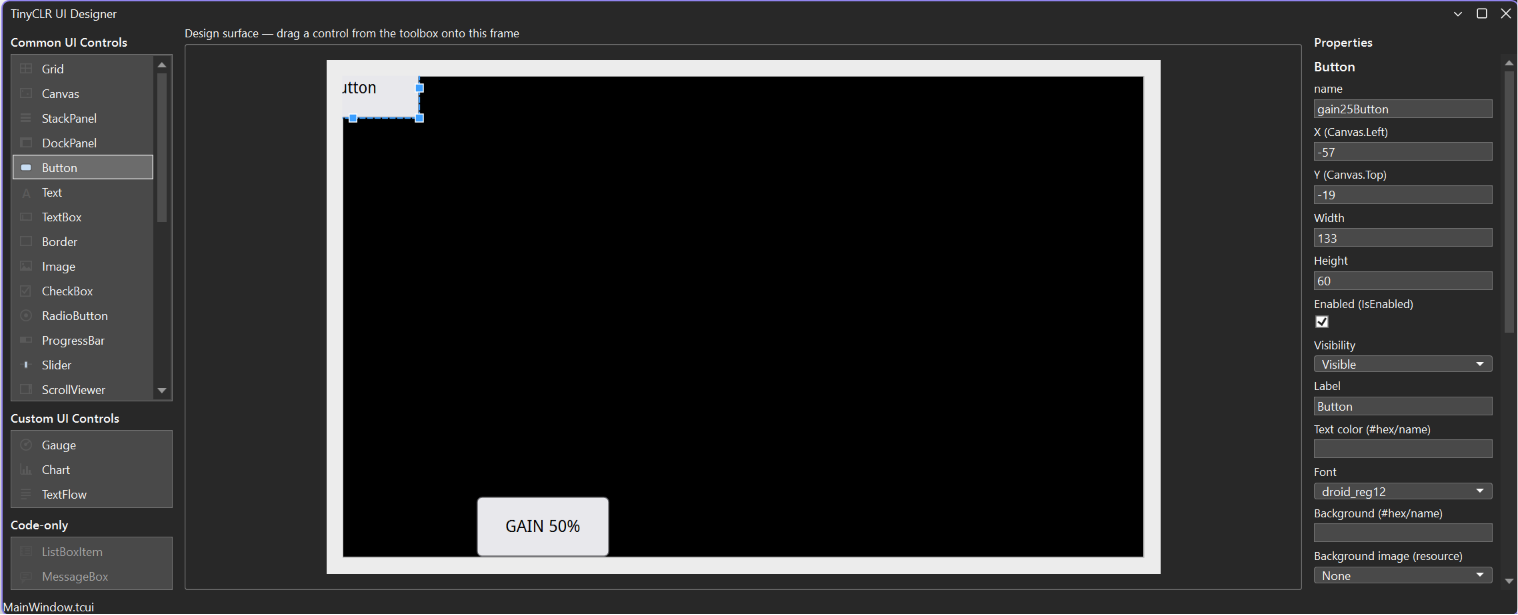
I am seeing an issue with the editor when I click on something to make changes to the properties. It jumps to the top left, partially off the display.

It appears to do this after I change the properties and then click on another control. Here I have 2 buttons. Change the text on the second one and then click on the first one and it immediately jumps to the top left partially off the screen.

If I click on the window background before I click on an element, it doesn’t do this. Workaround but not ideal as I often forget to do this and the damn thing moves.

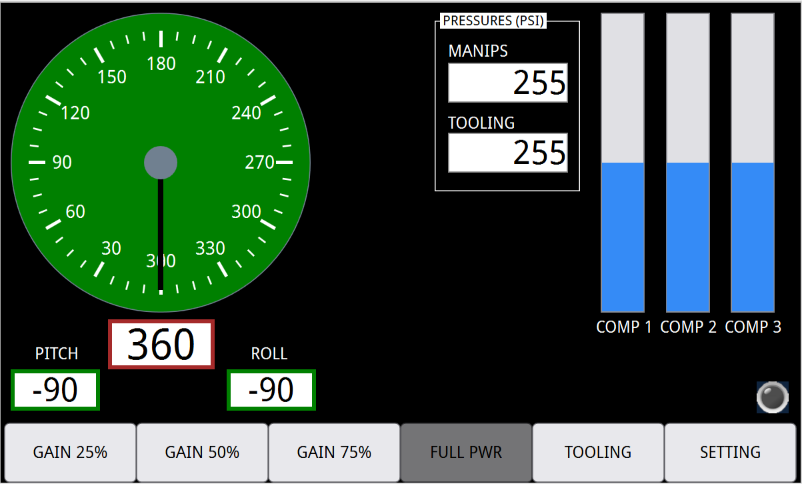
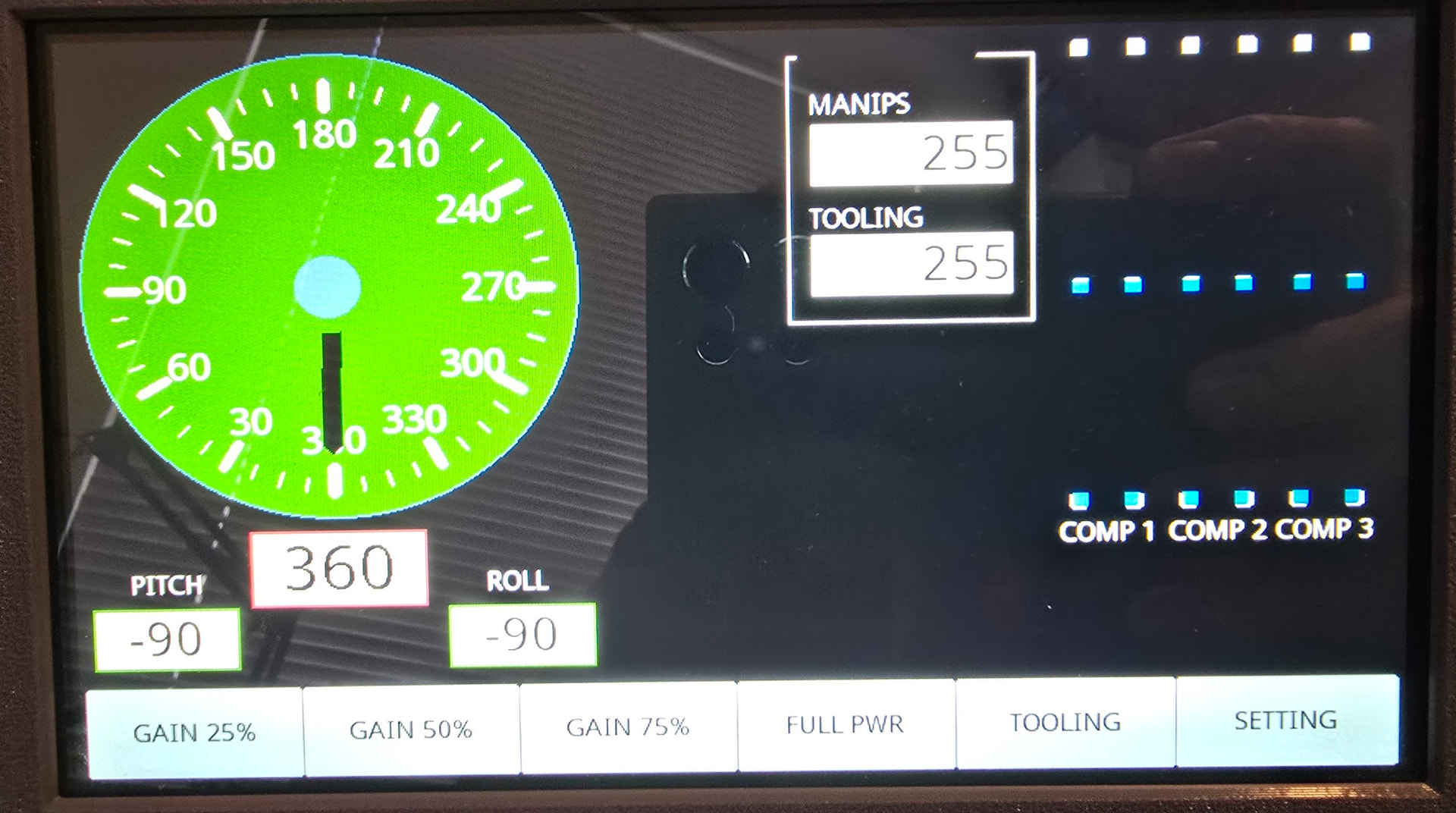
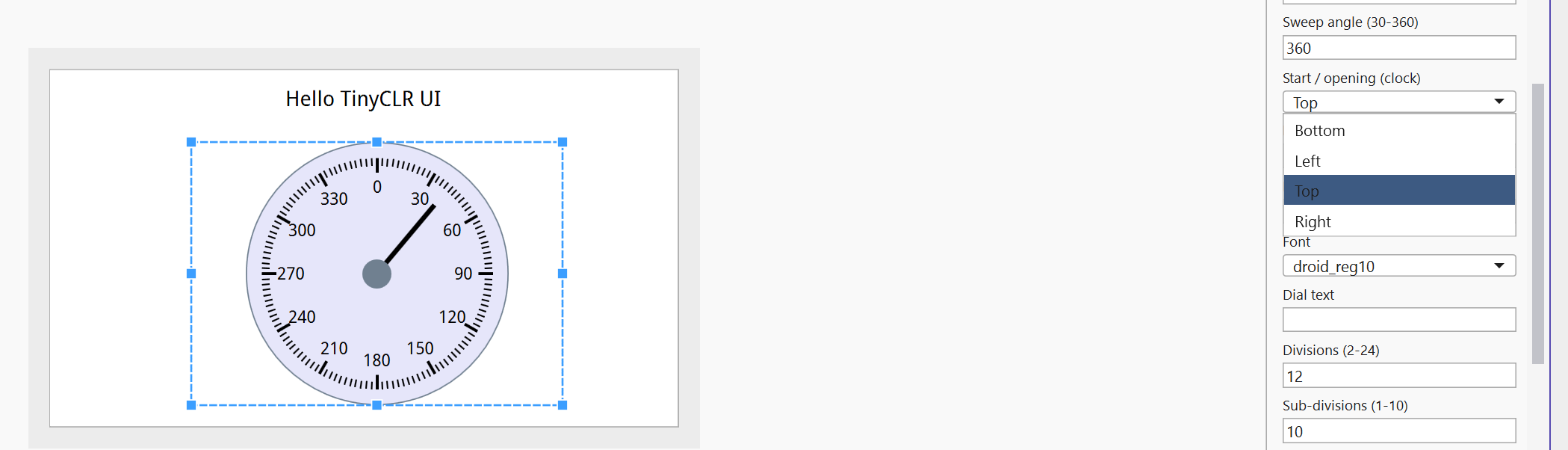
Is there any way to get the gauge to behave like a compass with 0 at the top and 360 degree movement? It starts from the bottom for the time being.

I am seeing an issue with the editor when I click on something to make changes to the properties. It jumps to the top left, partially off the display.

Check the extension, v3.0.1.3000 already fixed something like that.

Is there any way to get the gauge to behave like a compass with 0 at the top and 360 degree movement? It starts from the bottom for the time being.

No, but not hard. We will add in next verson.

Done, and indeed it fixed the problem. Thanks.

2 Likes

I think this would have been possible if we built a complete separate extension but v3 is an update to the same extension. I haven’t tried but that is my guess.

The V3 extension should be compatible with V2. We only added new features—we didn’t remove anything, as far as we know. Please try the V3 extension and see if it helps with the increasing 32 KB to 64 KB, this was changed in the MMP tool.

Regarding the “sleep does not wake” issue, the fix is in the firmware. The extension cannot address that.

While we can’t guarantee there will be absolutely no behavior changes when moving from V2 to V3, I believe it’s safe and an improvement overall. I recommend updating both the firmware and the extension to the latest versions.

1 Like

At present, I’m supporting production deployments using:

  • SC20 with TinyCLR 2.3.0.3
  • G120 and EMX with .NET Micro Framework 4.3.8.1

The SC20 build is currently going through fairly rapid iterations as we onboard a couple of new sites.

All of these targets are built from a common source code base, using Visual Studio 2010 for the .NET MF builds and Visual Studio 2026 for TinyCLR.

I’d like to start testing TinyCLR V3 so that I’m ready to begin rolling it out once it is considered production-ready. However, I can’t install it if doing so will disrupt or replace my existing V2 development and support environment.

Does testing V3 require a completely separate development PC or VM, or can the V3 extension also coexist with and build existing V2 projects?

If a separate environment is required, that may make adoption difficult. We will always have customers running older hardware and firmware versions that still need to be supported, so maintaining the existing V2 and .NET MF build environments is essential.

Love that I can drag and drop but I found another error. The progress bars look wrong. Horizontal works for not vertical, which is what I am using.

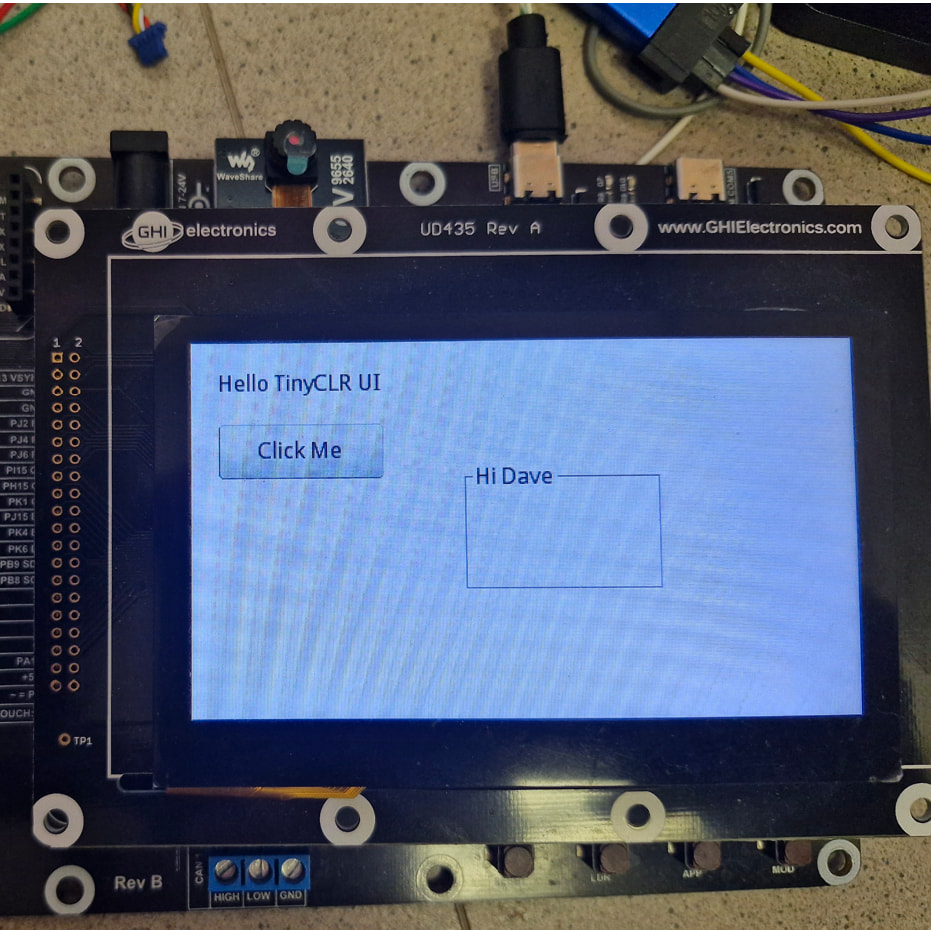
This is what the designer looks like.

And this is what the LCD looks like when you run it. Direction is set to UP.

[EDIT] Setting the corner radius back to 5 works. I had it at 10. :slight_smile:

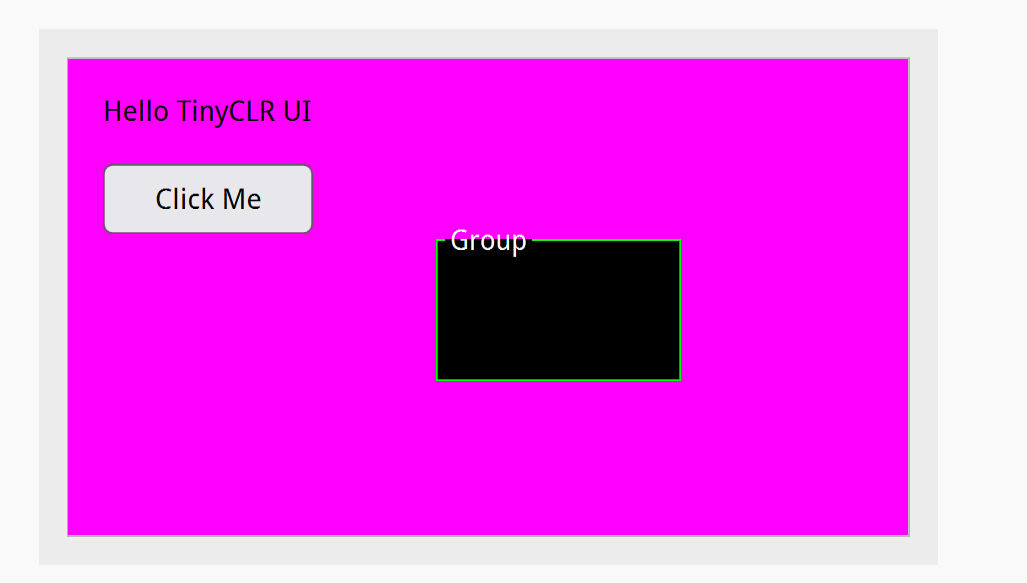
The issue with the Group Box remains. The title is missing.

2 Likes

I like a lot this feature ! A great feature with less time to update firmware, no question if it is up to date. :star_struck:

TinyClr UI Designer have still some bugs as already said, but it is simple to use. Great work :heart_eyes:

3 Likes

Hi Dave, I can’t seem to reproduce the issue with the GroupBox. It looks like you’re using an older version of the TinyCLR.UI library.

You’ll need the latest TinyCLR extension and the latest TinyCLR.UI library.

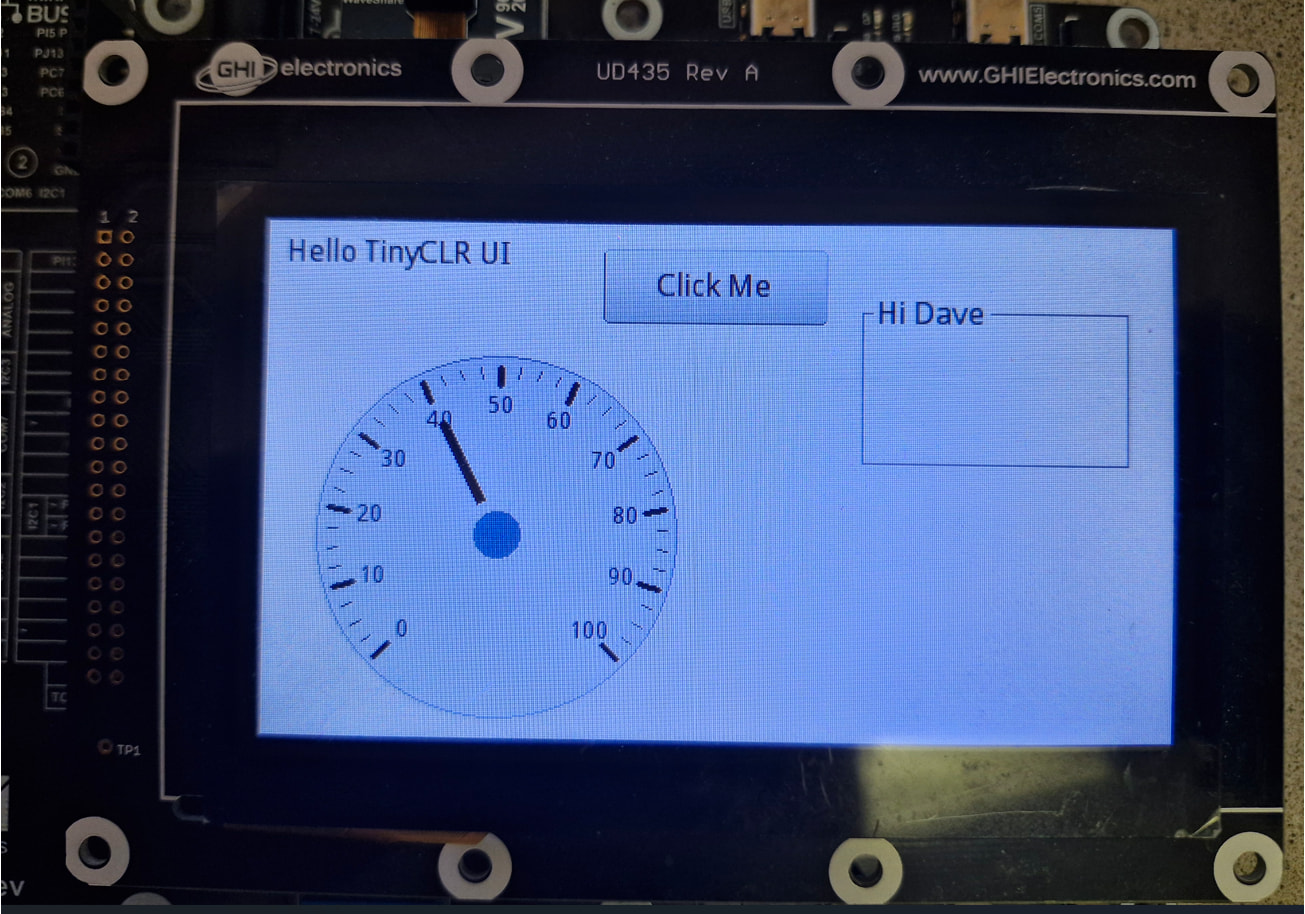
I don’t think this is a bug. The gauge looks much better, closer to UI designer - with the latest UI library.

The only improvement we plan to make for now is to add an option that allows the gauge to have 0 at the top, so Dave can be happy.

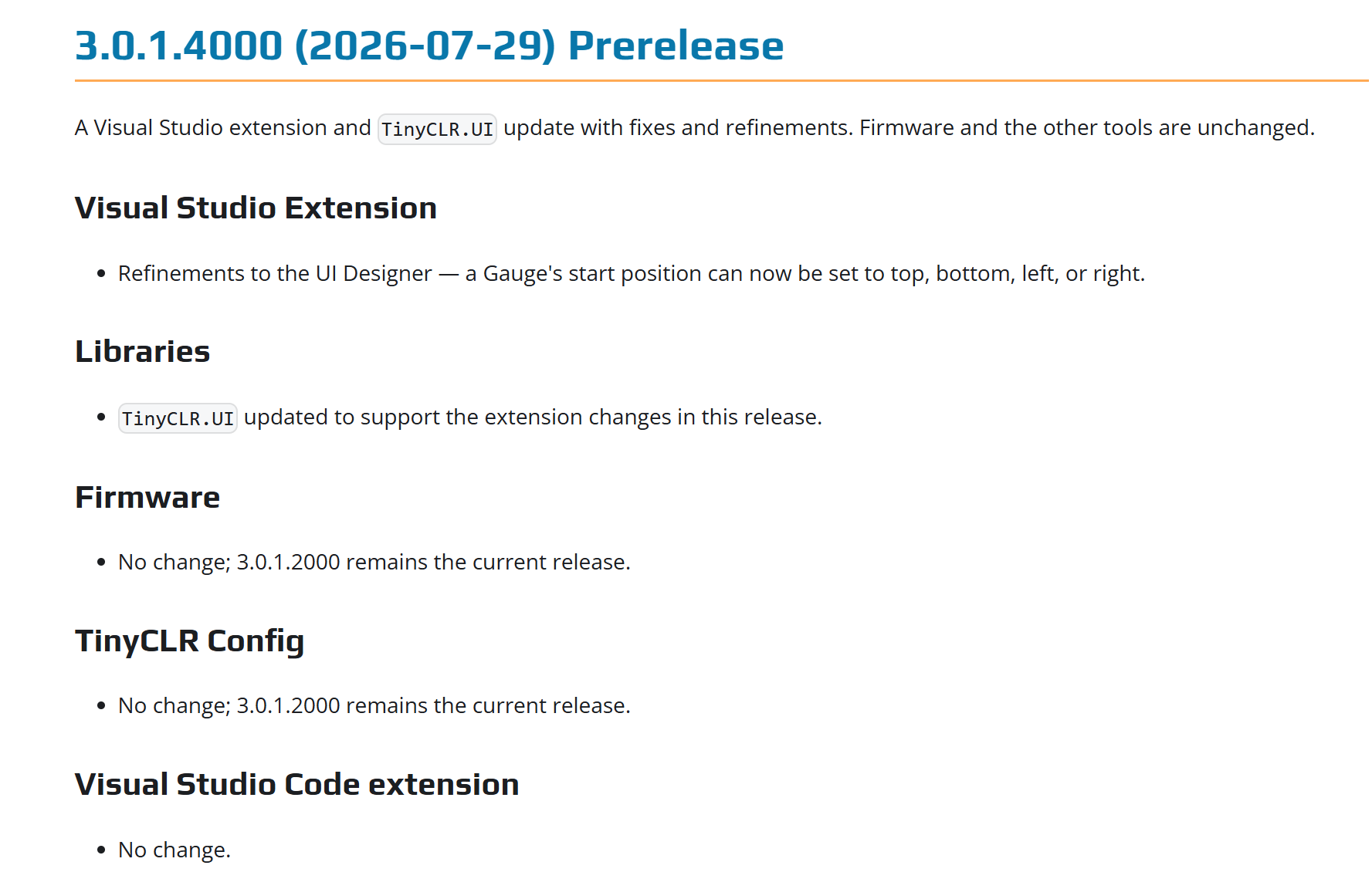
Hi Dave, v3.0.1.4000 is the release you need (both extension and TinyCLR.UI library). The gauge’s start position can now be set to the top, left, right, or bottom.

As for the other issues, they are caused by using TinyCLR.UI Library v3.0.1.2000 or earlier. Many issues have been fixed since that version.

1 Like