Working on a project that uses standard 16x16 LED matrix.
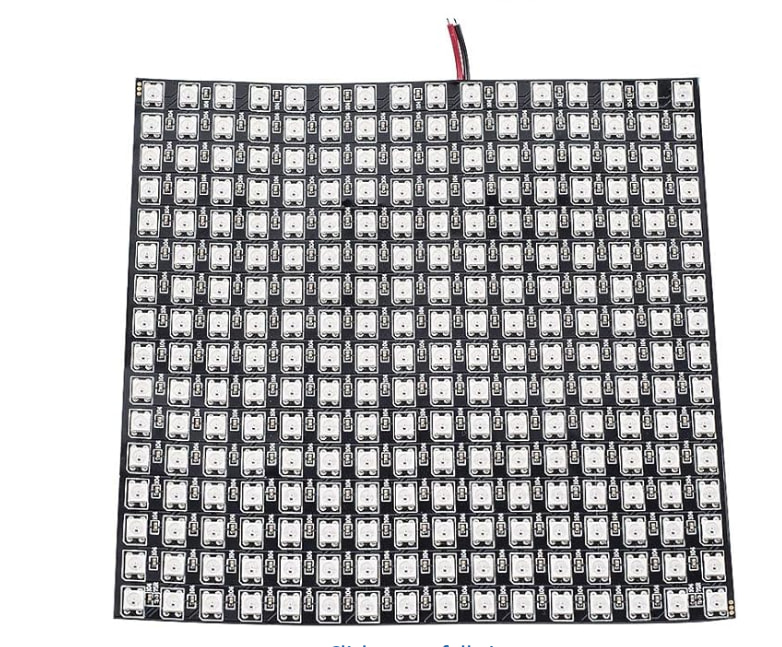
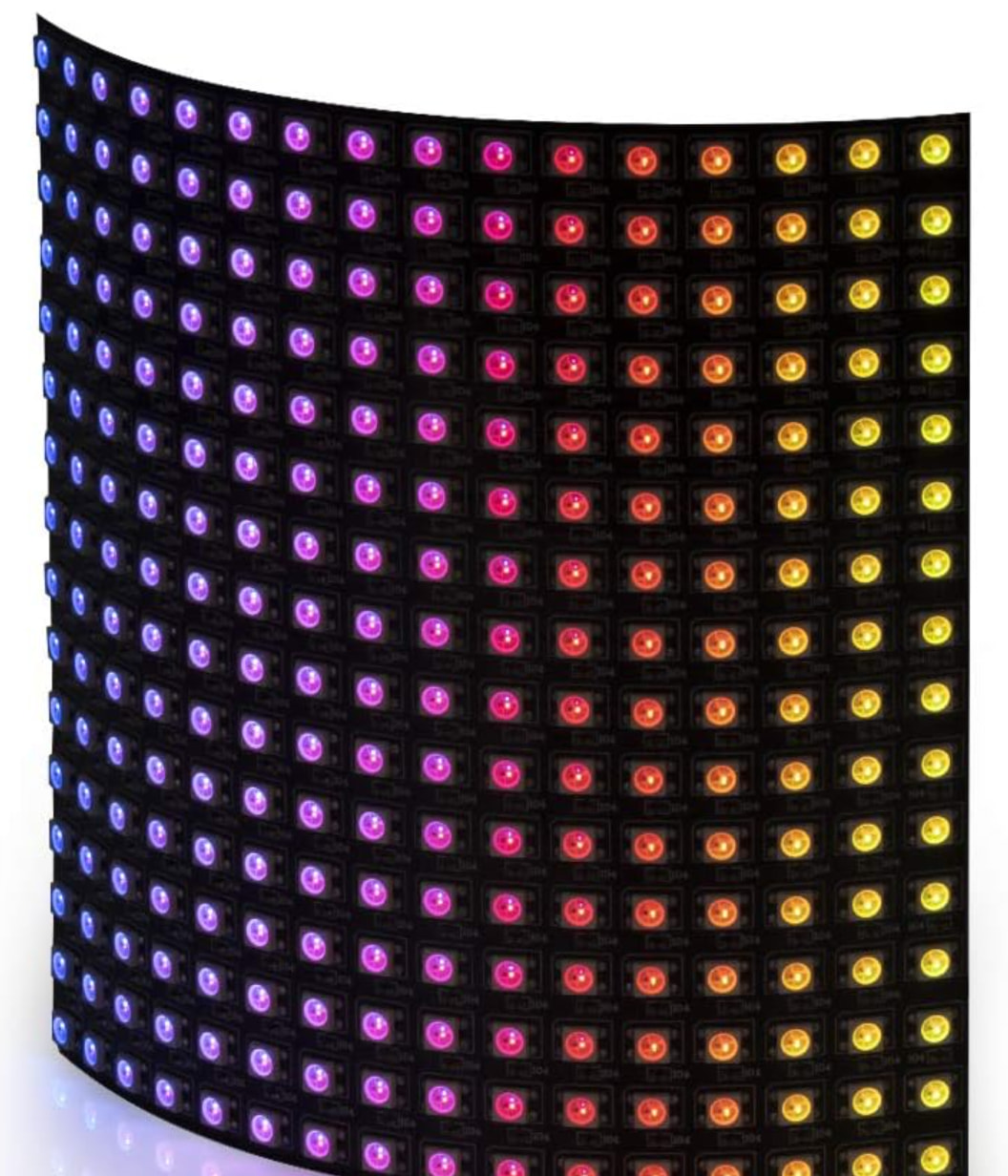
Which are flexible by the way!
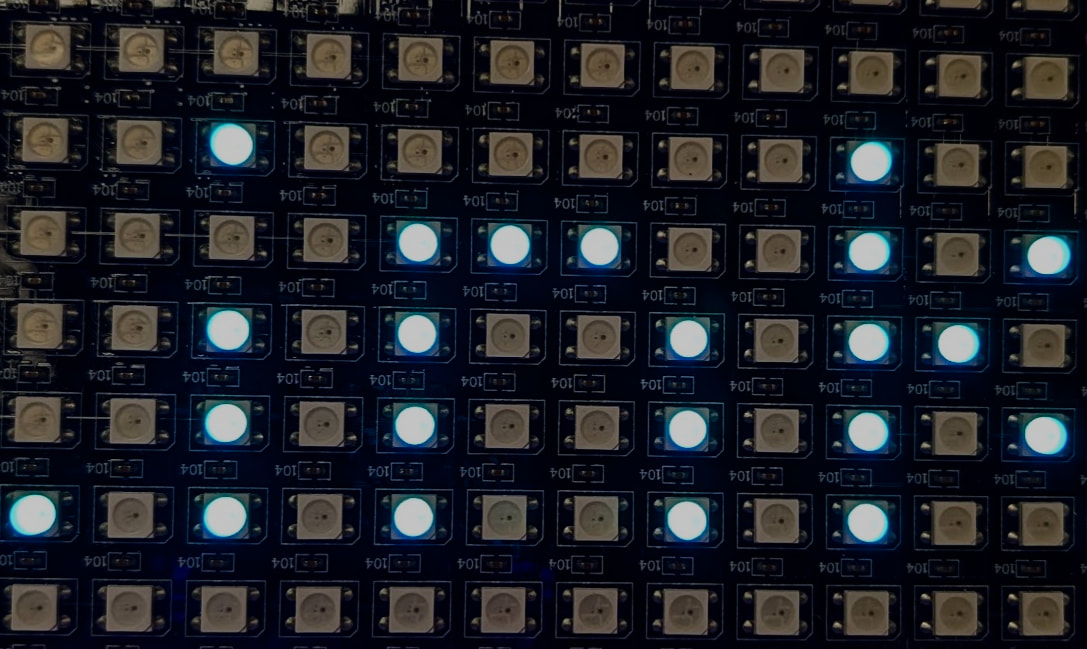
DUELink graphics library includes standard 7x7 font and a tiny 5x5 font. Since we only have 16x16 pixels, I am going to use the tiny font. I started by printing “DUELink” that is going across the LED matrix.
Dim a1[]={1,# Pin used
    16, # Individual panel width
    16, # Individual panel height
    0} # Horizontal scanning
    GfxCfg(3, a1, 16, 16, 1)# type 3, 16x16 leds, buffered x1

_x = 16
_y = 6
while 1

    Clear(0)

    Textt("DUELink", 0x704F00, _x, _y)

    Show()
    _x = _x - 1
    if _x < -40
        _x = 16
    end
    Wait(30)
wend
Since fonts in DUELink graphics are fixed width, to help users with arranging text, I noticed that the space around the “i” in DUELink has too much “white space”.
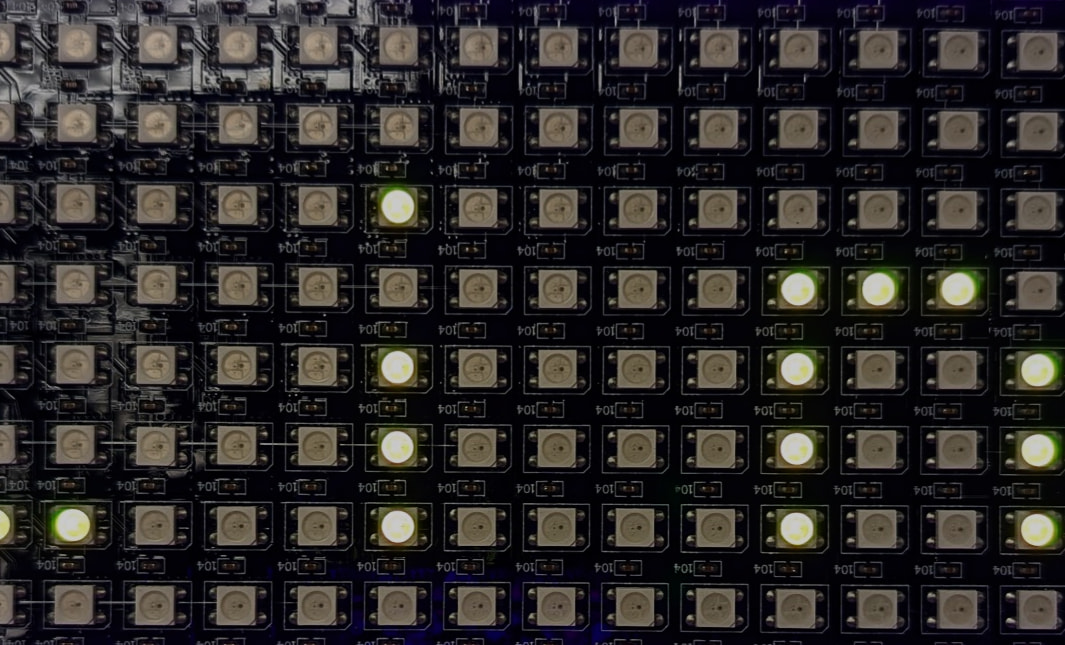
Perhaps DUELink graphics can add variable character width font in the future but I can print the individual characters and adjust the spacing as needed. The extra benefit here is that I can use a different color for each character if I wanted to! But let’s do “DUE” in one color and “Link” in another color.
Dim a1[]={1,# Pin used
    16, # Individual panel width
    16, # Individual panel height
    0} # Horizontal scanning
    GfxCfg(3, a1, 16, 16, 1)# type 3, 16x16 leds, buffered x1

_x = 16
_y = 6
while 1

    Clear(0)

    Textt("D", 0x704F00, _x, _y)
    Textt("U", 0x704F00, _x+5, _y)
    Textt("E", 0x704F00, _x+10, _y)
    Textt("L", 0x04F4F, _x+15, _Y)
    Textt("i", 0x04F4F, _x+19, _Y)
    Textt("n", 0x04F4F, _x+22, _Y)
    Textt("k", 0x04F4F, _x+27, _Y)

    Show()
    _x = _x - 1
    if _x < -40
        _x = 16
    end
    Wait(30)
wend
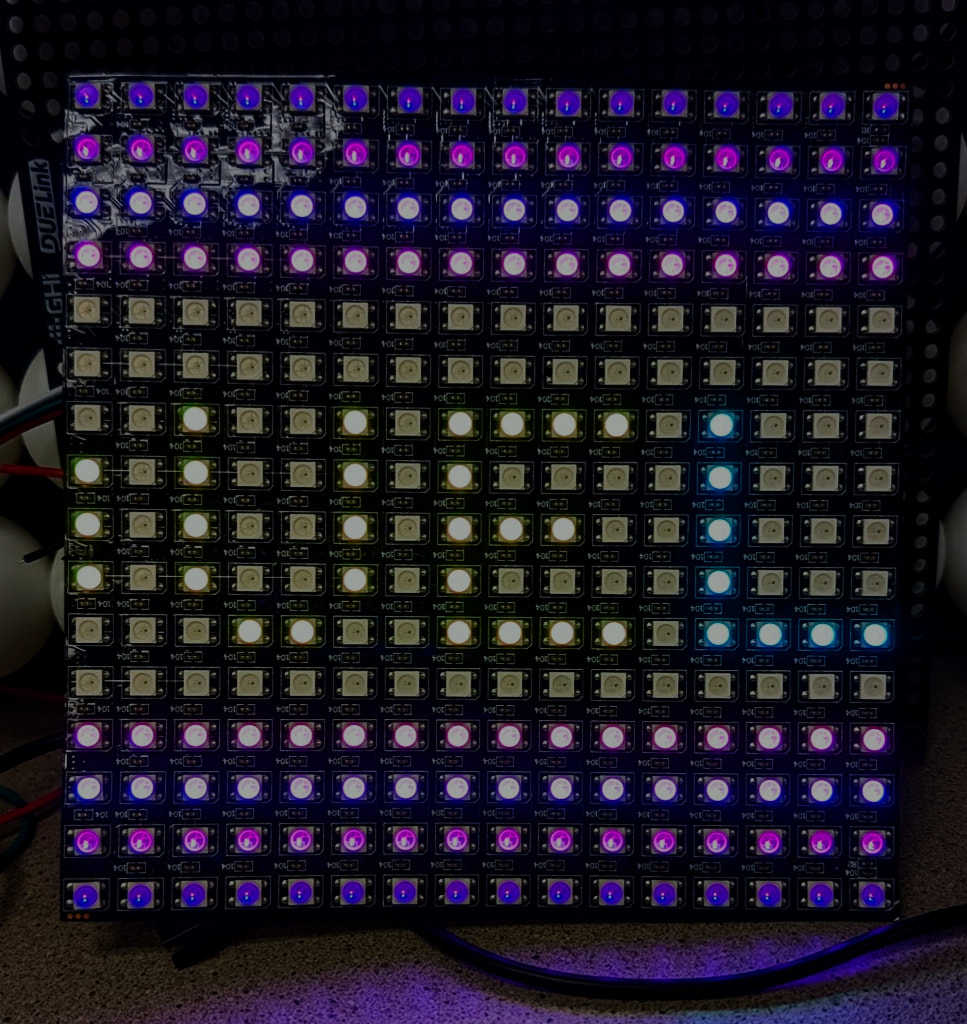
With this small change, the text look better plus I can now fit more characters on the matrix.
Why is it always fun to work with LEDs?! I wish cameras can show how awesome this can be! Anyway, let’s end this with adding a fading purple bands on the top and bottom.
Dim a1[]={1,# Pin used
    16, # Individual panel width
    16, # Individual panel height
    0} # Horizontal scanning
    GfxCfg(3, a1, 16, 16, 1)# type 3, 16x16 leds, buffered x1

_x = 16
_y = 6
while 1

    Clear(0)

    Line(0x050005, 0,0,16,0)
    Line(0x100010, 0,1,16,1)
    Line(0x200040, 0,2,16,2)
    Line(0x400020, 0,3,16,3)
    Line(0x400020, 0,12,16,12)
    Line(0x200040, 0,13,16,13)
    Line(0x100010, 0,14,16,14)
    Line(0x050005, 0,15,16,15)

    Textt("D", 0x704F00, _x, _y)
    Textt("U", 0x704F00, _x+5, _y)
    Textt("E", 0x704F00, _x+10, _y)
    Textt("L", 0x04F4F, _x+15, _Y)
    Textt("i", 0x04F4F, _x+19, _Y)
    Textt("n", 0x04F4F, _x+22, _Y)
    Textt("k", 0x04F4F, _x+27, _Y)

    Show()
    _x = _x - 1
    if _x < -40
        _x = 16
    end
    Wait(30)
wend
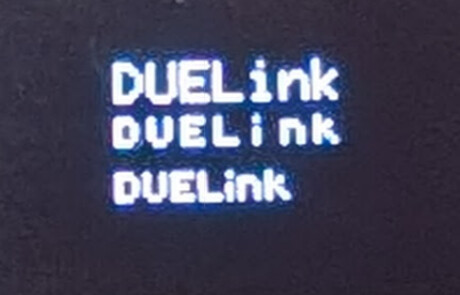
We can also print these on an OLED display to see them side by side. We also also add the 7x7 font for comparison.
Clear(0)

# regular font
Text("DUELink",1,30,20)

# tiny font
Textt("DUELink",1,30,30)

# squeezed tiny font
_x = 30
_y = 40
Textt("D", 1, _x, _y)
Textt("U", 1, _x+5, _y)
Textt("E", 1, _x+10, _y)
Textt("L", 1, _x+15, _Y)
Textt("i", 1, _x+19, _Y)
Textt("n", 1, _x+22, _Y)
Textt("k", 1, _x+27, _Y)

Show()
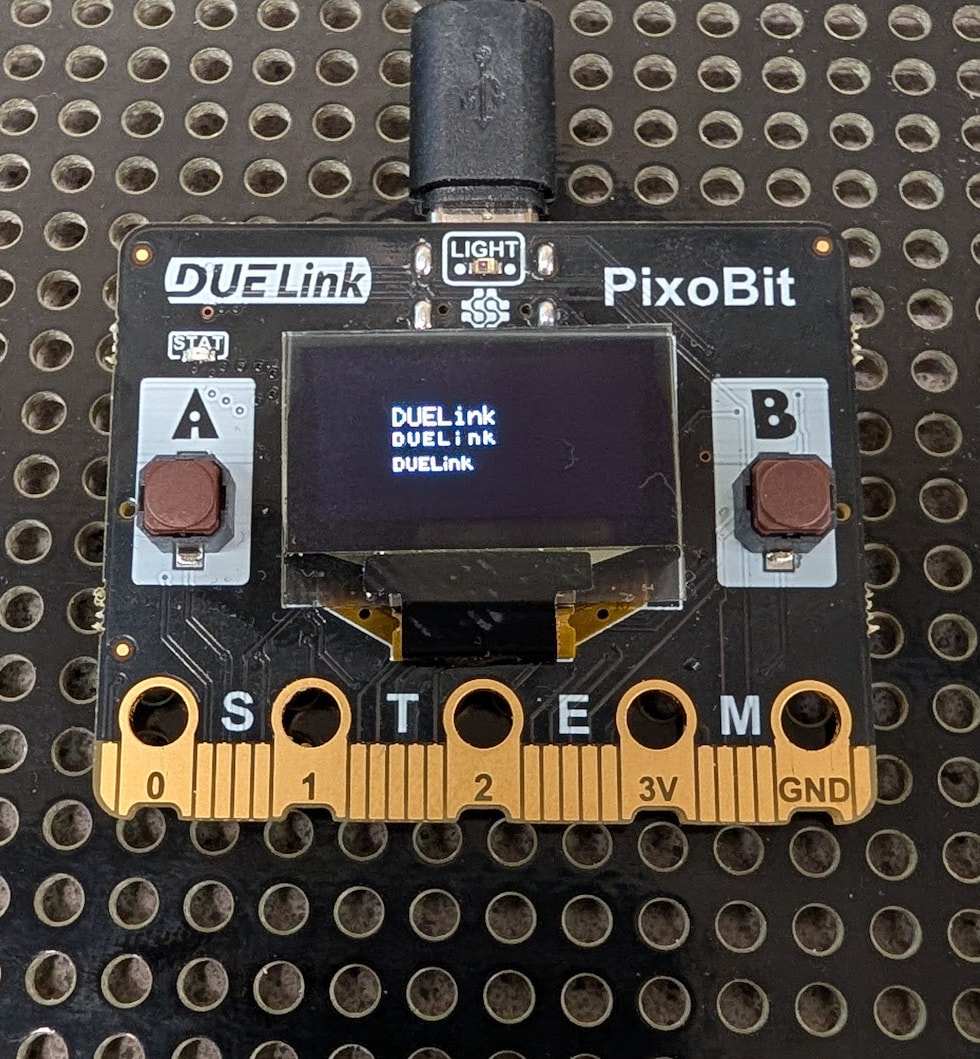
Here is a close up!