You might want to check your sample projects loading from the duestem duelink.com web page. I have loaded all examples that you give by double clicking on them and then using each example on the hardware and then saving the example as a file to my Lenovo Windows laptop hard drive. Of course this environment is “pilot” for MicroBlocks. Going from one loaded example on the DueSTEM board to attempt to load the next example I get the below message. Repeated attempts to load the same new example give the same error message. The workaround for me is to unplug USB from one port and plug the cable into a different port on the laptop. This solves the issue. Thank you.
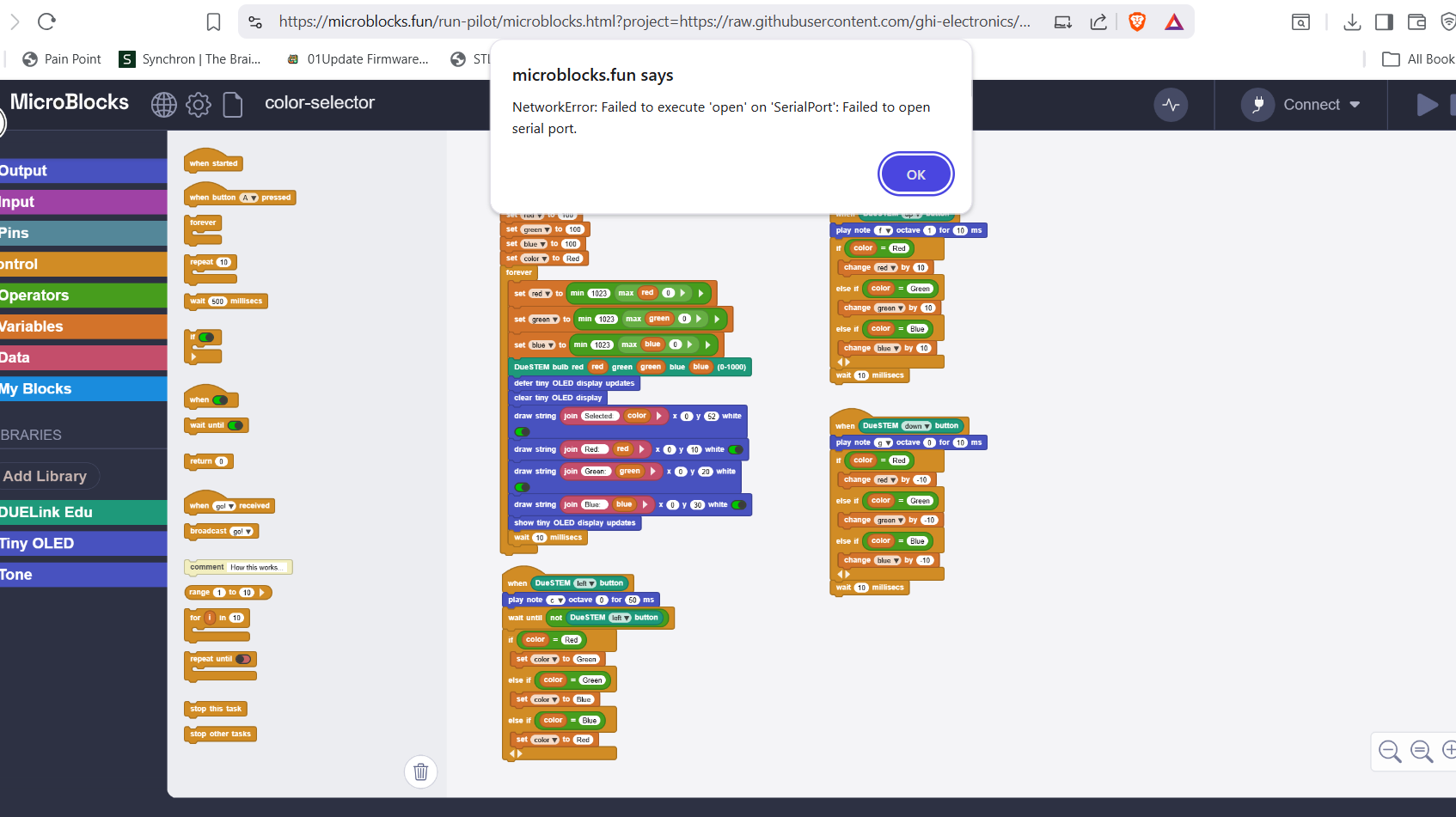
That is because you have multiple open MicroBlocks windows and more than one is connected. You have 2 options: either “disconnect” the one you are the with, or close that tab.