There are 2 ways to connect SparkFun Qwiic modules to your next DUELink project. You could use a board like RedBoard Plus SparkFun RedBoard Plus - SparkFun Electronics
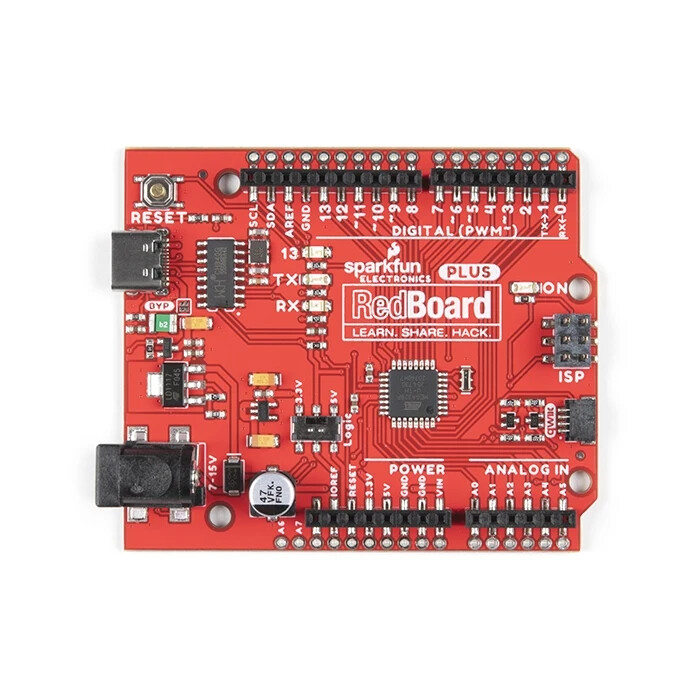
Then connect any SparkFun Qwiic modules to the Qwiic connector then add whatever DUELink modules you need. You can similarly use, Arduino, Raspberry Pi or others as well.
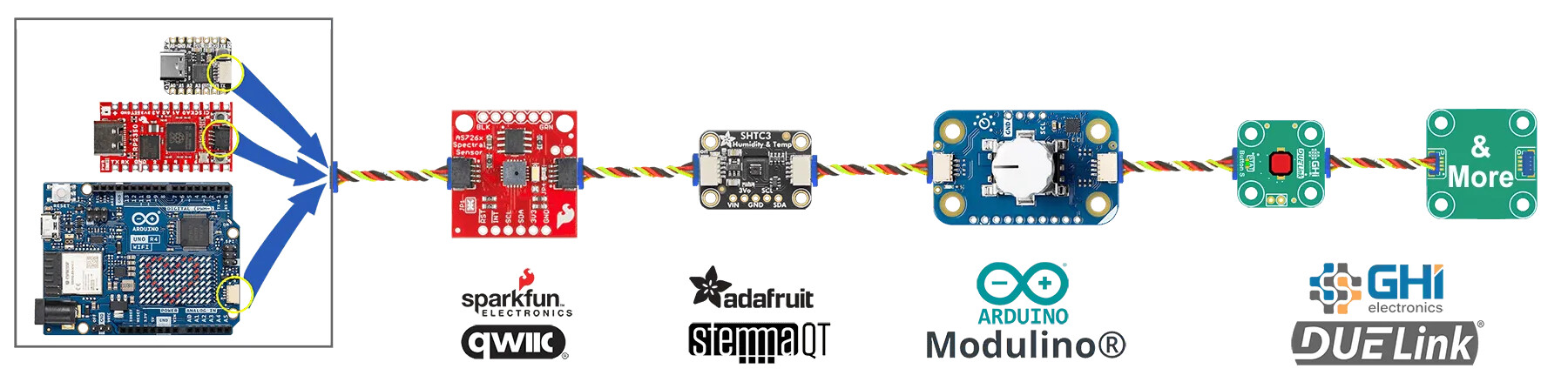
More info is found here I2C | DUELink , but this post is about the other option, which is on how to use SparkFun Qwiic modules with DUELink boards.
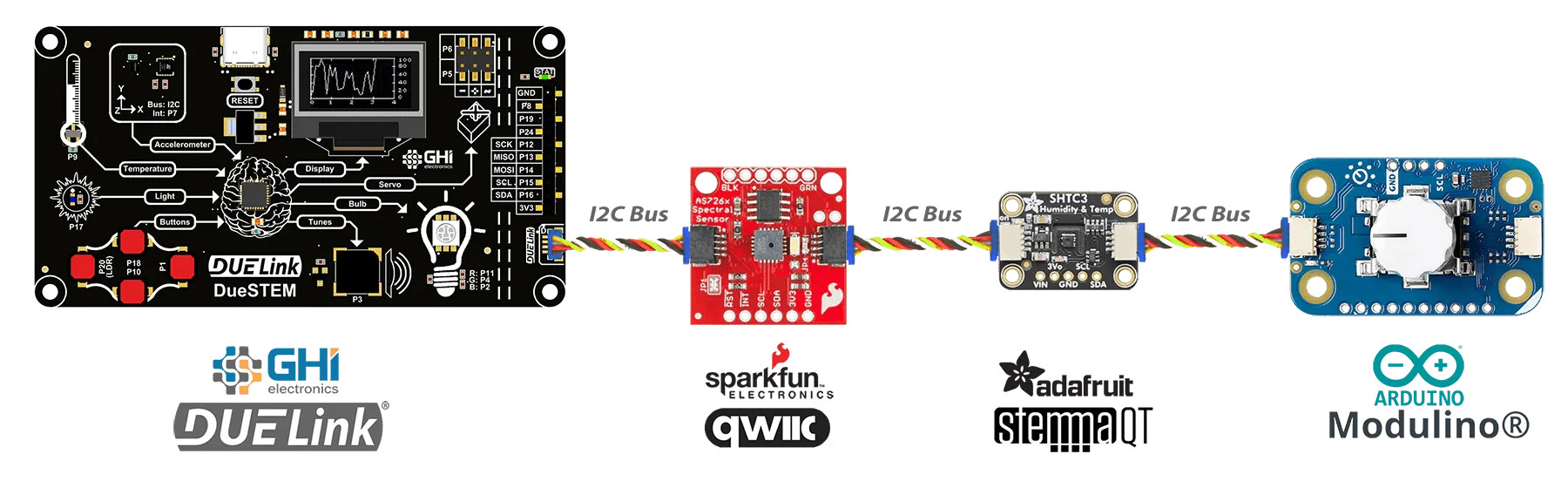
This is accomplished by switching the Downlink connector to “I2C Mode”. More info are found here Downlink | DUELink
Here is an example on using SparkFun Qwiic Joystick SparkFun Qwiic Joystick - SparkFun Electronics
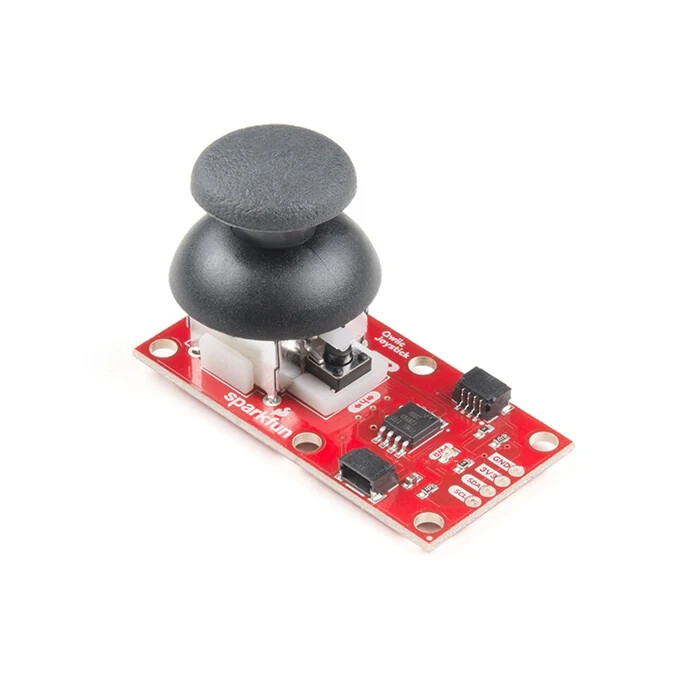
Looking at the Joystick repo, the Joystick lives at I2C address 0x20 and we need there 5 registers:
- 3:4 are X axis
- 5:6 are Y axis
- 7 is the button state
DLMode(5,0) # Switch Downlink to I2C Mode
dim b0[4] # Store X,Y: 2 bytes for X, 2 bytes for Y
dim b1[1] # Button state: 1 byte
while (1)
    # Read X,Y
    dli2cwr(0x20,[0x03], b0) # test write-read use repeat start
    x = (b0[0] << 8) | b0[1]
    y = (b0[2] << 8) | b0[3]
    x = floor(scale(x,0,65535,0,100))
    y = floor(scale(y,0,65535,0,100))
    # Read button state
    dli2cwr(0x20,[0x07], [])
    dli2cwr(0x20,[], b1)
    println("X: ", x, ", Y:", y, ", button state:", b1[0])
    wait(200)
wend