We want to connect a game to the physical world.
Imagine your health dropping in-game, and a real LED bar on your desk reacts instantly. Or every punch, hit, or action triggering something you can see and feel outside the screen. That’s exactly what we’re building.
There are many games and many ways to achieve this, but in this example we’ll use Minetest—an open-source voxel game engine that can be easily extended using Lua.
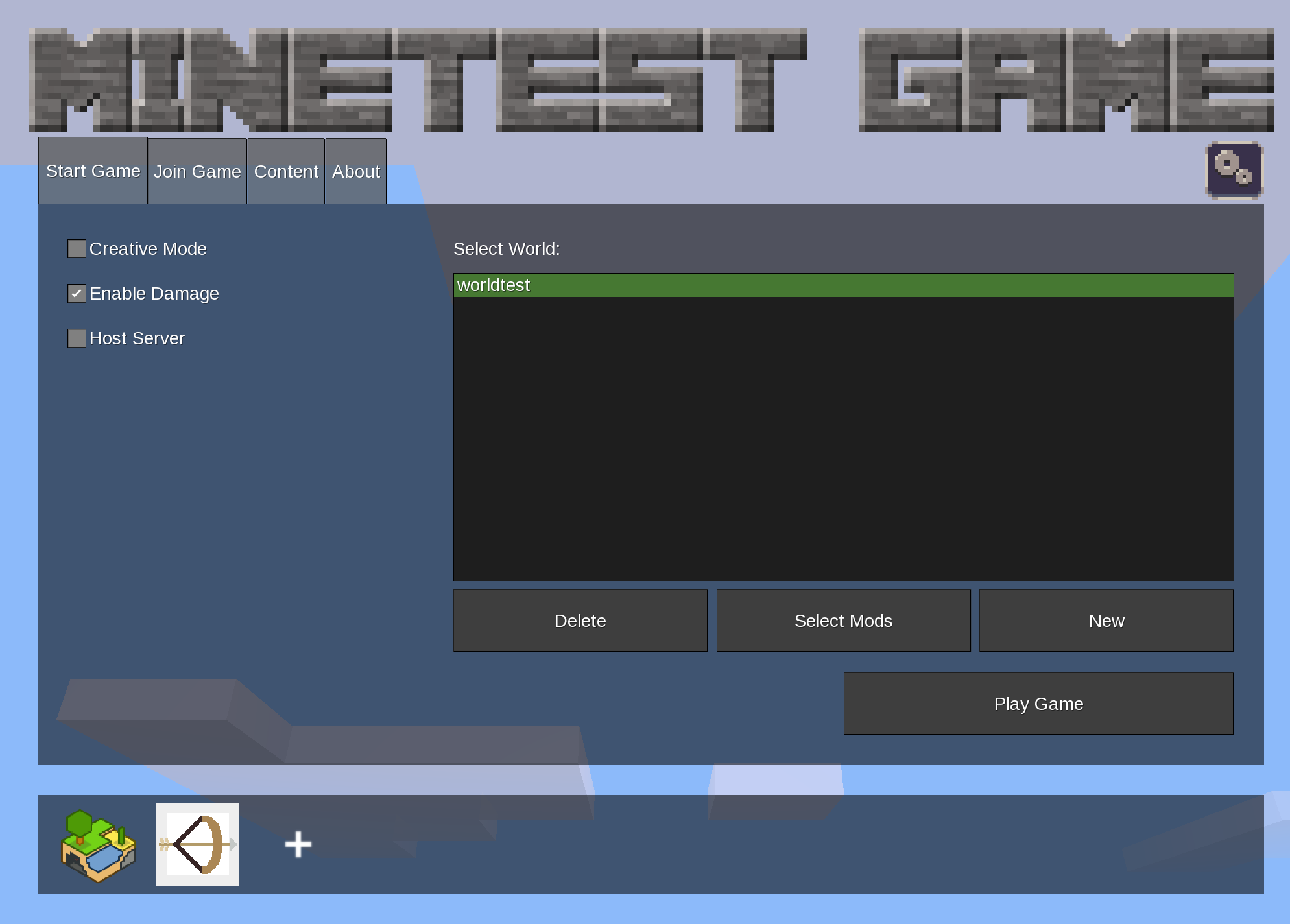
To access game data, we need to build a bridge—something that transfers information from the game to the real world. There are multiple ways to do this, such as using a localhost network connection. However, for simplicity and clarity, we’ll start with a very straightforward method: a local file.
Here’s the idea:
-
The Minetest Lua script collects game data (like player HP or actions).
-
It writes that data into a local file.
-
A PC application reads that file.
-
The application sends the data to DUELink hardware.
-
The hardware reacts in real time.
This creates a simple but powerful pipeline:
Game → File → PC Bridge → DUELink → Physical Output
This “bridge” is the key. Once it exists, you can connect almost anything—from games to sensors to real-world devices.
Setting up the bridge in Minetest
To build the bridge, we use three files:
-
init.lua(game logic) -
mod.conf(mod definition) -
minetest.conf(engine configuration)
The source files can be found here:
duelink-projects/source/game-pulse at main · ghi-electronics/duelink-projects
Installation
Assuming Minetest is installed at:
C:\Minetest
Follow these steps:
-
Place
minetest.confinto:C:\Minetest -
Create a new folder:
C:\Minetest\mods\duelink -
Copy the following files into that folder:
init.lua
mod.conf
Enable the mod
-
Open Minetest
-
Create a new world (or edit an existing one)
-
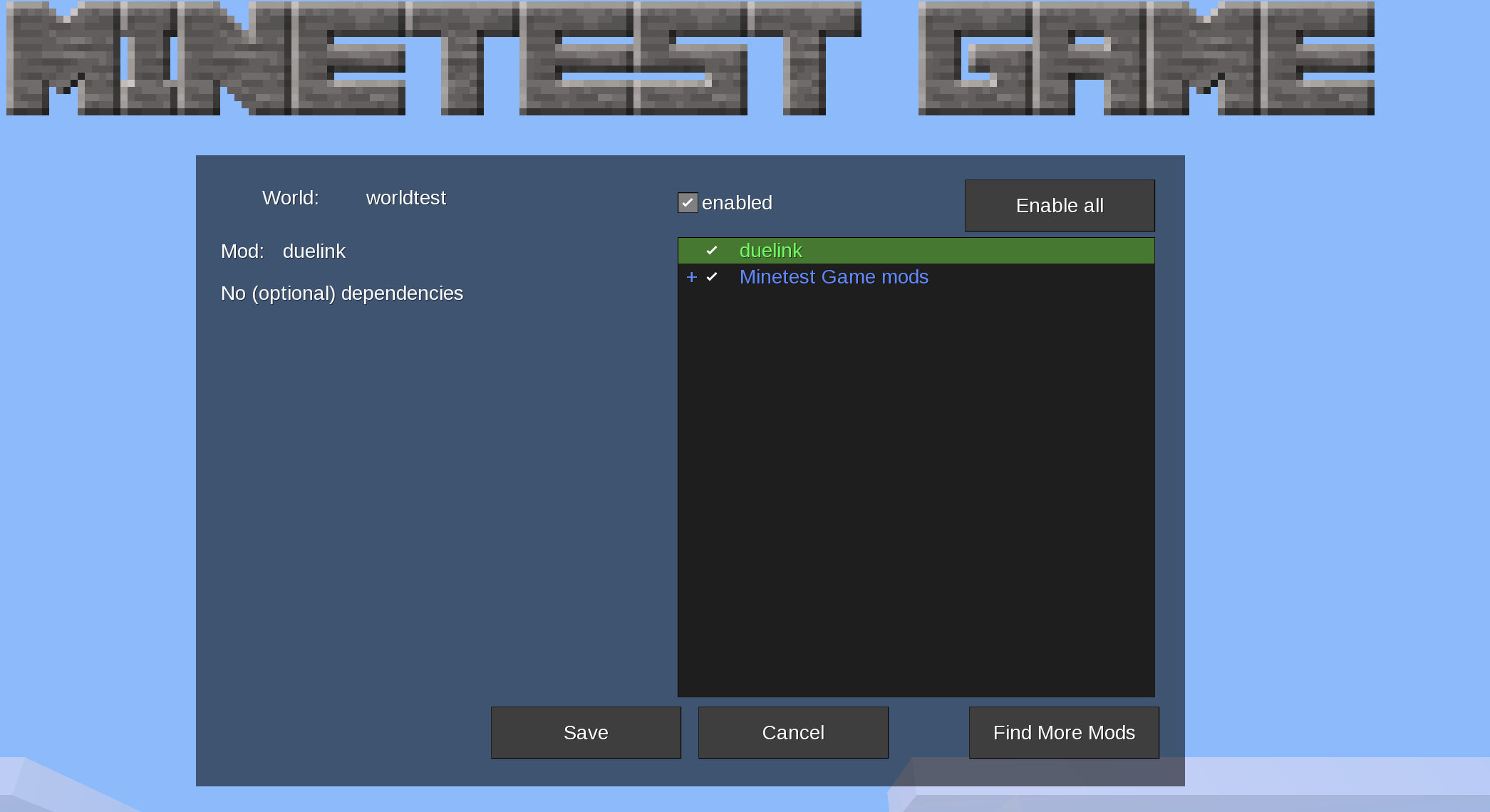
Go to Mods
-
Enable the duelink mod (as shown in the image below)
Run the demo
Once everything is set up:
-
Start the game
-
Join your world
-
Run the game-pulse project on your PC
The project will:
-
Read game data (HP and punch state) from
gamepulse.txt -
Send that data to the DUELink device
-
Control a 16×16 WS2811 LED matrix
What you will see
-
When you punch → the LED display turns red
-
When idle → the display shows your HP level
Of course, you can read weather, damage, day/night cycles, player status, or any other data the game platform supports—and bring it into the real world.
This is a simple but powerful example of connecting a game to real-world hardware in real time.