We are having a blast with this!
2 Likes
Are you all making an entirely bespoke UI designer?
We had Glide many years ago. It is about time we have something new!
2 Likes
Is this separate and apart from Avalona? Like, is this for TinyClr Only?
Yes — TinyCLR only.
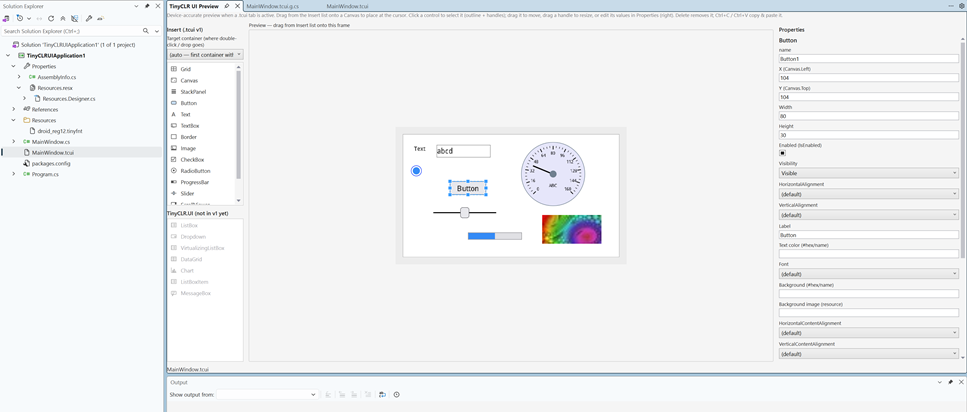
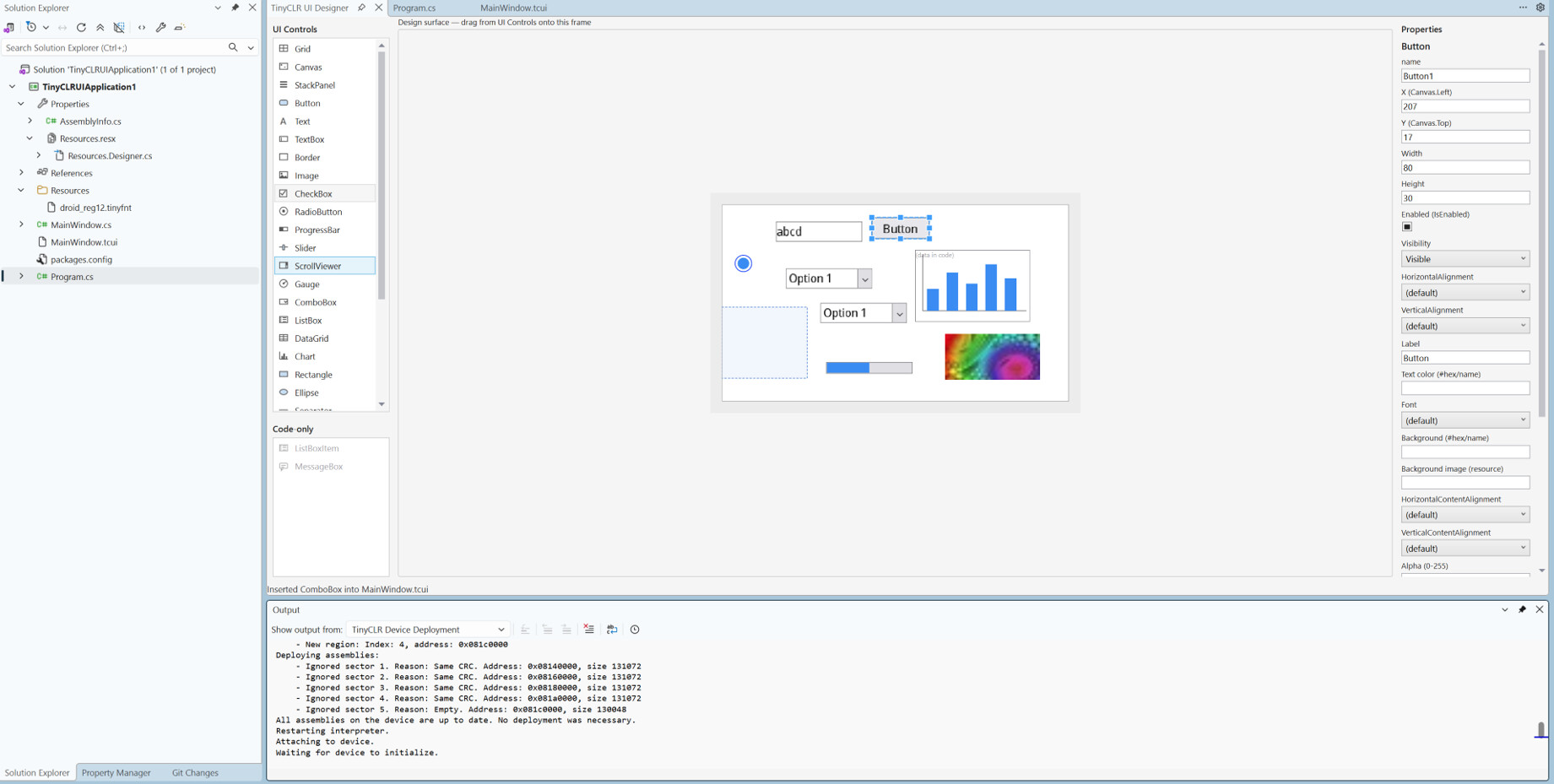
It’s true WYSIWYG (What You See Is What You Get): you design the screen and see how it will look on the device, instead of adding a control, deploying to the device, going back to the code to adjust it, deploying again…
The XML is WPF-friendly (familiar if you know XAML), though cross-framework reuse isn’t the tool’s goal.
2 Likes
Will we be able to attach event handlers via the GUI?
If I understand your question correctly, then yes. Enter the desired function name in the Properties window. The UI designer will automatically create the event handler method (if it doesn’t already exist) and connect the event to it.
It’s similar to how WinForms works.
3 Likes
When do you think we can play with it ?
Hi, we are expecting a decision sometime this week.
2 Likes
That looks great!
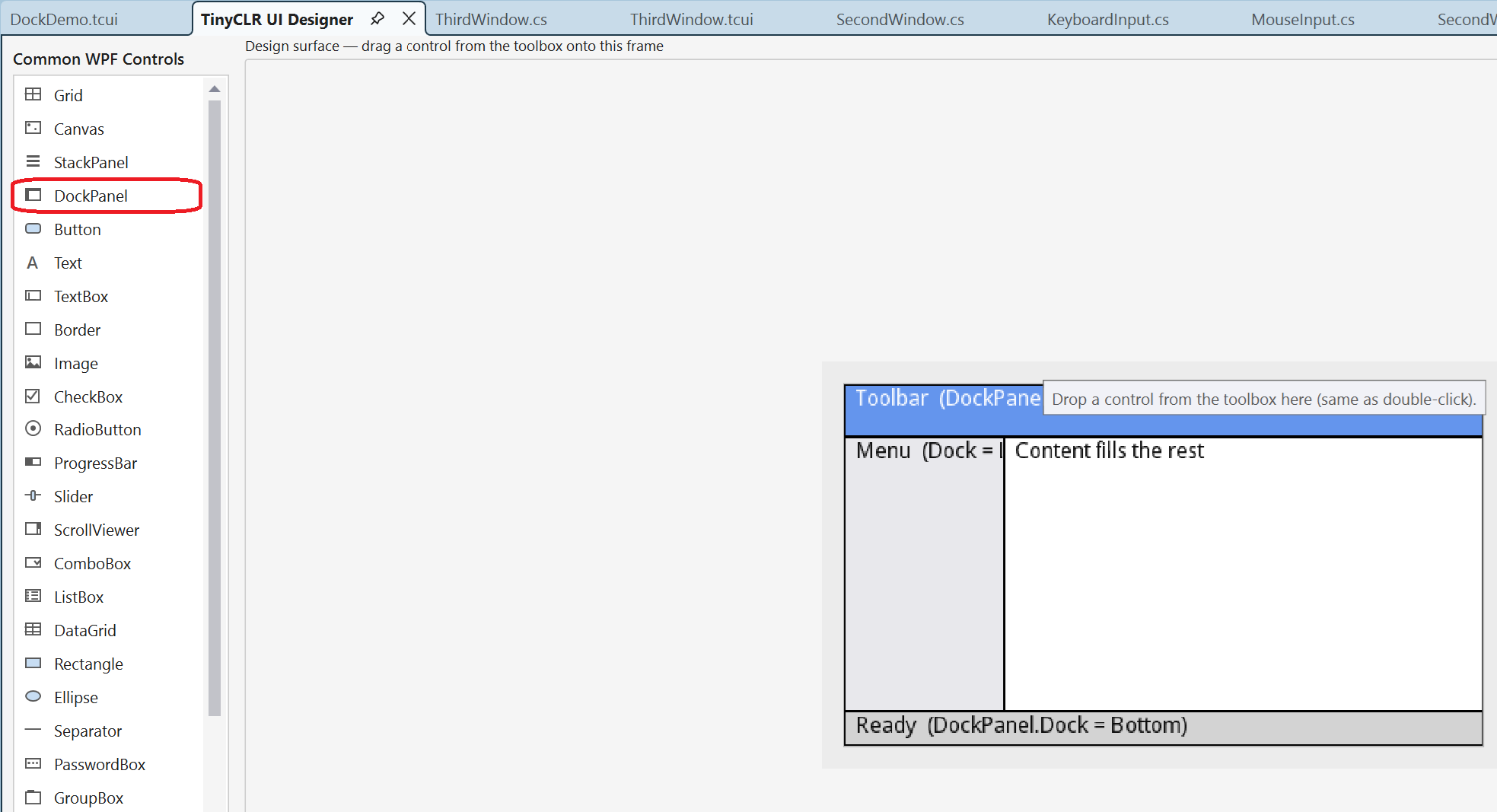
Is there any chance you will add a Grid and/or DockPanel to the UI, like in desktop .NET? 
3 Likes
How will fonts be prepared for use in the designer?
- the designer will need to manually specify the fonts to use;
- the designer will use the installed fonts. And then, as before, the converted font will need to be manually placed into the resources;
- there will be end-to-end font generation;

- some other method.
It’s just that every change in size or style is a pain. 
Hi,
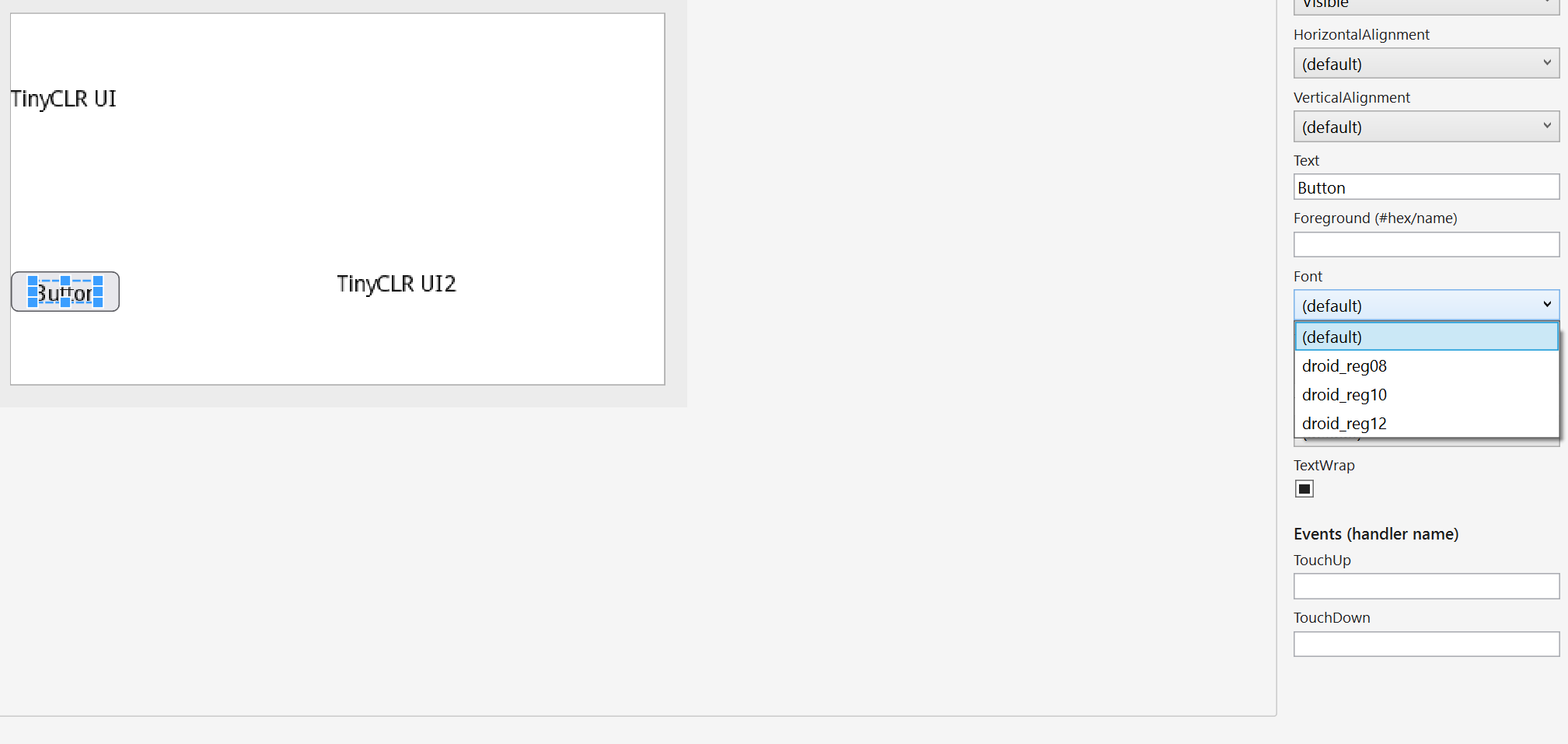
The UI Designer comes with the default font droid_reg10 .
If you add additional fonts, they will automatically appear in the Properties window, allowing you to select from multiple fonts, as shown in the picture below.
Adding a new font is the same as adding any other resource, just as before.
3 Likes
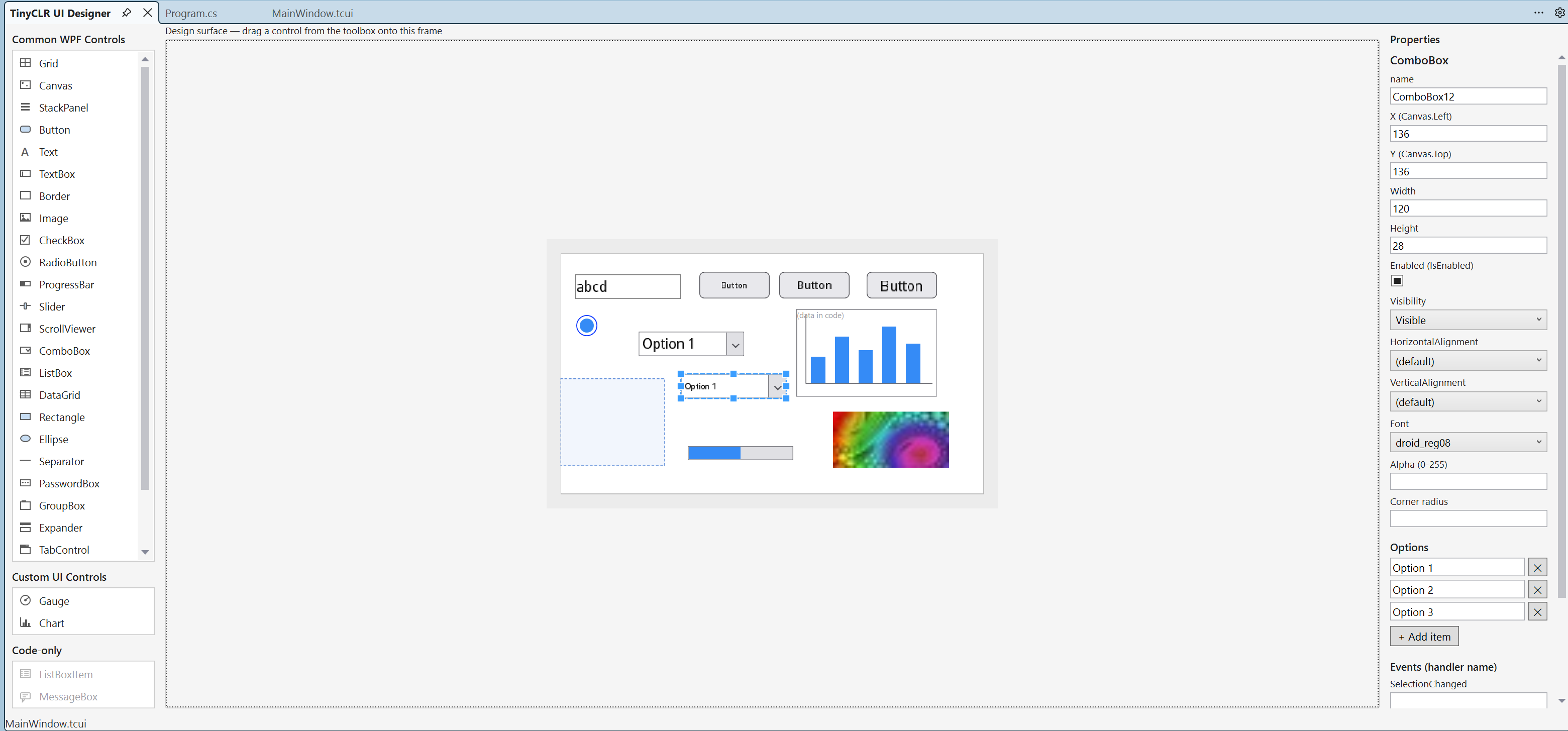
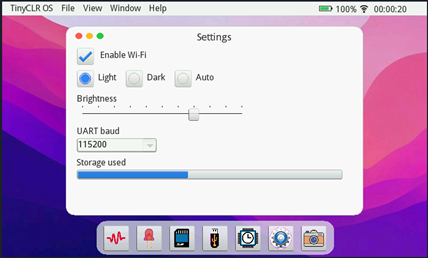
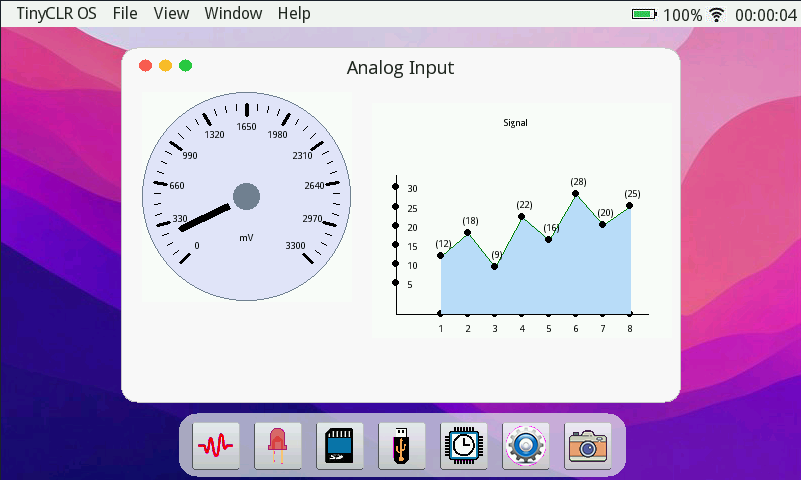
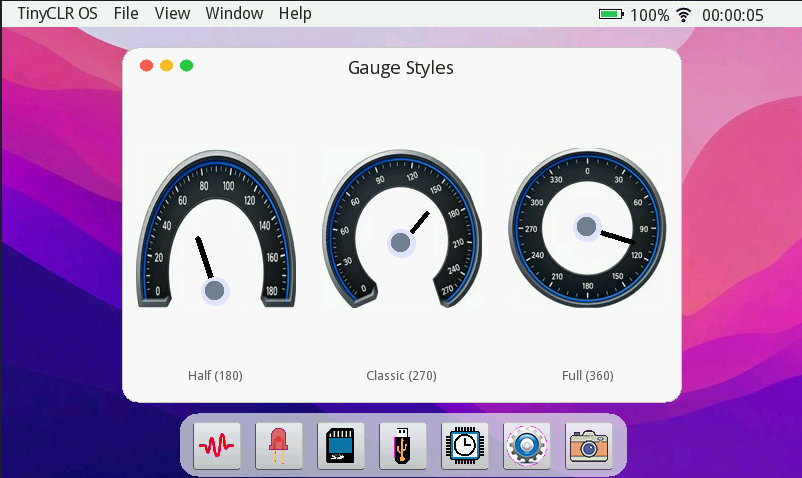
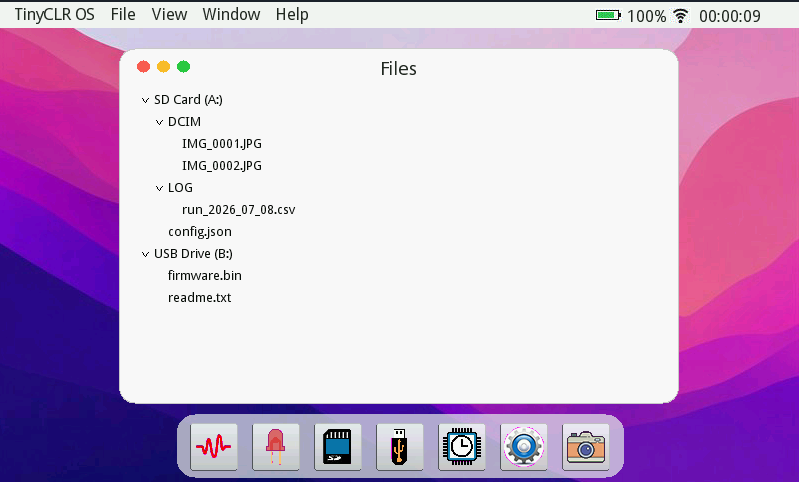
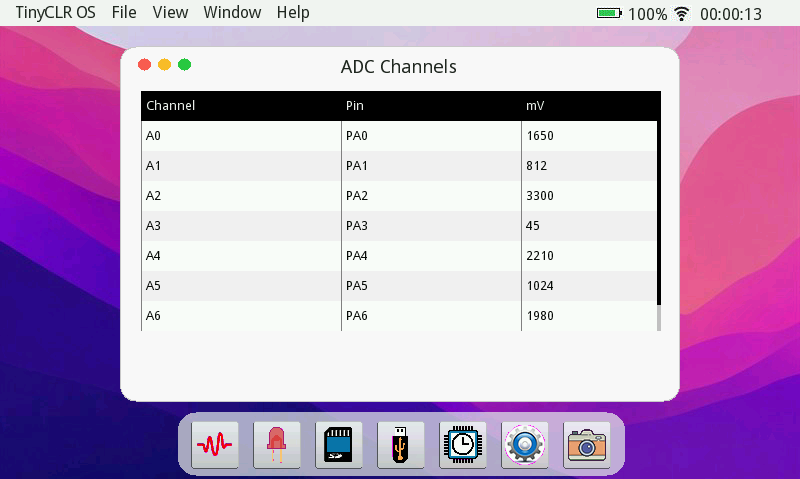
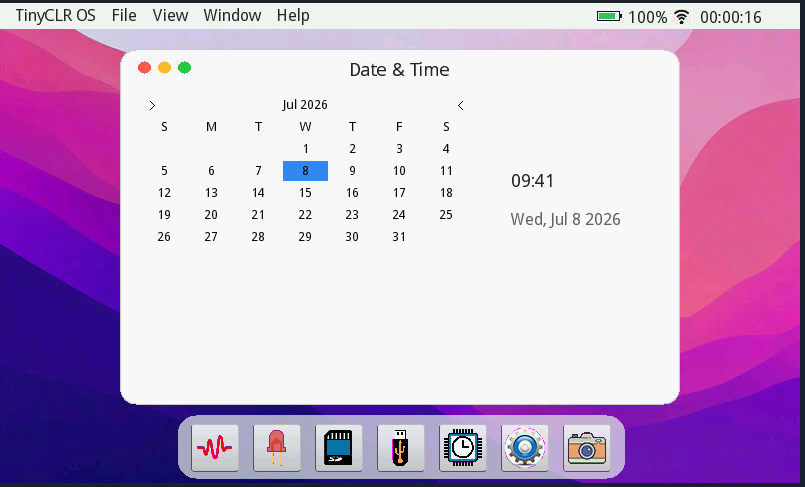
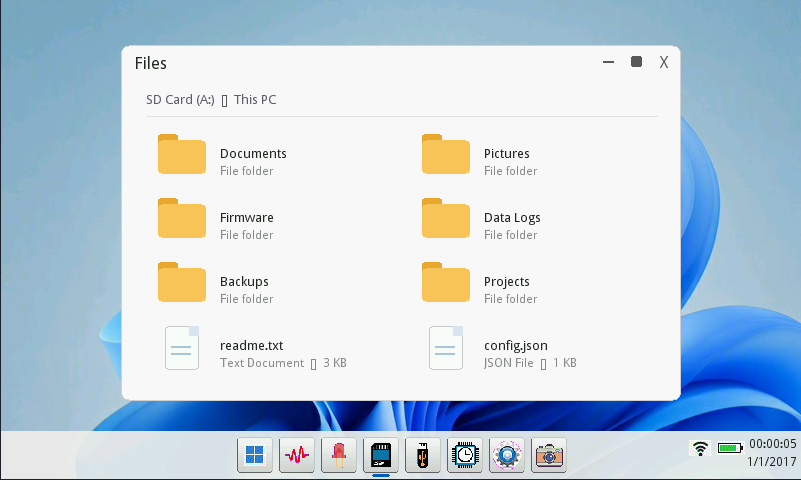
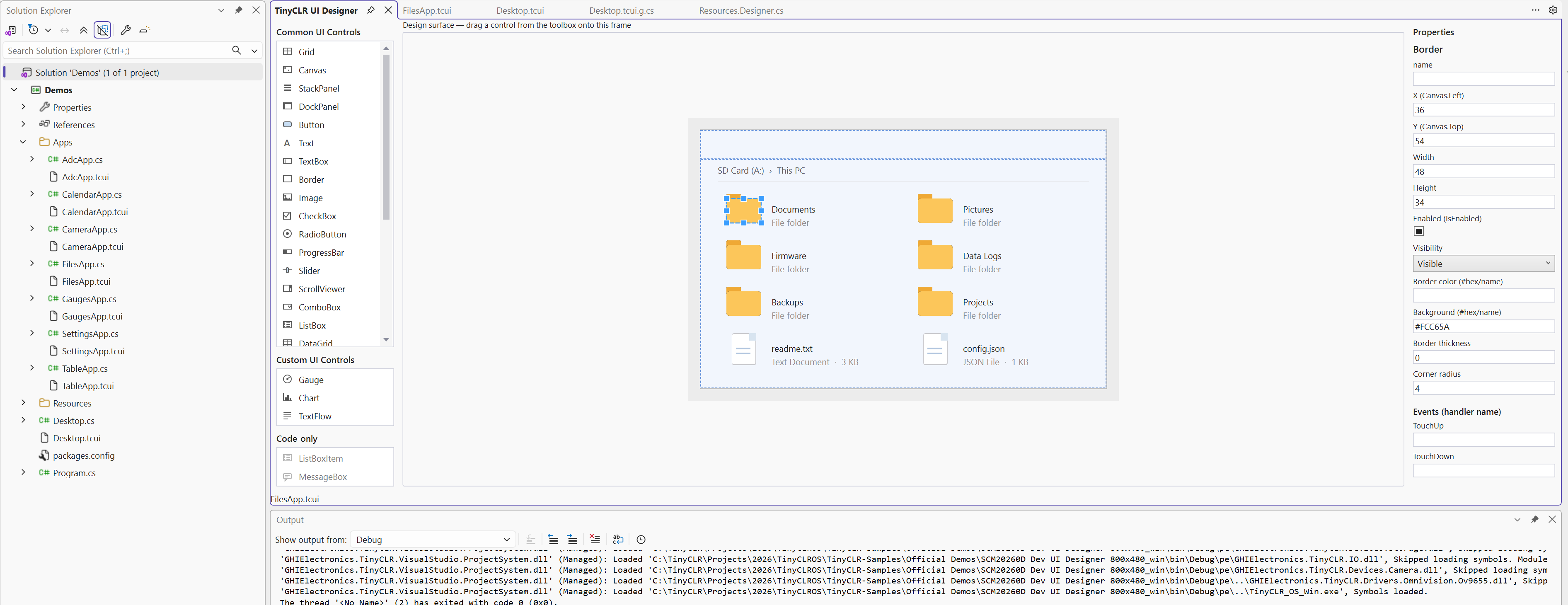
I didn’t know the guy who designed this screen drew the folder icons using multiple rectangles. I thought they were image resources, so I was looking for them in the resource files :d
3 Likes
Enough showing off.
When do we get to play with this? 
3 Likes