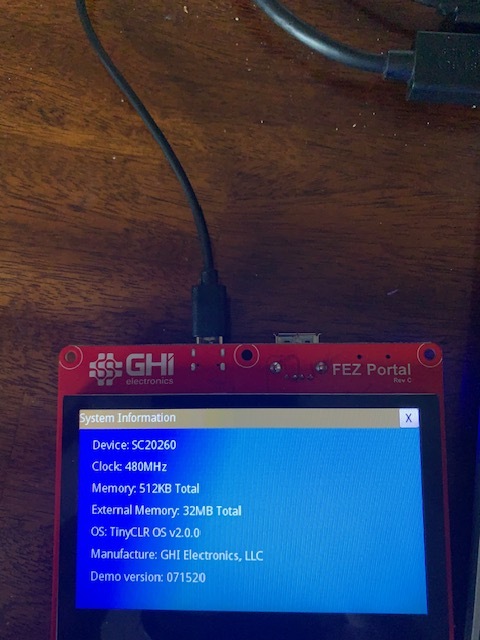
I received a FEZ Portal Rev C from GHI through Amazon which did not include the USB C cable listed in the package contents. I used a spare USB A to USB C cable from home to connect to and power the SBC.
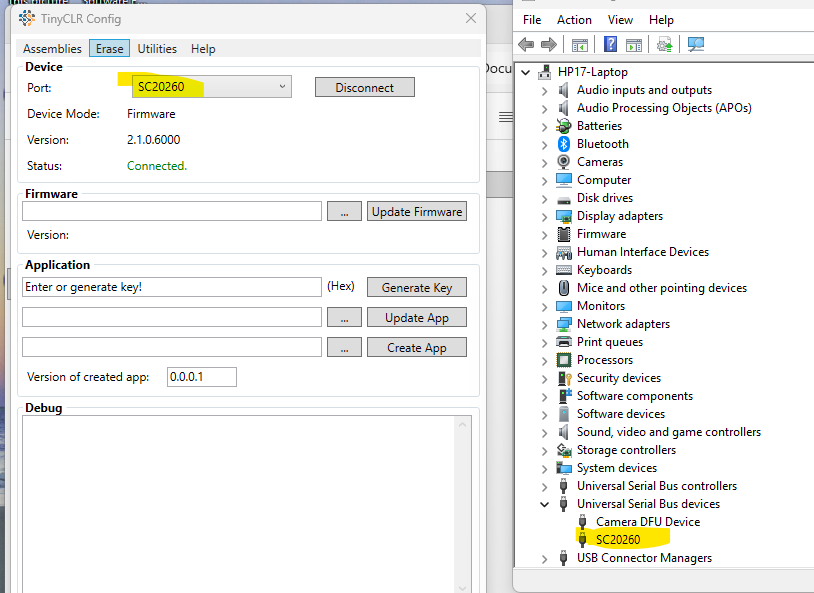
The Demo App launches and runs, but the FEZ is not recognized by my HP laptop Windows 11 Device Manager or the latest TinyCLR config app. I have reconnected and reset the SBC many times in an attempt to fix this. I have also tried the MFDeploy tool with the same result.
I have emailed GHI support for the missing cable hoping this will resolve the issue.
Other forums indicate the Windows USB driver should auto install when the SBC is connected. I receive no messages of this kind.