I have a USB hub with Ethernet on the endpoint host port. When the device is plugged in at boot, it is detected, and the interface comes up. When it is not, the interface never comes up. It also does not come back up if I unplug the USB and plug it back in. Any thoughts as to what I’m doing wrong?
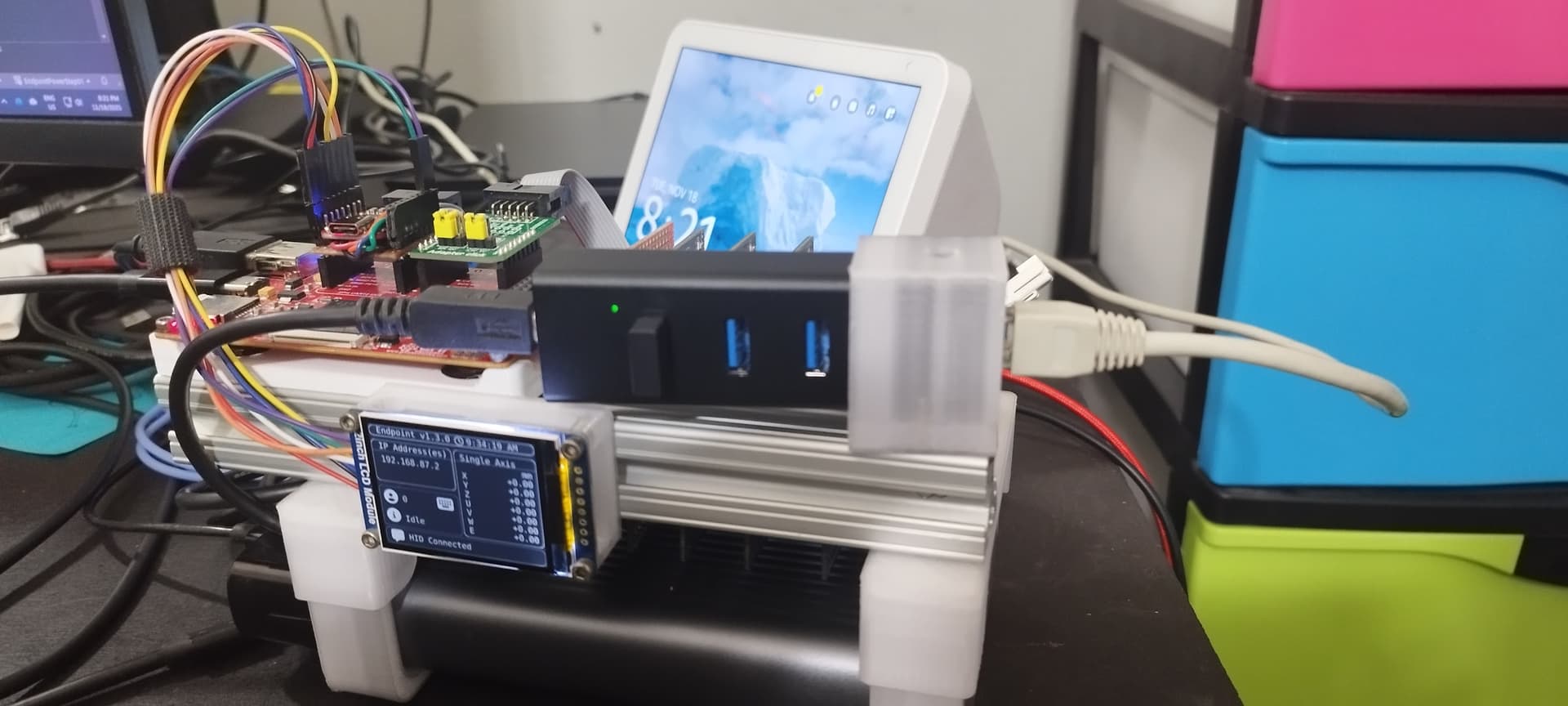
Ok. I think I figured out what’s happening in the background. If you call network.Enable() before a device is plugged in, NetworkController will run dhcpcd in vain. It won’t get an ip and nothing will recheck the system later when a device is plugged in.
        protected override async Task ExecuteAsync(CancellationToken stoppingToken)
        {
            new NetworkController(GHIElectronics.Endpoint.Devices.Network.NetworkInterfaceType.UsbEthernet,
            new NetworkInterfaceSettings())
                .Enable();
            bool _enabled = false;
            while (!stoppingToken.IsCancellationRequested)
            {
                var nic = NetworkInterface
                    .GetAllNetworkInterfaces()
                    .FirstOrDefault(n => n.Name == "eth1");
                if (nic != null && !_enabled)
                {
                    new NetworkController(GHIElectronics.Endpoint.Devices.Network.NetworkInterfaceType.UsbEthernet,
                        new NetworkInterfaceSettings
                        {
                            DhcpEnable = true
                        }).Enable();

                    _enabled = true;
                    await Task.Delay(5000, stoppingToken);
                }
                else if (nic == null)
                {
                    _enabled = false;
                    await Task.Delay(500, stoppingToken);
                }
            }
        }
(Battles boy)
Alright. First, we check whether the eth1 interface exists. If not null, bring up the network with DHCP and related settings. If not, then try again later. This works.
EDIT: Added .enable() at the top in case the device really was plugged in prior.
2 Likes