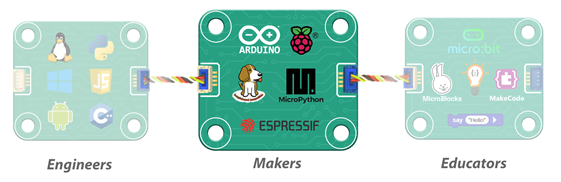
DUELink empowers Engineers, Makers, and Educators alike — but today, let’s focus on Makers. With 20+ years of supporting makers, we’ve custom tailored DUELink modules to seamlessly merge with your existing hardware and software.

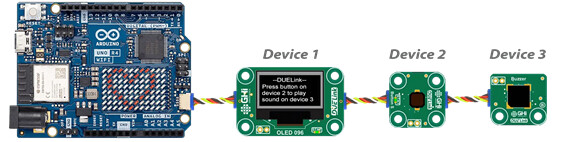
Take an Arduino, for example, and start adding modules with a simple wire connection. You can then access these modules with the provided MicroPython and Arduino software libraries.
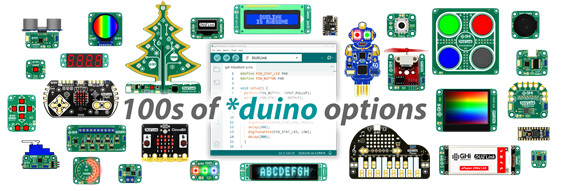
Every single DUELink circuit has the option to be programmed using the Arduino IDE, giving a *duino board of almost every shape, size and feature!
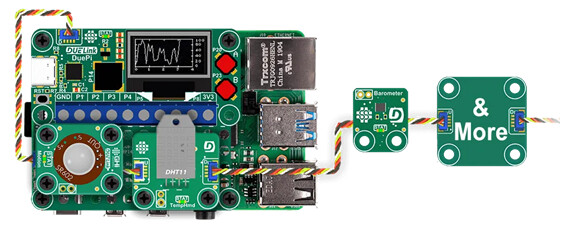
Or jump into the Raspberry Pi world and connect any modules without any need to understand how the modules work! The provided Python libraries will handle the drivers so you can focus on your application.
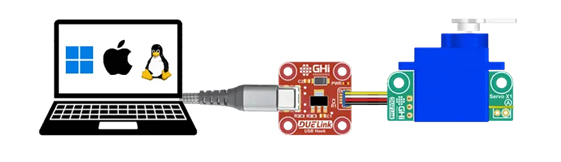
But wait, you can access the physical world right from your PC! A servo motor can be controlled from a PC. We even include libraries and samples for Python, .NET, and JavaScript… you heard that right! You can now build websites that read sensors and control actuators.

Can one have enough examples?! The website includes samples for the most popular languages to help you start in minutes, no matter if you are a beginner or a seasoned expert!
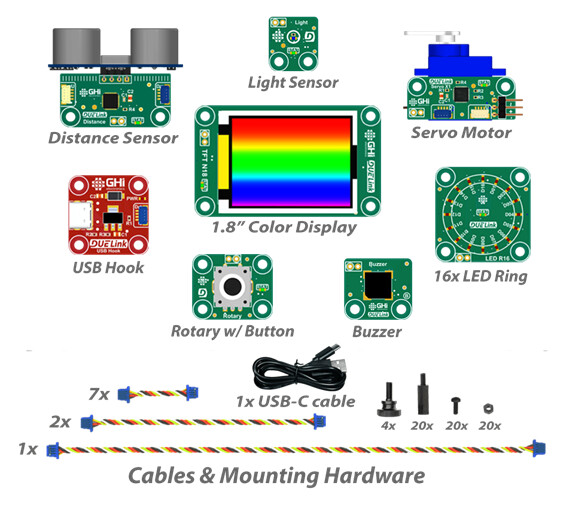
Not sure which modules to use? Start with the Essential Modules Kit. The kit includes everything to get started, including the most used modules:
-
TFT N18 1.8” Color Display
-
LED R16 Ring
-
Rotary Encoder Input
-
Distance Sensor
-
Servo X1 Motor
-
Buzzer for Generating Sounds & Melodies
-
Light Sensor
-
USB Hook for connecting modules directly to USB
-
Holey Board for mounting Modules
-
Mounting Hardware Variety Pack
-
DUELink Cable Variety Pack
-
USB-C Cable
-
Storage Box
Mount anyway you like with the included Holey Board and mounting hardware.
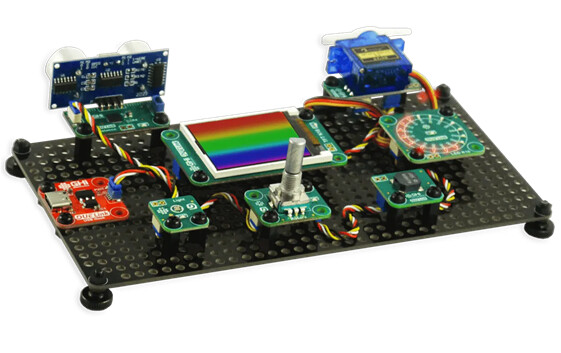
DUELink Essentials Kit on Amazon
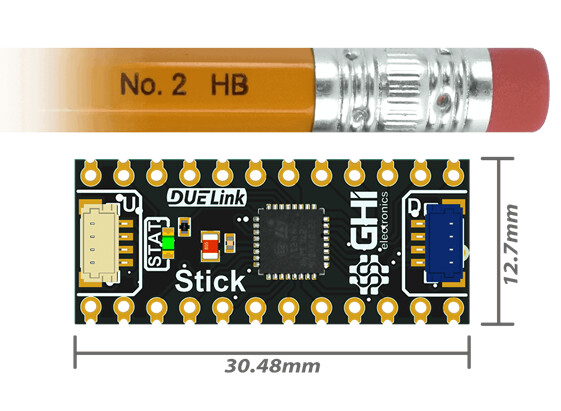
Take “Make” to the limits and create your own modules using Stick. This very tiny board includes everything you need to work with the DUELink ecosystem.
Follow us on social media. and sign up at duelink.com for updates, demos, and tutorials.