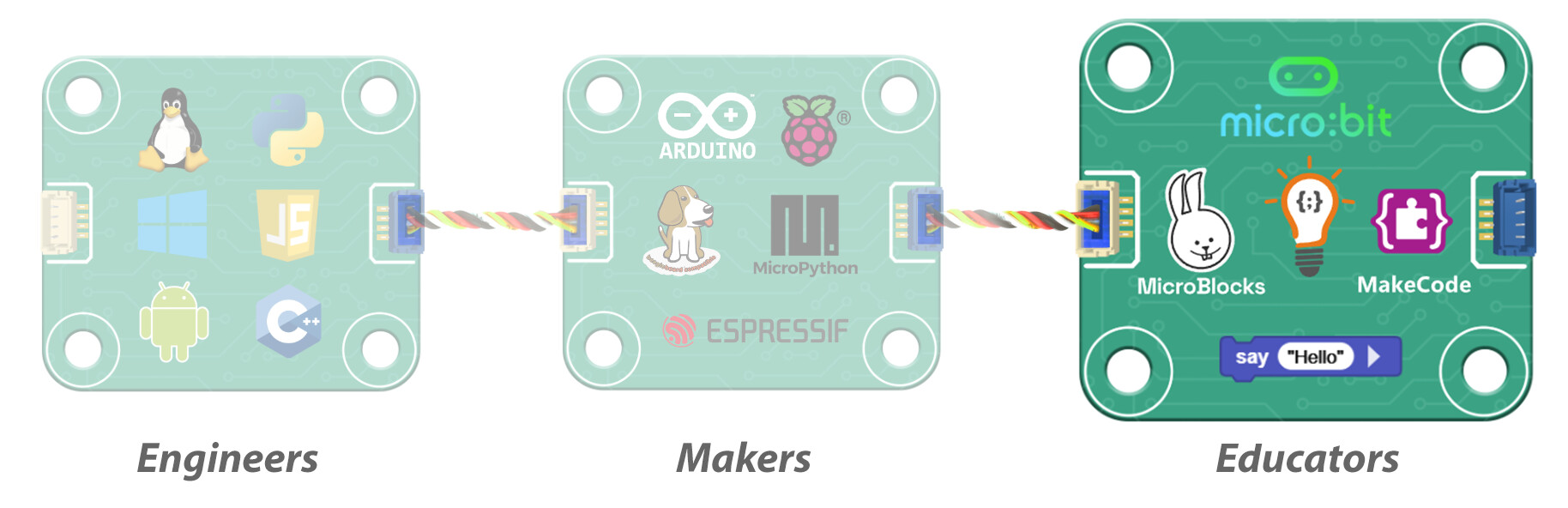
DUELink empowers Engineers, Makers, and Educators alike—but today, let’s focus on Educators. With over ten years of experience supporting classrooms and inspiring learners, we’ve crafted select DUELink modules specifically for STEM coding education.
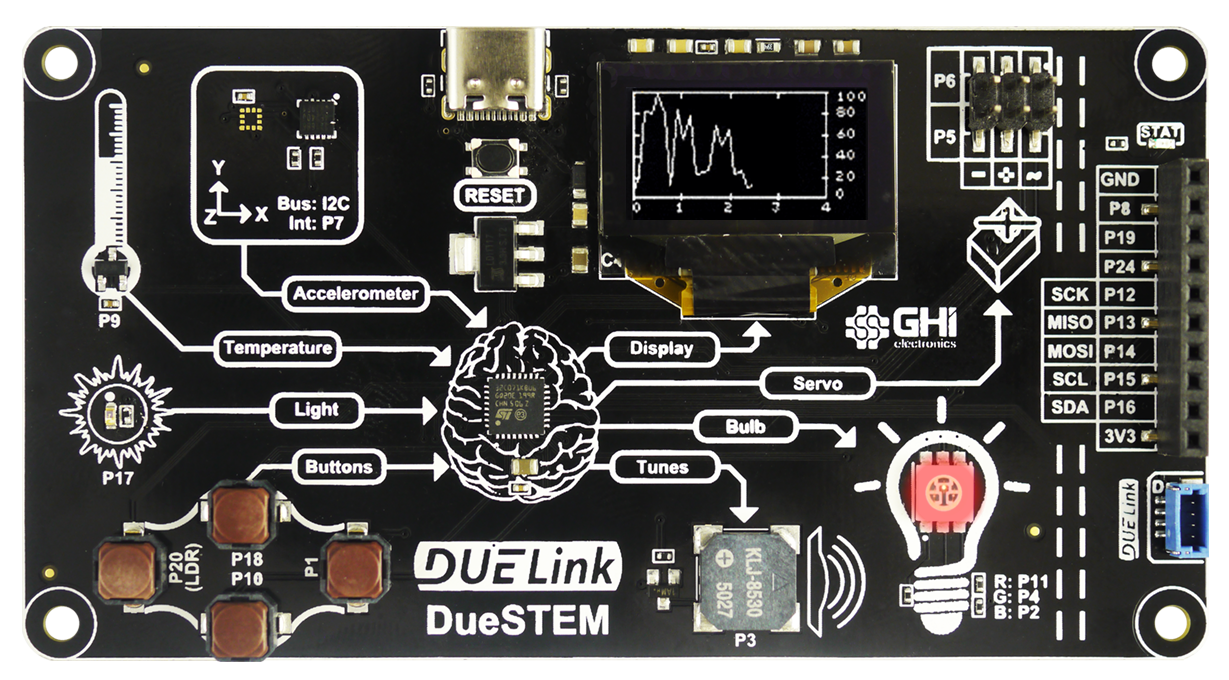
The first product is DueSTEM, inspired by our original BrainPad Classic. It beautifully explains how inputs (senses) get info into a computer (brain) to generate outputs (actions), that is Input → Process → Output. It includes 4 inputs and 4 outputs.

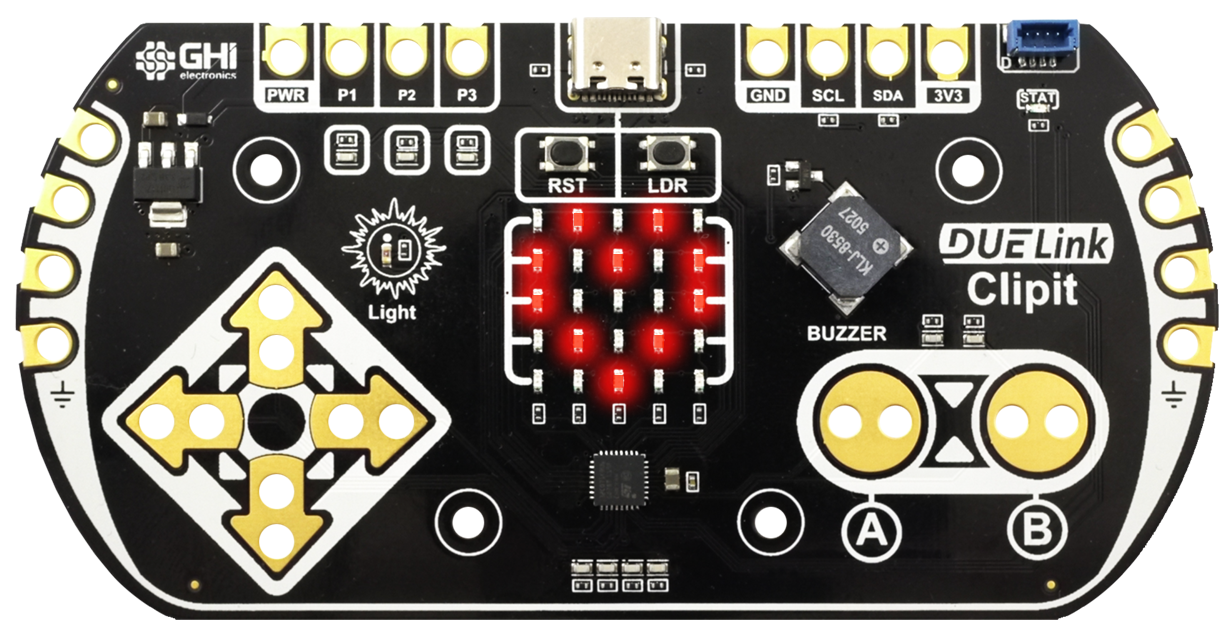
The second in line is Clipit, taking touch-sensing to the max!
Touch the pins directly or use alligator clips to touch objects. The 5x5 LED matrix and buzzer add visual and audible feedback.
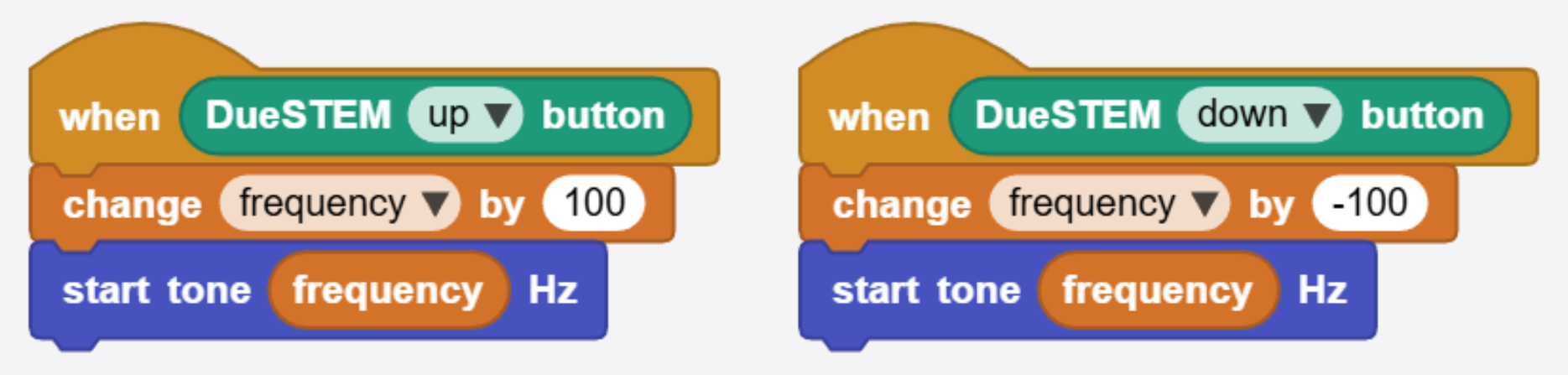
Just like the entire DUELink ecosystem, there is a long list of coding language options. For example, MicroBlocks is a student-favorite block-coding platform that is natively supported.
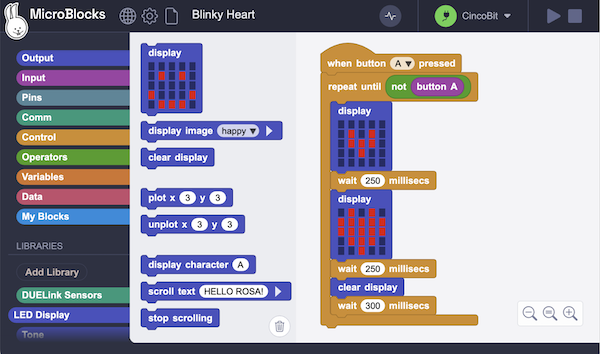
An easy starter example can be a program that reads up and down buttons to increase/decrease frequency generated on the buzzer.
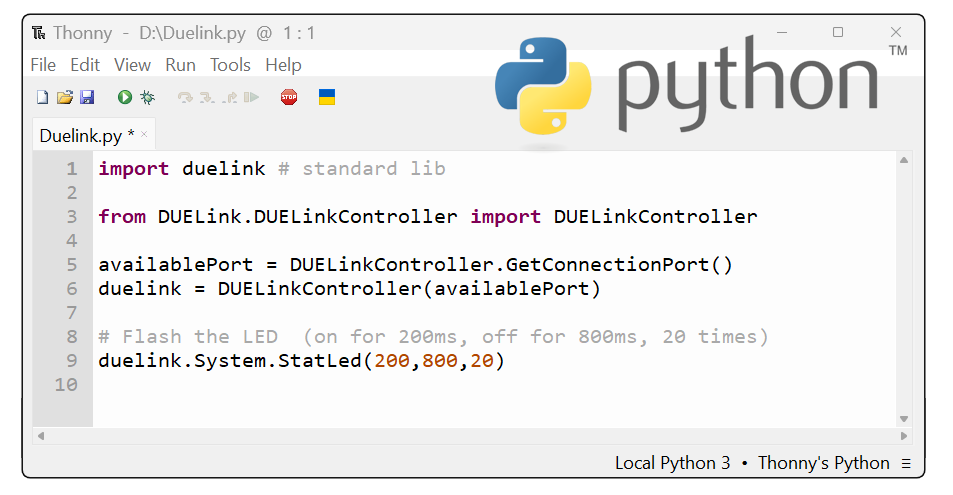
Python is among the many other supported languages.
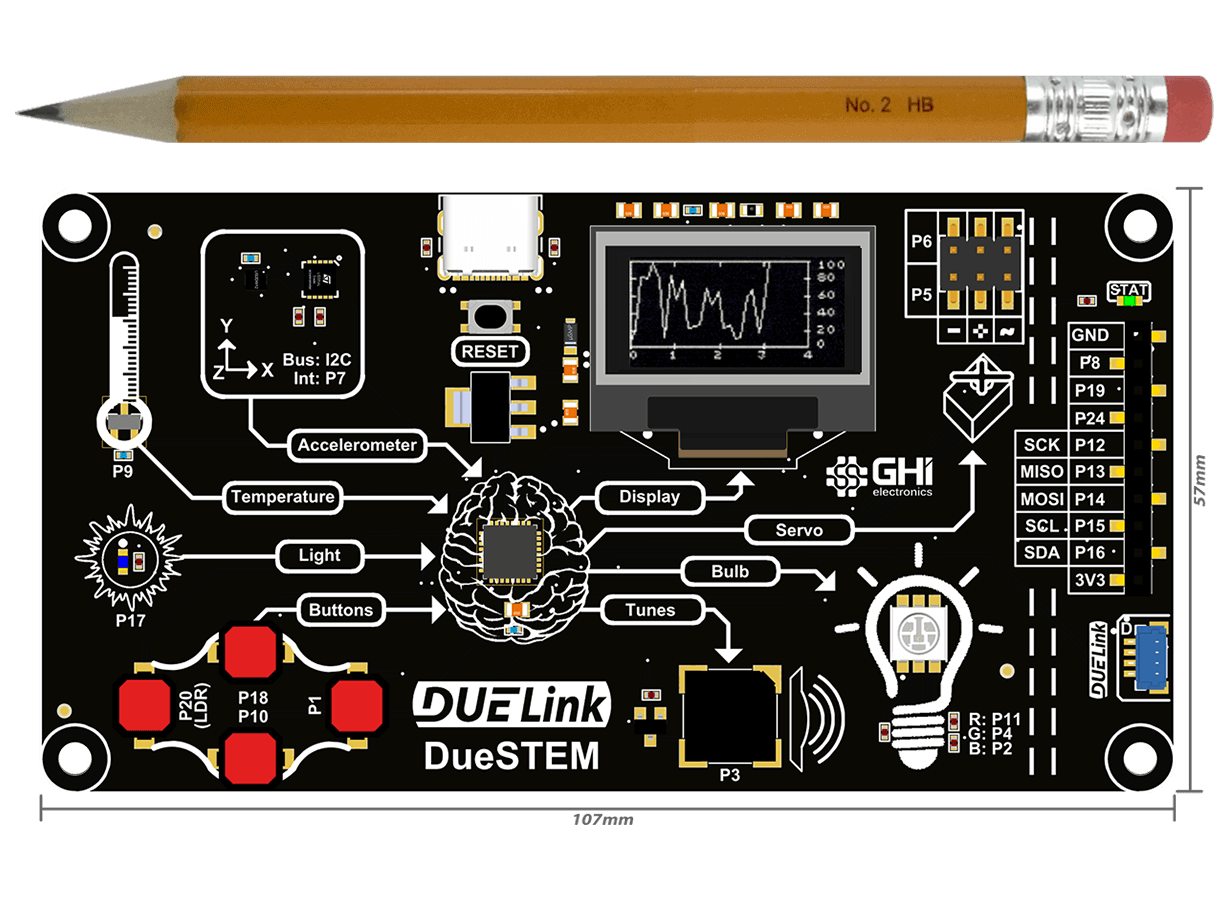
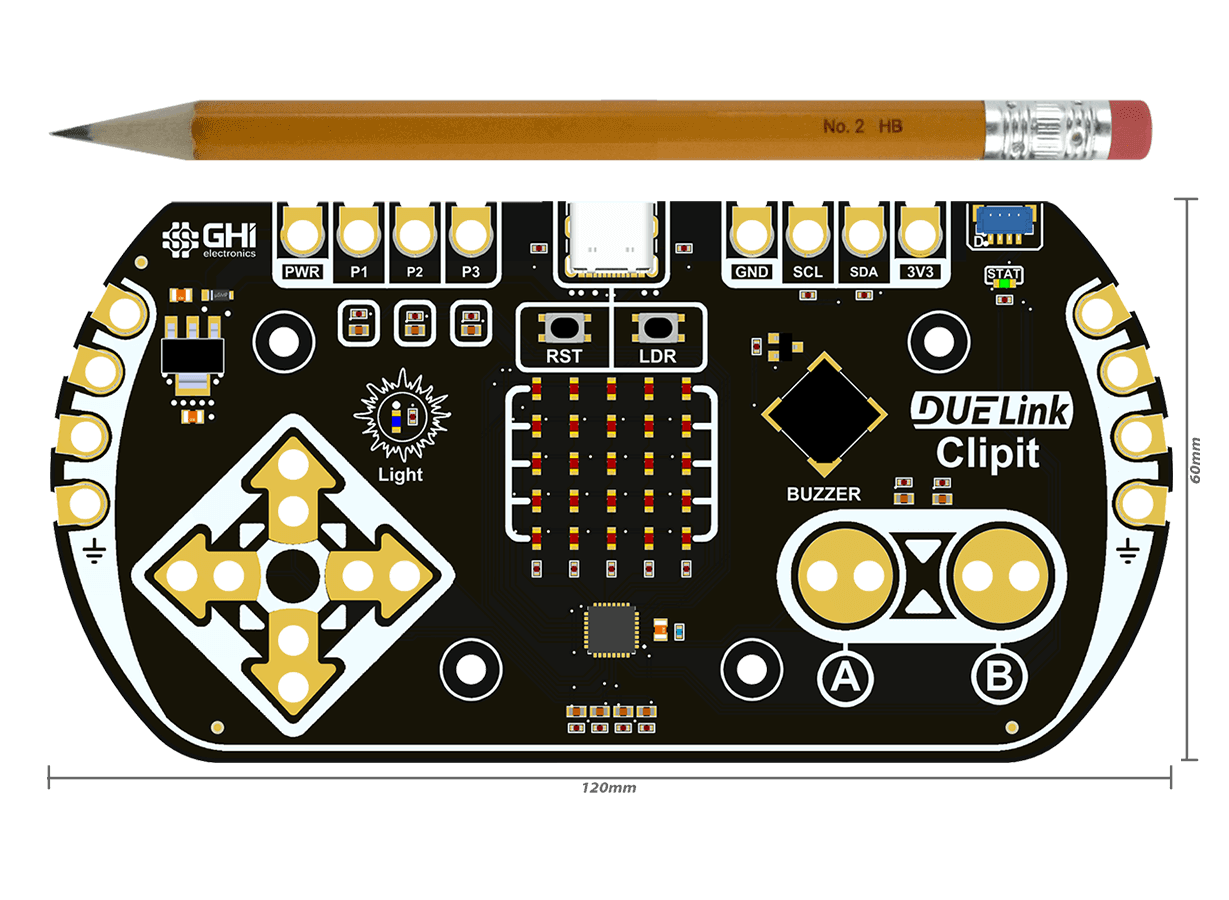
Both DueSTEM and Clipit have Getting Started pages to get you going. To learn more and grab your own, click on the links above.
Follow us on social media. and sign up at duelink.com for updates, demos, and tutorials.