It is possible to send all drawing command to a display but this may slow things down. Since all DUELink modules are programmable, including displays, we can build a display to handle the user interface. The rest of the system can then just reads or set minor info.
In this project we have a 2.3” color touch display with a matrix of 5x5 boxes. Touching a box will turn it on or off.
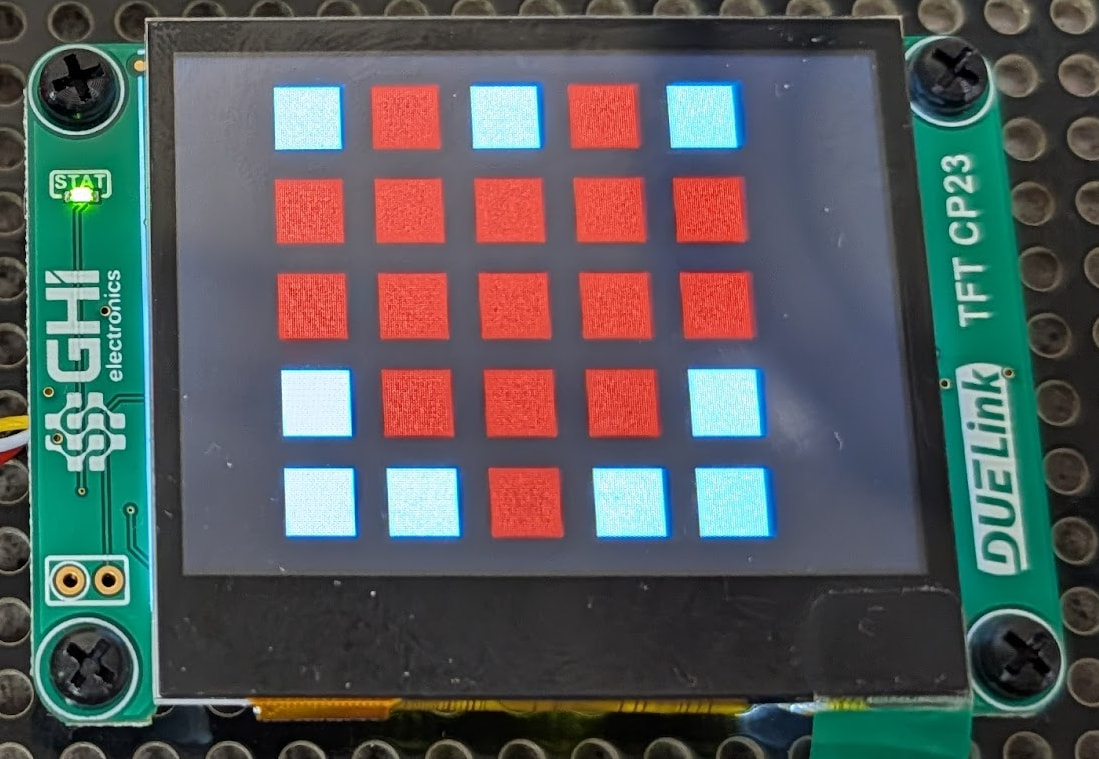
The whole script is found here but we only care about the GetTouchBox(index) function. This function will return the current state of a box at a specific index.
We can read that function using Execute command block, and use the returned value to set the LED matrix on a micro:bit that is coded in MakeCode for example.
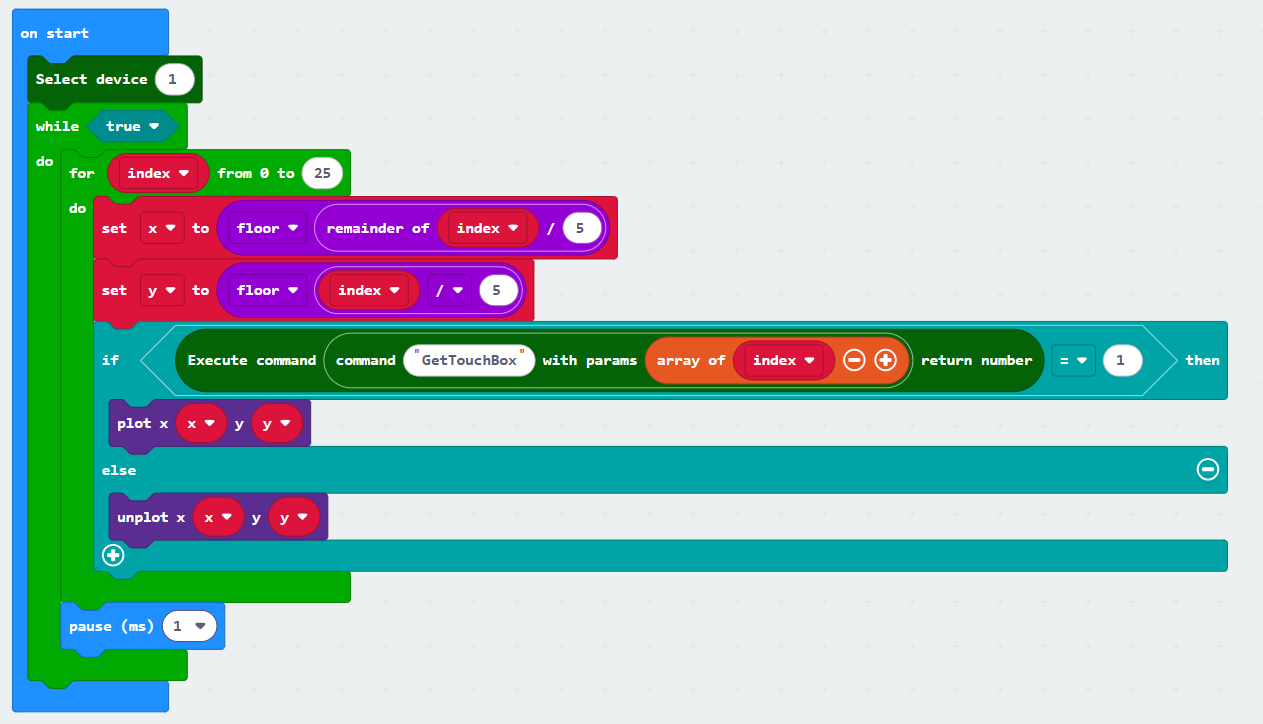
Similarly, we could have used CincoBit for hardware or MicroBlocks for software.
And you thought you can’t use touch screens with micro:bit!
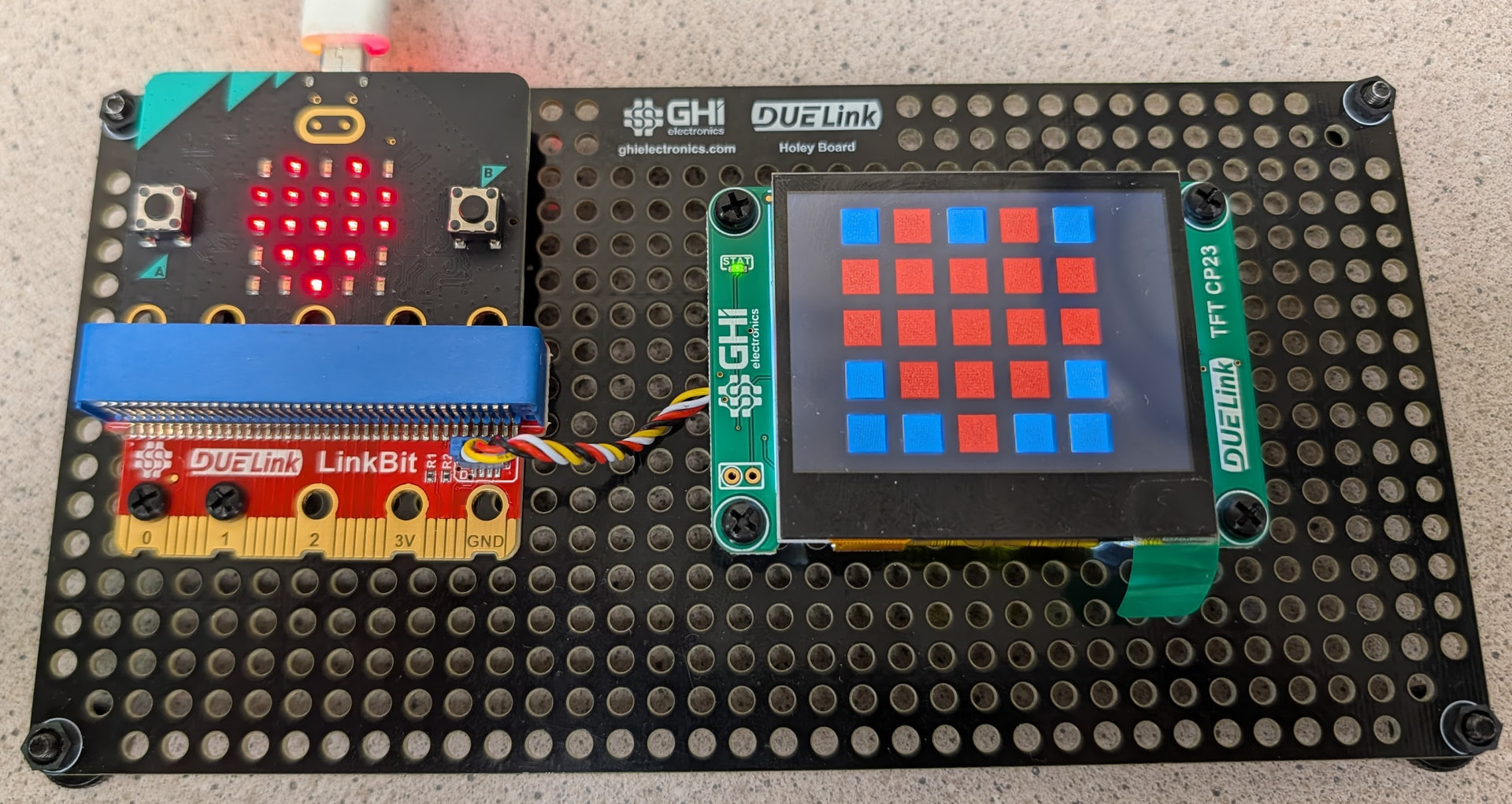
This example returned a single value from the display. This will require the user to loop 25 times to read the 25 LEDs, which takes time. We could have packed up more pixels (bits) in the returned values to speed things up.
Similarly, this can be a smart thermostat, where the display and touch can be used to change and set the temperature, and the other side of the system can simply DisReadTemp()
The display script and user blocks are found here.