Azure and AWS developers how have a friendly hardware circuit option. If you know how to use these cloud services then you already know how to access circuits! Both AWS and Azure have IoT services, but we will use Azure in this project. We will use it to control DueSTEM, but any other DUELink module will work very similarly.
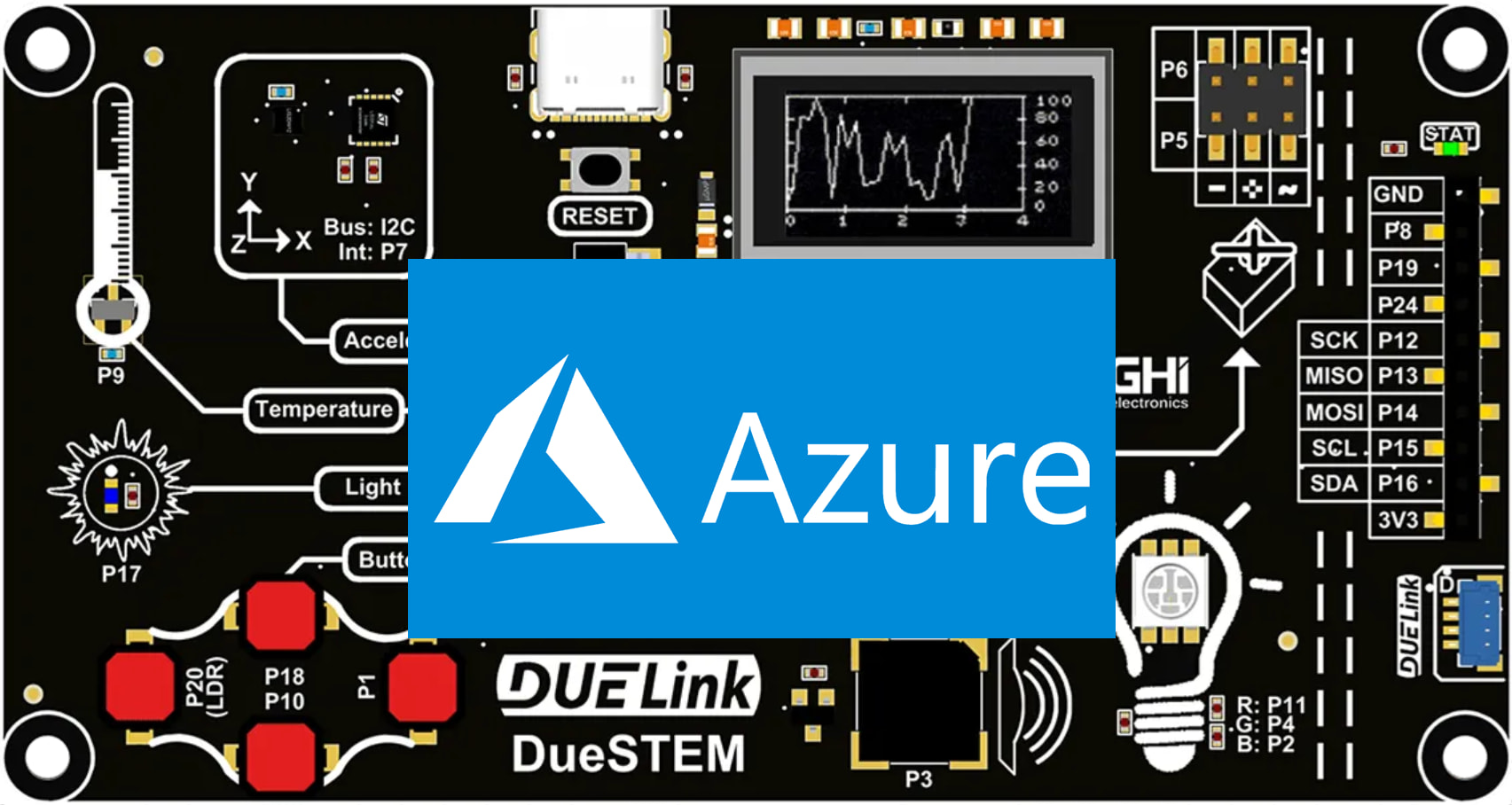
The internet connection will be a PC, but it can be a Raspberry Pi for example. DUElink modules are the hardware “links”. You could in theory use Wireless ESP32 module in AT Command mode to process MQTT, but this not what this project covers.
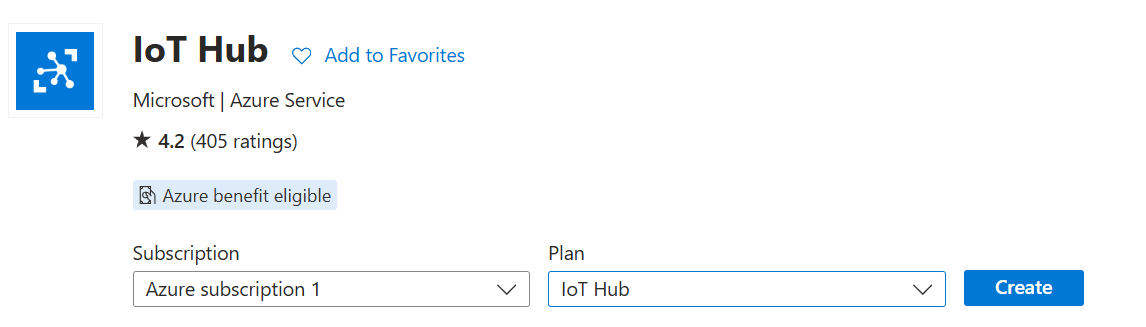
Start by visiting your Azure portal and add an IoT Hub.
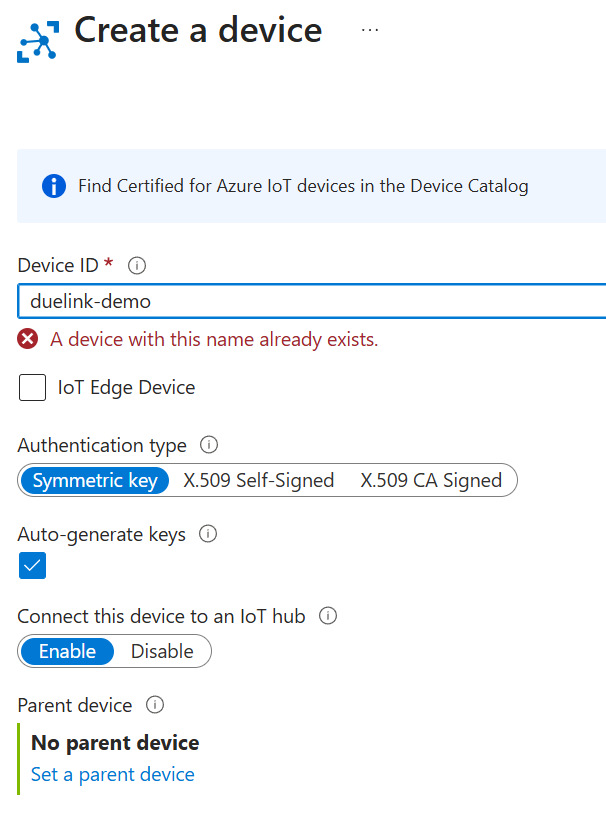
You can now start adding devices to the hub.
We now have a device with secret keys and complete connection strings.
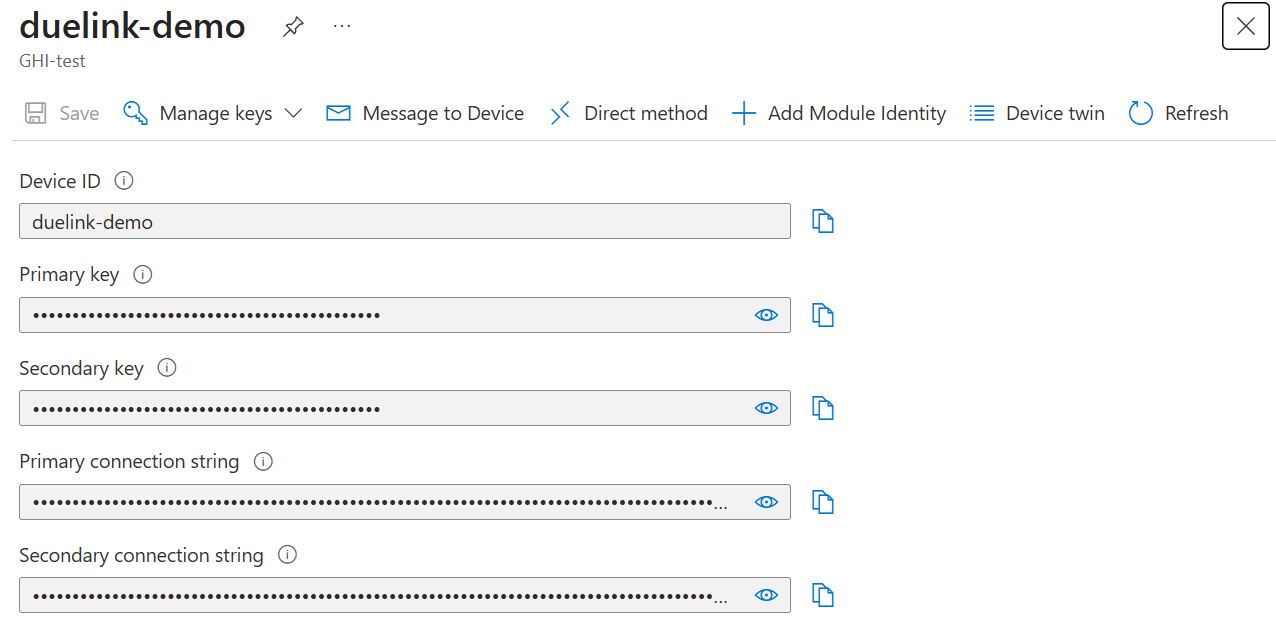
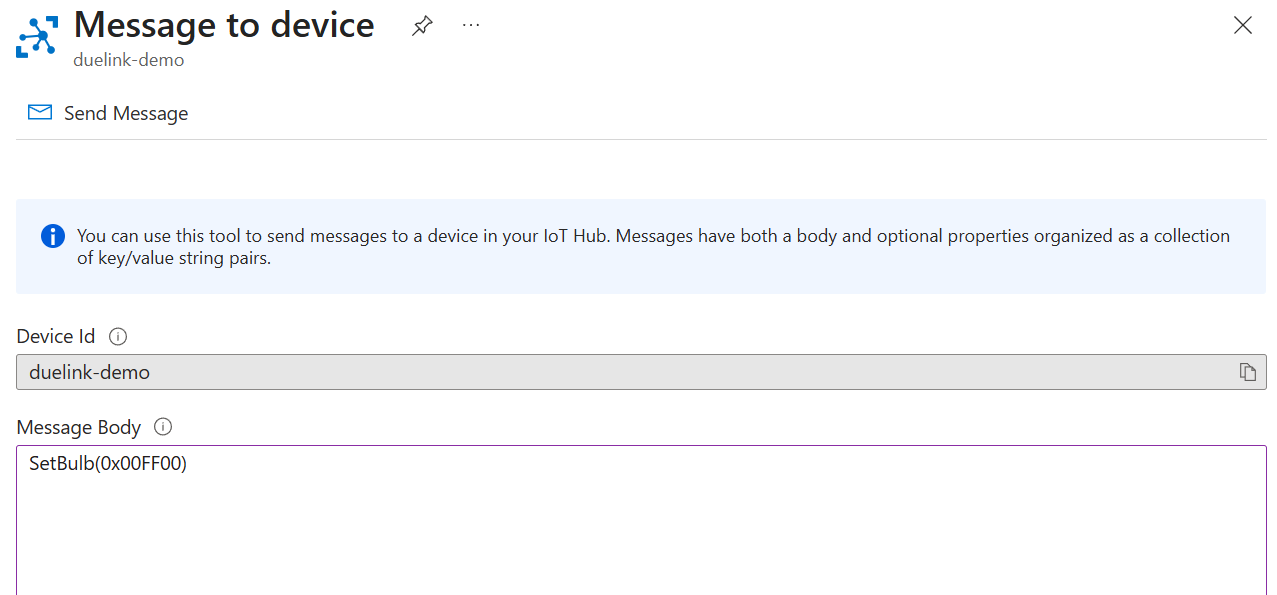
Connecting to this device is easily done via the Azure provided libraries. Plus for testing, the IoT Hub’s portal includes “Messages to Device”. We will use this in a minute
We now need to process the incoming commands and send to DUELink. We will share the project’s code in C# and Python but here is what it looks like in Python.
async def main():
    await deviceClient.connect()

    print("Connected to Azure IoT Hub")
    print("Waiting for commands...")

    while True:
        message = await deviceClient.receive_message()

        if message is None:
            continue

        command = message.data.decode("utf-8")

        print(f"Cloud command: {command}")

        ExecuteCommand(command)
We made ExecuteCommand() work with multiple commands, where it splits them individually then duelink.Engine.ExecuteCommand(cmd) one by one.
def ExecuteCommand(messages):
    # Split commands by newline
    cmds = [c.strip() for c in messages.splitlines() if c.strip()]

    for cmd in cmds:
        duelink.Engine.ExecuteCommand(cmd)
        time.sleep(0.01)
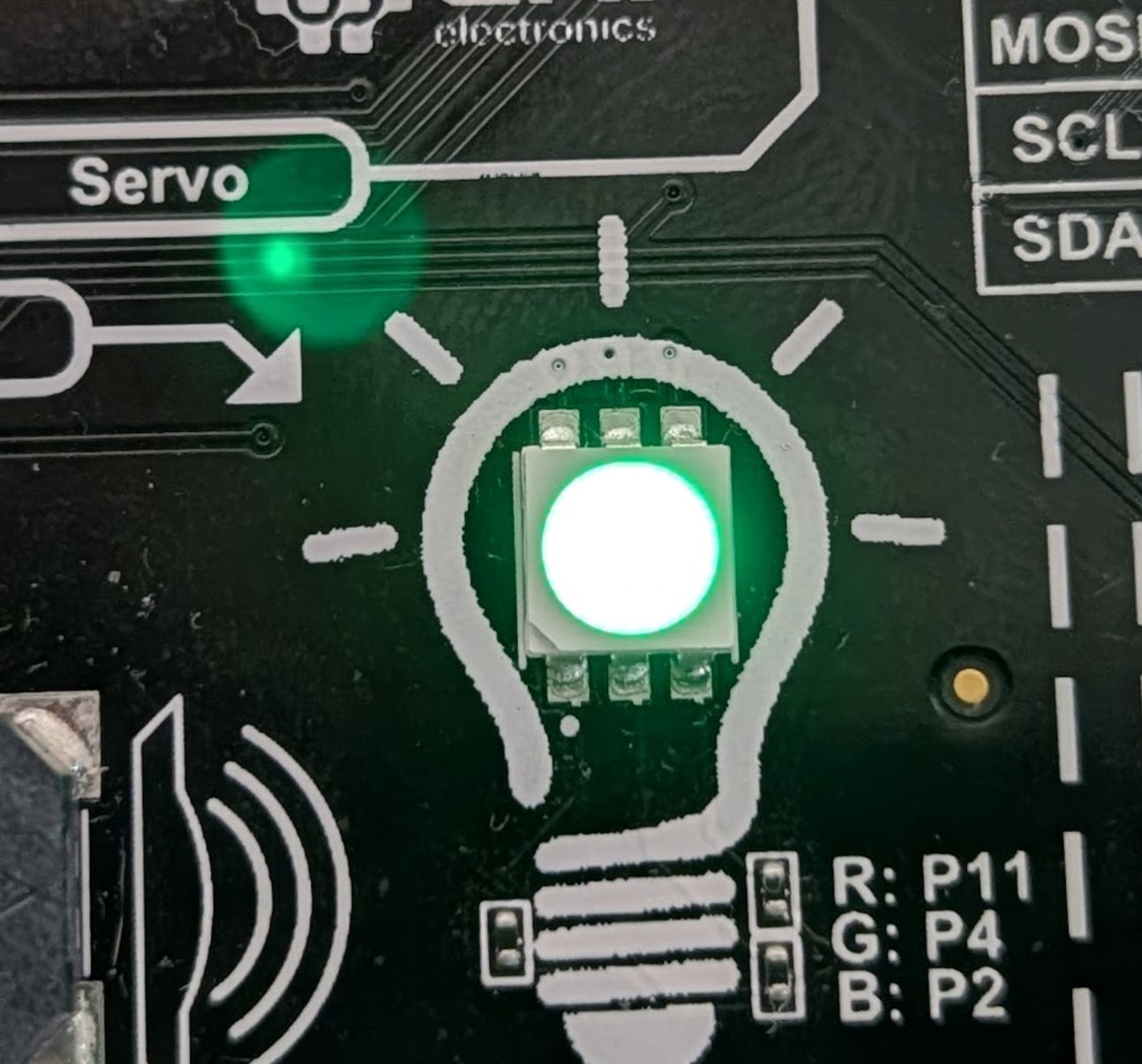
Go back to the portal and sendSetBulb(0x00FF00). This will change the bulb to Green.
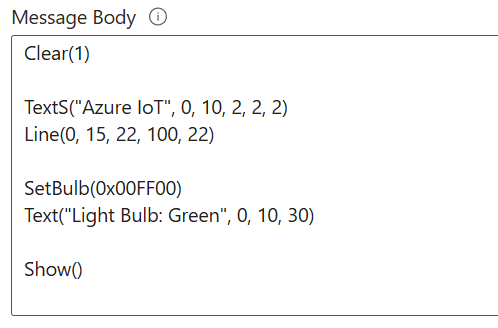
We can also test multi commands.
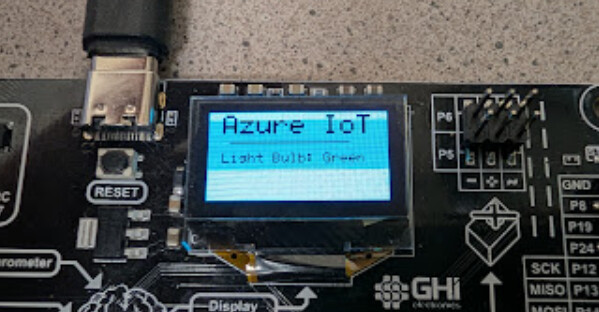
And we have text!
We have the complete project on GitHub, in .NET C# and Python.